In order to upload an application and publish it on Google Play for Android users to download your application, you need a Google Play developer account.
The process of opening a Google Account is fairly easy and costs only $ 25, a one-time payment to Google.
Here’s how to open your own Google Play Developer account,
Important:
if you open the account after NOV 2023 its best to open a Business/Company account and not a personal as Google article:
https://support.google.com/googleplay/android-developer/answer/14151465#overview
Step 1:
Log in to your email account and go to:
https://play.google.com/apps/publish/signup/
You’ll get to this screen:
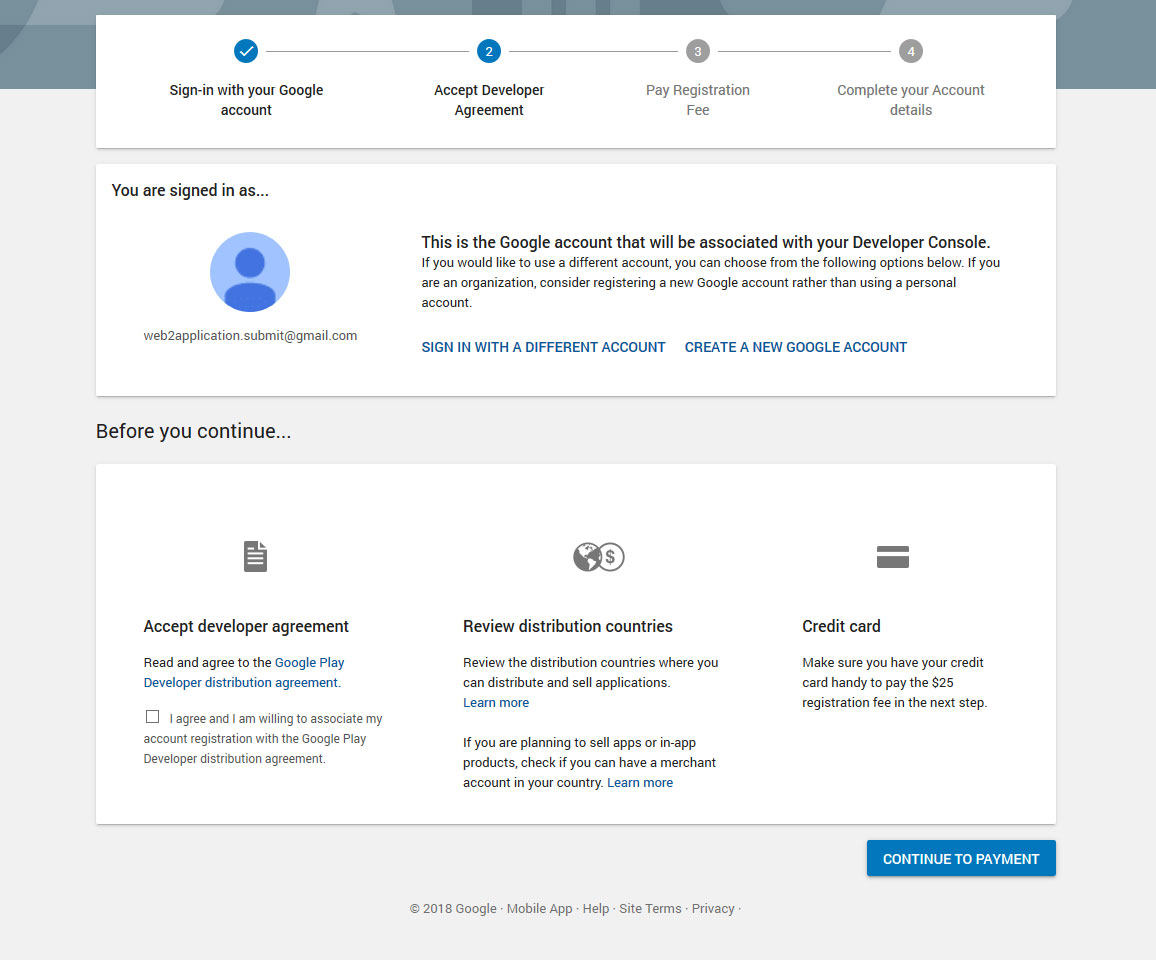
On the bottom left you have to indicate that you have read the rules, it is recommended to read the rules and understand what allows and what is forbidden otherwise you can make mistakes bypassing the rules of Google and then your account attitude.
Once you’ve read, continue to the payment stage by clicking CONTINUE TO PAYMENT
Step 2 – Payment for the account
Enter credit card information (need international card) and press PAY
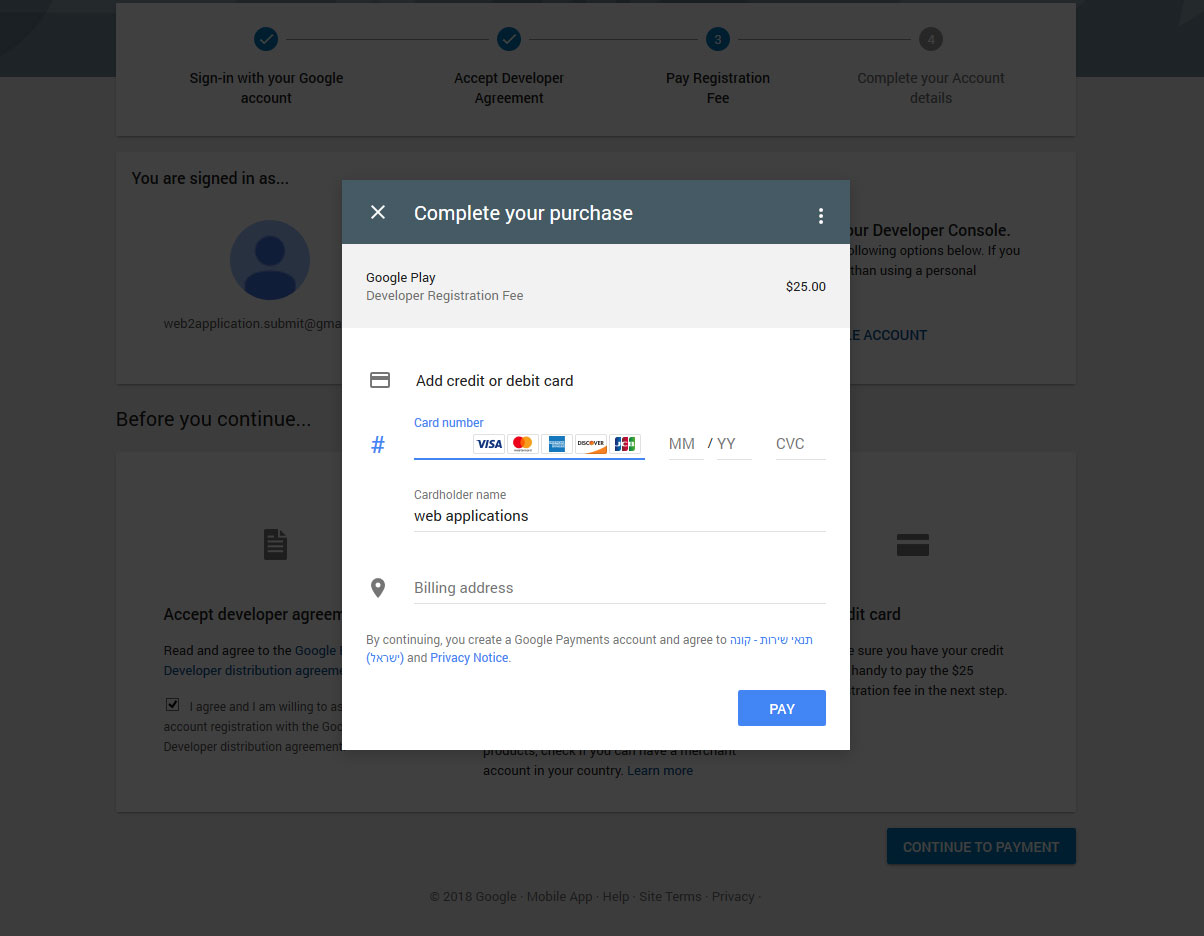
Once the payment is successful, you will receive a message that the payment has been successfully completed, an e-mail receipt, and then click CONTINUE REGISTRATION
Step 3 and Last – Enter your developer account information
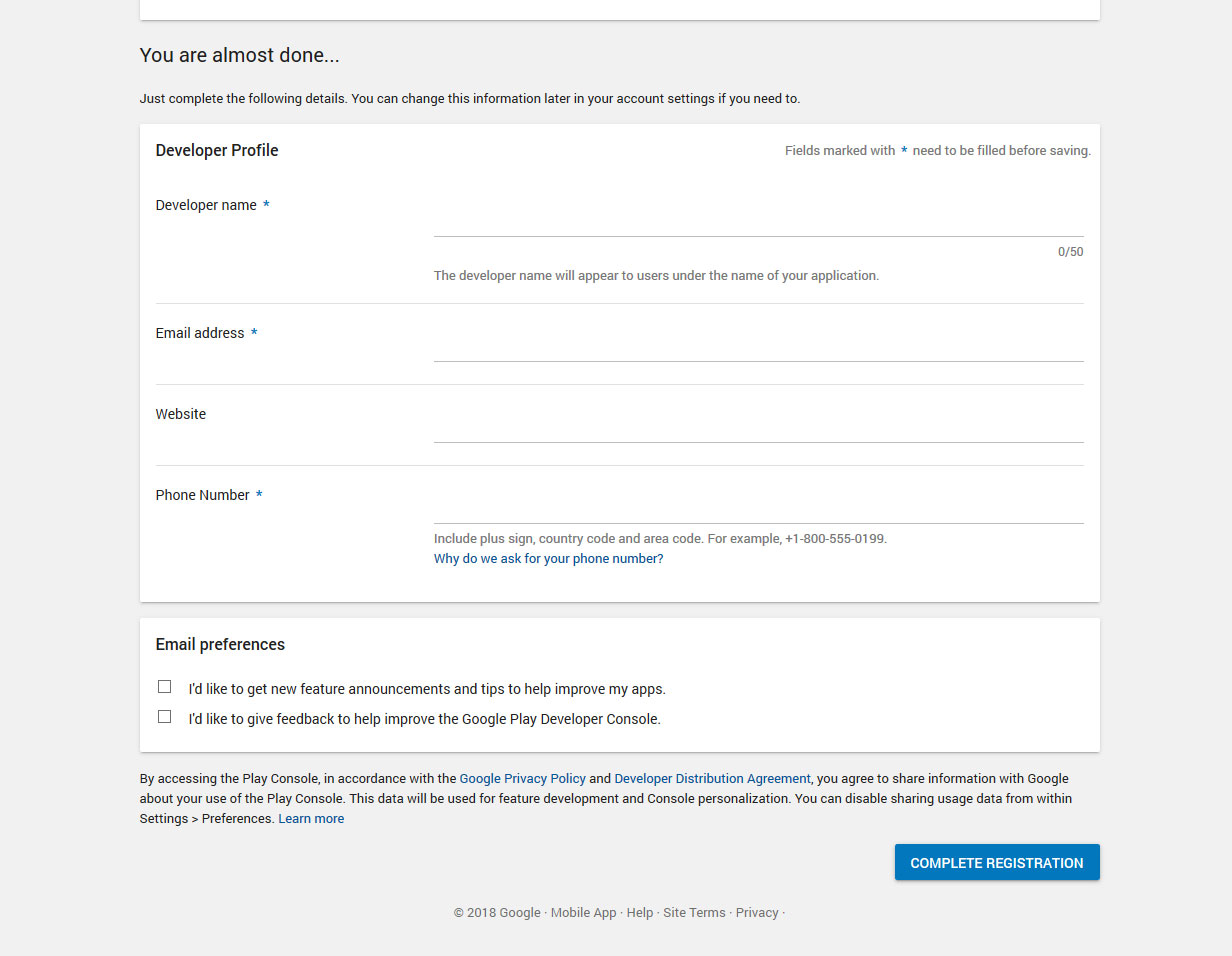
Once you have entered the details and confirmed you will arrive to the main screen from which you can upload your new application
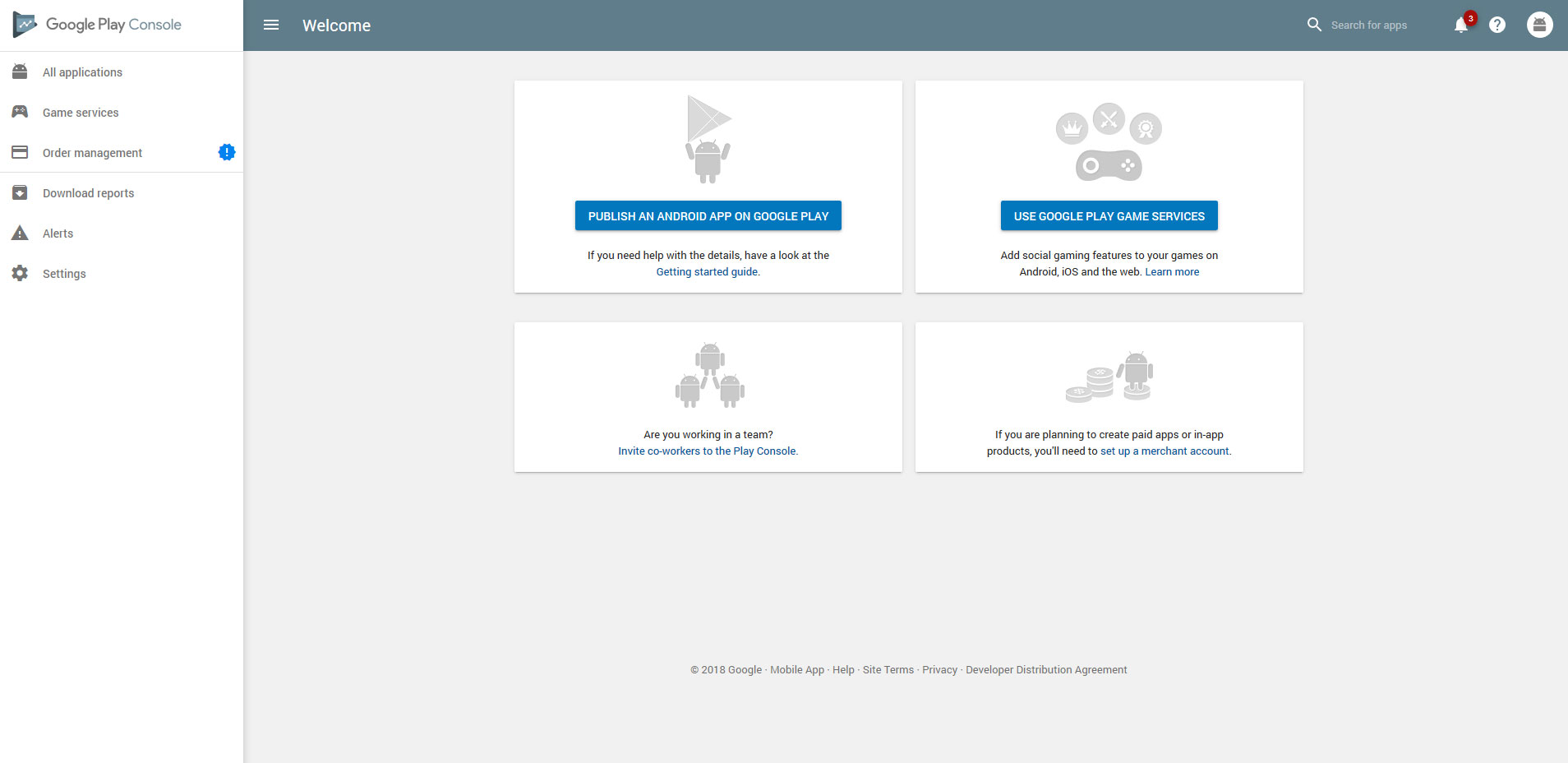
After having an account,
You can send us your account access information so we can set up everything and upload the app or give us developer account permission by clicking setting ,and then users users & permissions
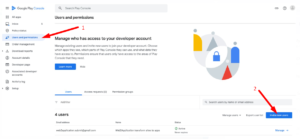
Now press INVITE NEW USER
A user allocation window opens,
In the email enter [email protected]
You can also set a time frame from the account share by setting the expiry date if you don’t like to leave access for a long time (optional)
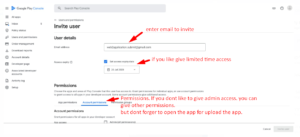
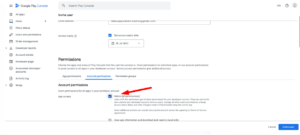
Permissions:
you can give ADMIN permission if you like us to open the app and upload the app to your account.
if you don’t want to give admin permissions you can give other permission, but please make sure to open an app to upload the app to.
Last Step
In order to enable push notification for you, we need access to Google FireBase,
please follow this link
How to Open a Google Play Developer Account
To publish your Android app on Google Play, you need a Google Play Developer account. The process is straightforward and requires a one-time payment of $25. Follow these steps to open your account:
- Sign in to your Google Account and visit Google Play Console Signup.
- Review Google Play Developer policies carefully to avoid violations that could affect your account status.
- Complete the payment using an international credit card. The $25 fee is a one-time payment.
- Fill in your developer profile with accurate information to complete registration.
Important: For accounts opened after November 2023, it is recommended to register as a Business/Company account rather than a personal account. This aligns with Google’s updated guidelines. Learn more on the official Google support page.
Granting Web2Application Access to Your Developer Account
To make app submission easier, you can invite Web2Application to your Google Play Developer Console:
- Go to Settings > Users & Permissions in your Google Play Console.
- Click Invite New User and enter
[email protected]. - Set permissions to Admin if you want Web2Application to upload and manage your app, or choose limited permissions as you prefer.
- Optionally, set an expiry date for the invitation for added security.
Next Steps: Enable Push Notifications
To enable push notifications for your app, Web2Application requires access to your Google Firebase project. Please follow the Firebase setup instructions after your developer account is ready.
Create Your App Free with Web2Application today. Generate a test APK, explore Premium features with a 14-day free trial, and get your app on Google Play with expert support.
Internal Links
- How to Submit Android App to Google Play
- Push Notifications Setup with Firebase
- WordPress Integration with Web2Application
Frequently Asked Questions
How much does it cost to open a Google Play Developer account?
Opening a Google Play Developer account requires a one-time payment of $25.
Can I open a personal Google Play Developer account?
Yes, but after November 2023, Google recommends opening a Business/Company account for better compliance with their policies.
How do I invite Web2Application to manage my Google Play Developer account?
In your Google Play Console, go to Settings > Users & Permissions, click Invite New User, enter [email protected], assign appropriate permissions, and send the invitation.
What payment methods are accepted for the Google Play Developer registration fee?
Google Play Console accepts international credit cards for the $25 registration fee.
Do I need a Google Firebase account for push notifications?
Yes, to enable push notifications in your app, you need to set up a Firebase project and provide access to Web2Application.
Ready to turn your website into an app?
Create your Android and iOS app without coding. Start free, generate a test APK, and explore Premium features with a 14-day trial.

 By
By