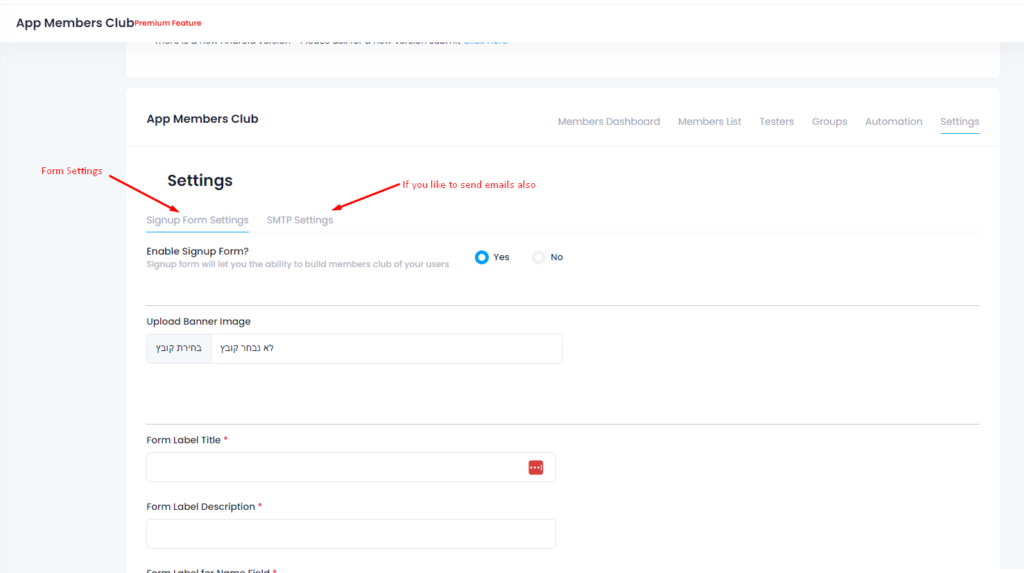
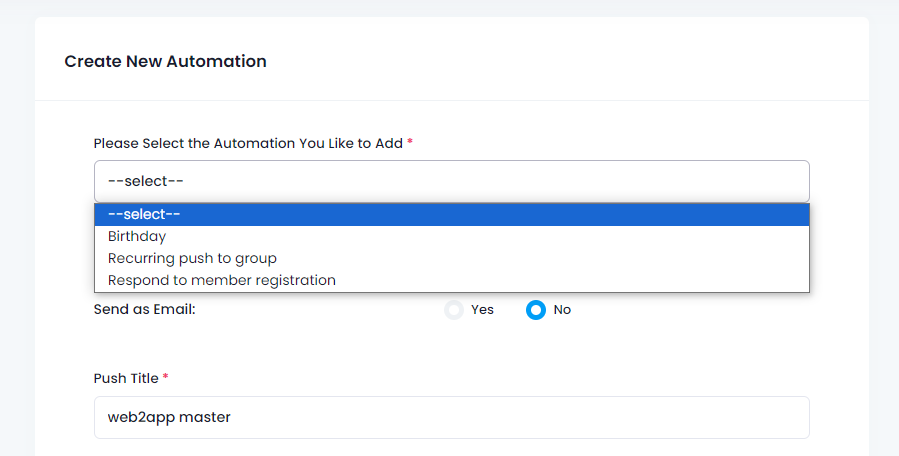
One of the important things about apps is the push notifications !
With push notifications you can engade your users with news, special offers, coupons etc direclly on their mobile phones. Here is How To Enable Push Notifications with google firebase:
- Enter https://console.firebase.google.com and open an account (with your Gmail account).
- Click “Add project”.
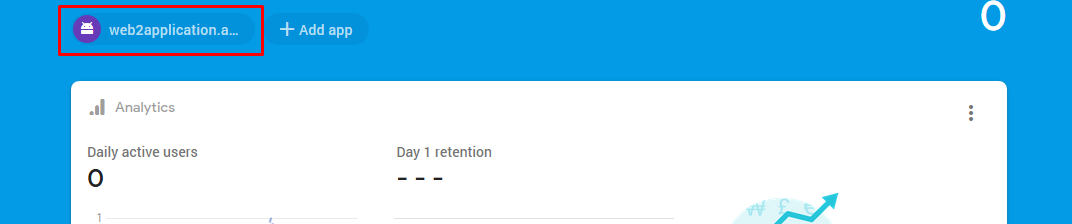
- Enter the project and click “Add app” and select “Android app”.
- Here you will be asked for your android package name. Go to your app dashboard and select “App Setting”.
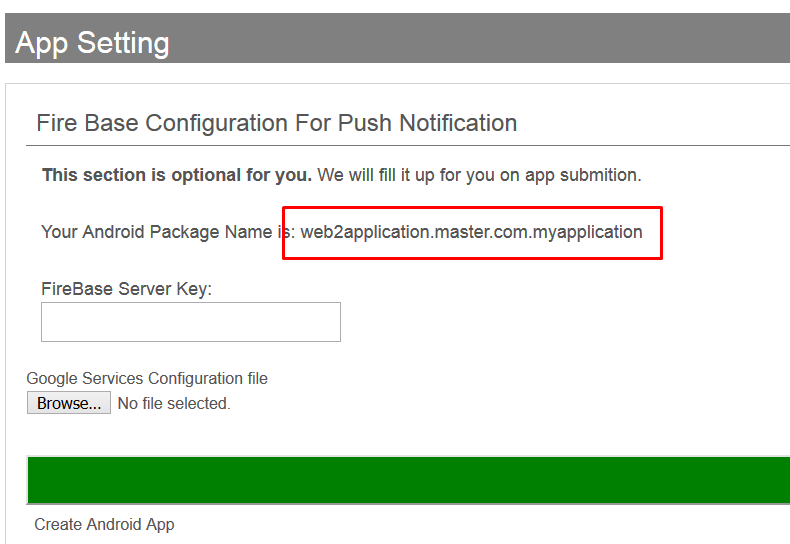
Copy this string and paste it to the firebase android package field.
- Click continue.
- Now you will get an option to download the config file. Download the file to the computer.
Click “continue” for finishing the process. if you can continue, please click skip. - Go back to your App Setting and upload the file to “google services configuration file”.
- Back to the firebase console. Click on your new android application.

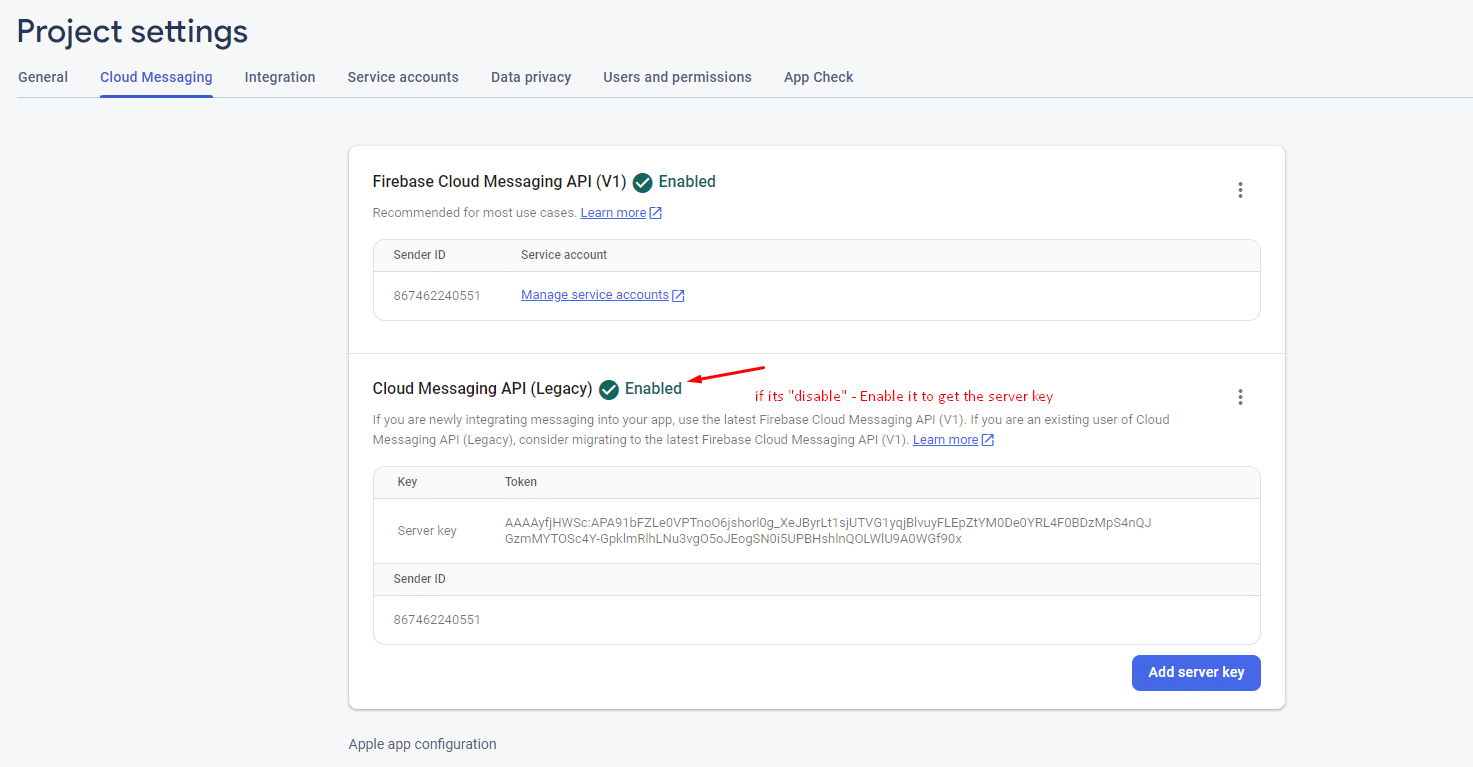
- Go to “Cloud Messaging” and copy the string “server key”.
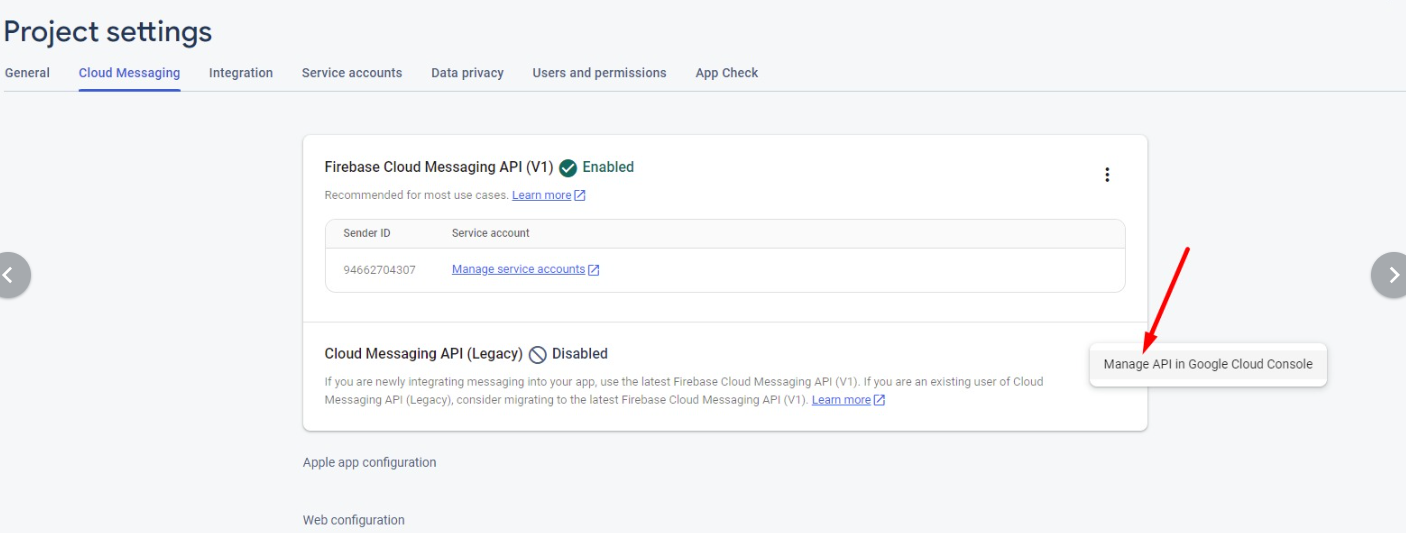
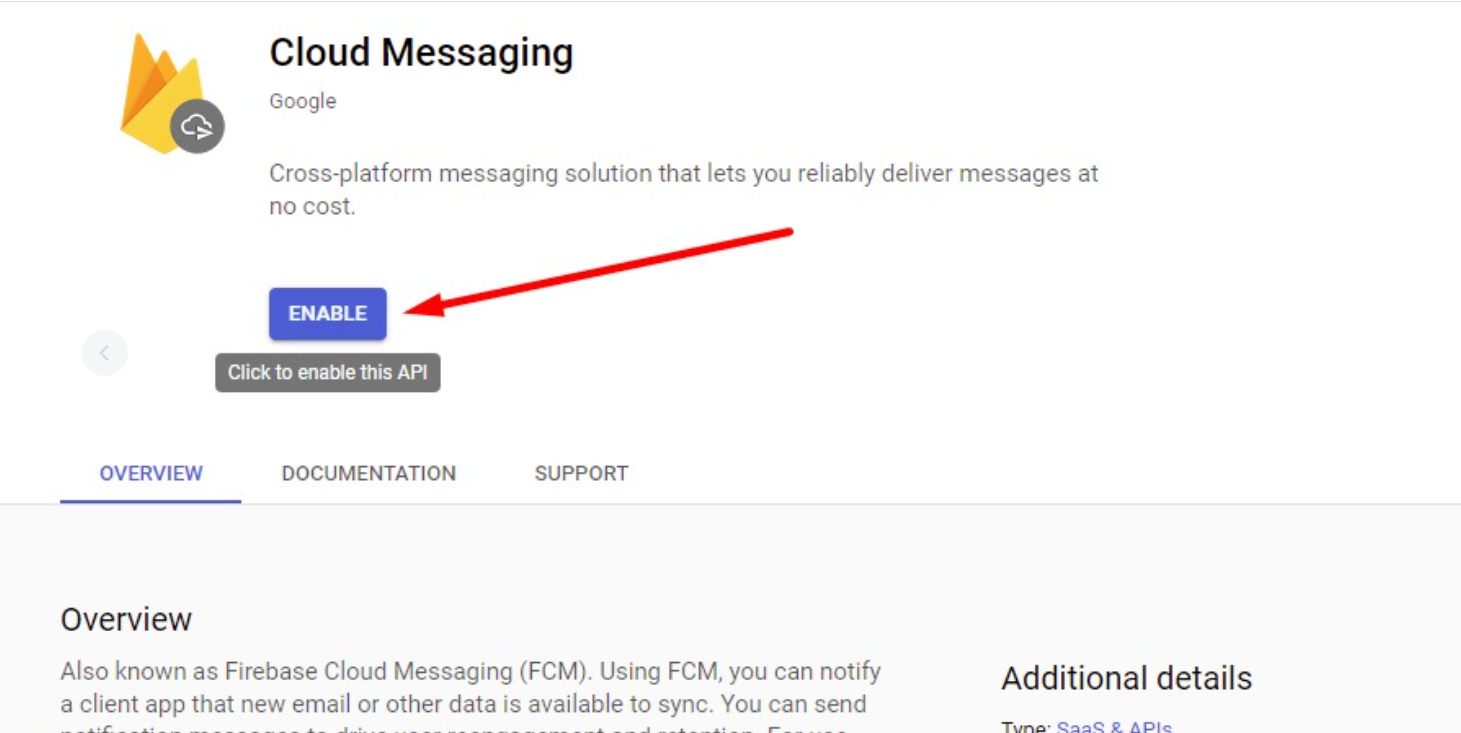
Sometimes there is no legacy/server key , Make sure to enable the server key to key a key


10. Enter the string that you copied to the Firebase server key in your App Setting.
Please note,
If you will upgrade to a premium membership we will do this process for you.
You just need to share access with us and contact the premium support team via WhatsApp.
What Is Firebase?
Firebase is a backend-as-a-service (Baas). Developers can leverage a wide range of resources and services to create high-quality applications, grow their user base, and earn money. Using Google’s technical framework, it was created.
Using Firebase’s NoSQL database, you can store data in documents that look like JSON documents.
Apps that work well with Firebase include the following.
Firebase’s services can be used to benefit a wide variety of applications. Only a limited number of platforms are supported. In addition to iOS and Android, Firebase’s SDKs are expanding to include web, Flutter, and Unity, as well as C++. Additionally, you should know that the Admin SDK, which is accessible in a variety of languages, can be utilised to access any backend components you may need.
Additionally, there is a library called FirebaseUI (Android, iOS, and web) that provides a lot of useful utilities to make working with Firebase even easier. Additionally, there are projects like AngularFire that cover the web SDKs for Angular. These can be used for nothing. Firebase prefers open-source software.
How to Enable Push Notifications with Google Firebase
- Go to Firebase Console and sign in with your Gmail account.
- Click Add project and follow the prompts to create a new Firebase project.
- Inside your project, click Add app and select Android app.
- Enter your Android package name by copying it from your Web2Application dashboard under App Setting.
- Download the
google-services.jsonconfiguration file and upload it back to your Web2Application dashboard in the Google services configuration file section. - In Firebase Console, navigate to Cloud Messaging and copy the Server key. If the legacy server key is not visible, enable it in Firebase settings.
- Paste the server key into your Web2Application dashboard under the Firebase server key field.
Note: Premium members can share Firebase access with Web2Application support to have this setup done automatically. Contact our premium support team via WhatsApp for assistance.
What Is Firebase?
Firebase is a powerful Backend-as-a-Service (BaaS) platform by Google that offers developers tools and services to build high-quality apps, grow their user base, and monetize effectively. It provides a NoSQL cloud database, authentication, cloud messaging, analytics, and more.
Firebase supports multiple platforms including Android, iOS, web, Flutter, Unity, and C++. It also offers open-source libraries like FirebaseUI and AngularFire to simplify development.
Why Use Web2Application for Your App Push Notifications?
- Seamless integration with your existing website to convert it into a hybrid app with a native shell.
- Easy Firebase setup wizard in the dashboard to guide you step-by-step.
- Premium support to handle Firebase configuration and app store submissions.
- Push notifications help you engage users with news, offers, and updates directly on their mobile devices.
Sign up for Web2Application today and start sending push notifications to your app users!

Frequently Asked Questions
What are push notifications?
Push notifications are messages sent directly to users’ mobile devices to inform them about news, offers, updates, or other important information, even when the app is not open.
Do I need a Google Firebase account to enable push notifications?
Yes, Google Firebase provides the backend infrastructure for sending push notifications. You need to create a Firebase project and connect it to your app via Web2Application.
Can Web2Application help me set up Firebase push notifications?
Yes, premium members can share Firebase access with our support team, and we will configure push notifications for you.
Is Firebase free to use?
Firebase offers a generous free tier suitable for many apps. For advanced features or large-scale usage, paid plans are available.
Which platforms does Firebase support?
Firebase supports Android, iOS, web, Flutter, Unity, and C++, providing SDKs and tools for these platforms.
Ready to turn your site into an app?
Create your app with Web2Application — convert your website to Android and iOS apps.

 By
By