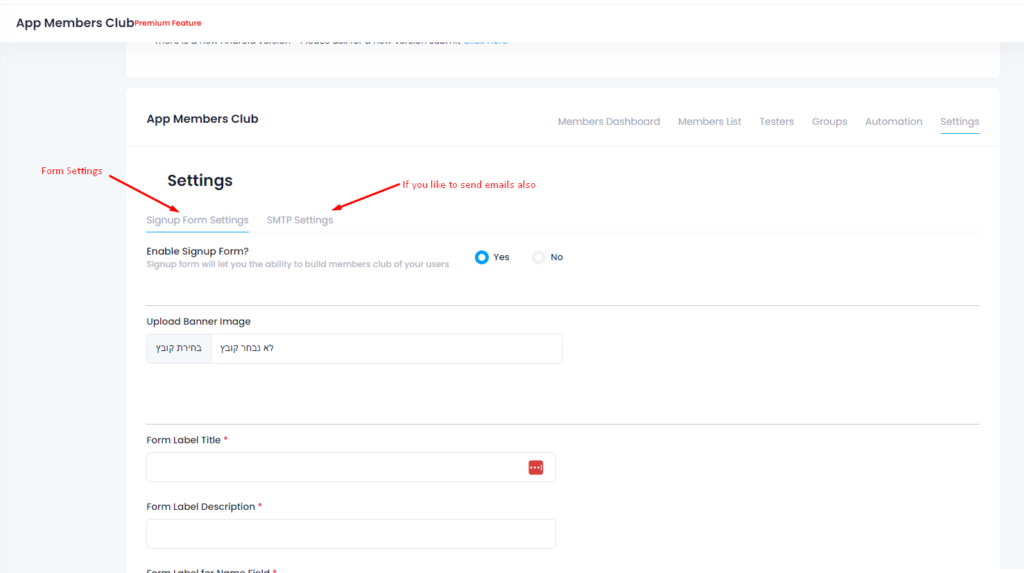
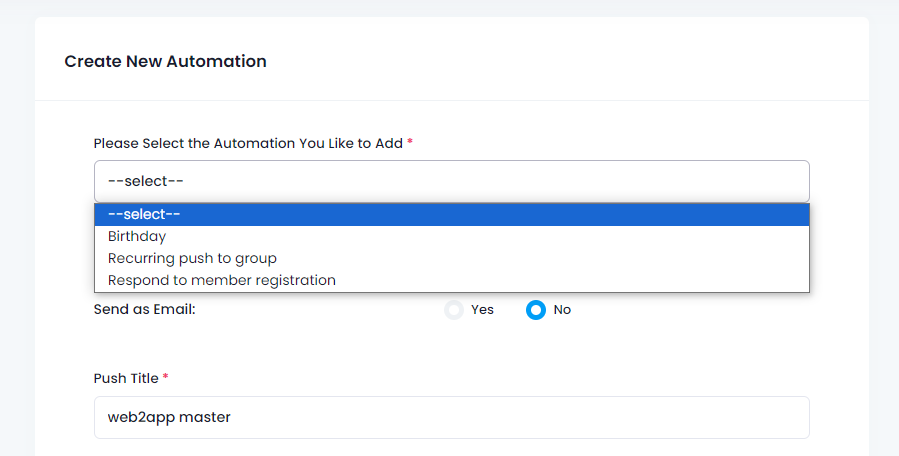
Let’s say you have “download our apps” buttons on your website or some elements that you don’t like to display on your apps.
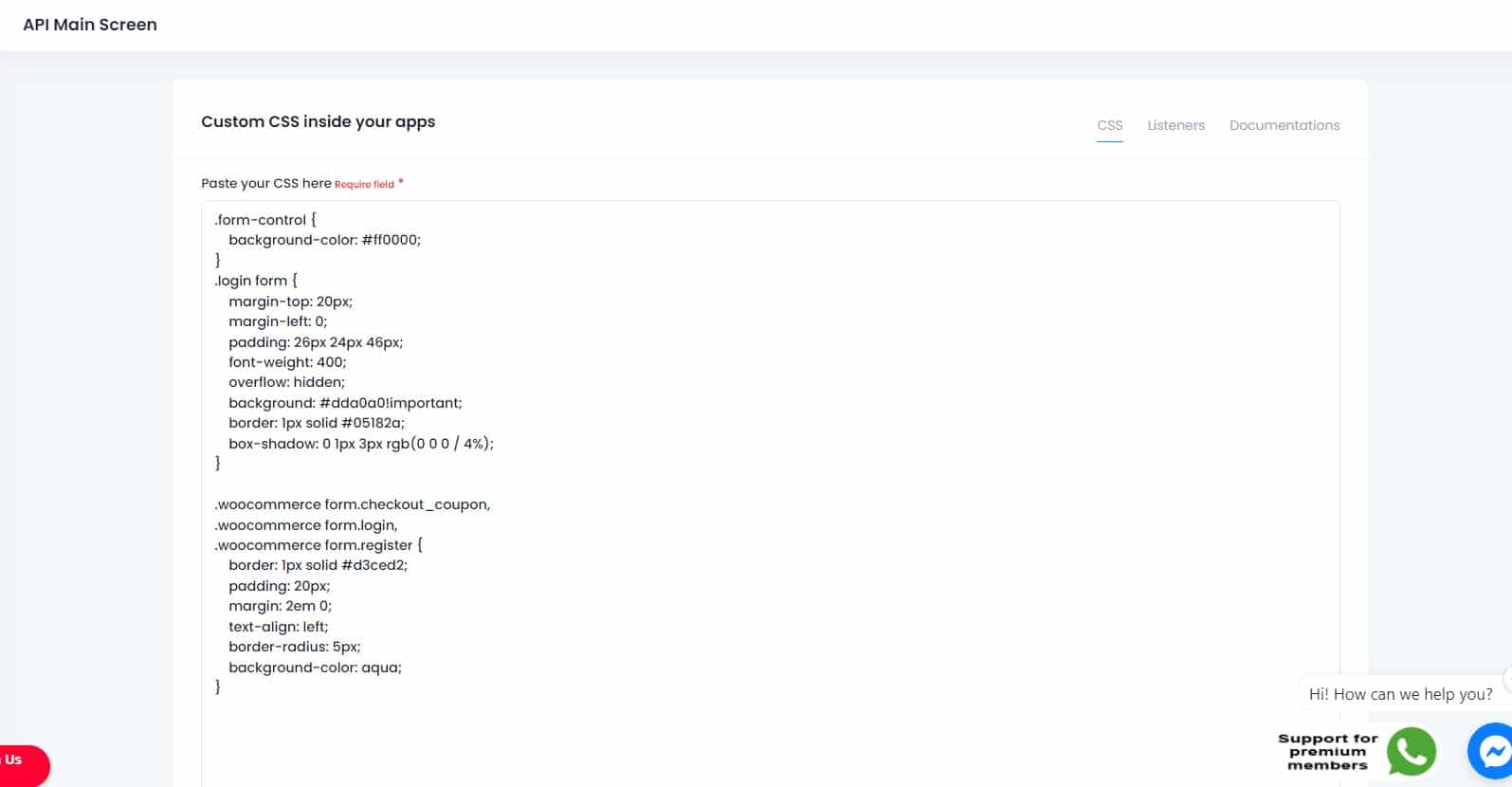
For advanced users (package of 10K push receptions and above), The API option is enabled and you can tweak your application display with CSS.
You can enter the CSS screen and use simple CSS to hide elements, change colors, etc just for your android and iOS apps
Example of hiding a div – in this case we wanted to prevent a popup show in the apps.
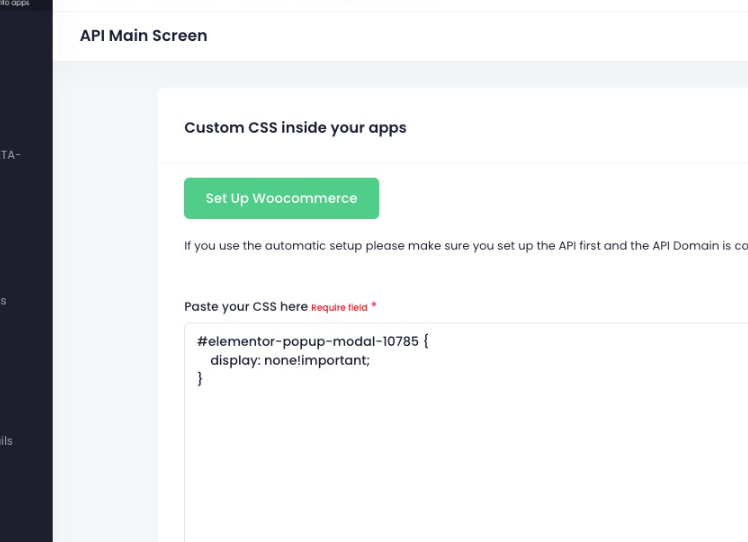
in case of an automated popup when the site loads, it’s better to give a 2-3 seconds delay to allow the app to inject the CSS to hide before the popup triggered
Customize Your App Appearance with CSS
With Web2Application, advanced users on premium plans (10K+ push receptions) can easily customize their app’s look and feel using CSS. This feature allows you to hide specific website elements, adjust colors, and tailor the app interface to better suit your brand and user experience.
For example, if your website has “Download our apps” buttons or popups that you prefer not to show inside the app, you can hide these elements using simple CSS rules. Here’s a quick example to hide a popup div:
div.popup-class { display: none !important; }For popups triggered automatically on page load, it’s recommended to add a 2-3 second delay before the popup appears, giving the app time to inject the CSS and prevent the popup from showing.
How to Access the CSS Editor in Web2Application
- Log in to your Web2Application dashboard.
- Select your app and navigate to the App Settings section.
- Open the Custom CSS screen to add your CSS rules.
- Save changes and test your app with the updated design.
Why Choose Web2Application for Your App Customization
Web2Application offers a powerful platform to convert your website into hybrid Android and iOS apps with a native shell with flexible customization options, including CSS tweaks for advanced users. This ensures your app perfectly matches your branding and user expectations.
Sign up now to start building and customizing your app today!
Frequently Asked Questions
Who can use CSS customization in Web2Application apps?
CSS customization is available for advanced users with premium plans that include 10,000 or more push notification receptions.
How do I hide unwanted elements in my app using CSS?
You can add CSS rules in the Custom CSS section of your app dashboard to hide elements, such as using 'display: none !important;' on the specific element selectors.
Can I change colors and styles in my app using CSS?
Yes, you can modify colors, fonts, and other styles by adding your CSS code in the Web2Application dashboard to customize your app's appearance.
Is there a recommended way to handle popups in the app?
For automated popups triggered on page load, it's best to delay the popup by 2-3 seconds to allow the app's CSS to load and hide the popup effectively.
Where can I find the CSS editor in Web2Application?
After logging into your dashboard, go to your app's App Settings and find the Custom CSS screen to enter your CSS code.
Ready to turn your site into an app?
Create your app with Web2Application — convert your website to Android and iOS apps.

 By
By