Okay, now it’s time to start building. Please enter web2application.com .

  1. Go to My Account in the header. Click to sign-up button.
  2. Now you need to enter your details. Enter your user name,
    e-mail, password  and confirm your password again.
  3. Then click Register. 
  4. Now, you’ve got a confirmation email that you need to approve your account.
  5. Please go to your email, and click the link in the email that you just got to approve your account. If you can’t find the confirmation email, please check in the spam folder and mark the email as un-spam.
  6. After clicking the link you will be redirected to the login form.
  7. Please enter your e-mail and password and you will be logged in to create a new app. 
Android Keyboard Setting: Lift the App Screen or Keep It in Place
By Jul 9, 2026
Choose how the Android keyboard behaves when users enter text in website forms inside your app....
How the Guided Firebase Setup Prepares Push Notifications
By Jul 9, 2026
Understand the guided Firebase setup, required Google permissions, generated configuration, and final push notification test....
How to Generate and Test Your Android APK Automatically
By Jul 9, 2026
Learn how to request, download, install, and test your Android APK before submitting your app to Google Play....
Free Course: Turn Your Website Into an App Step by Step
By Jul 9, 2026
Create, configure, test, and prepare your website-based Android and iOS app with this free step-by-step course....
Enable Push Notifications with google firebase Copy
By Jan 16, 2024
One of the important things about apps is the push notifications ! With push notifications you can engade your users with news, special offers, coupon...
Free Ajax Products Search for WooCommerce
By Nov 19, 2023
Introduction In the dynamic world of e-commerce, efficiency and user experience play pivotal roles in the success of an online store. WooCommerce, a p...
Member Club Settings
By Sep 16, 2023
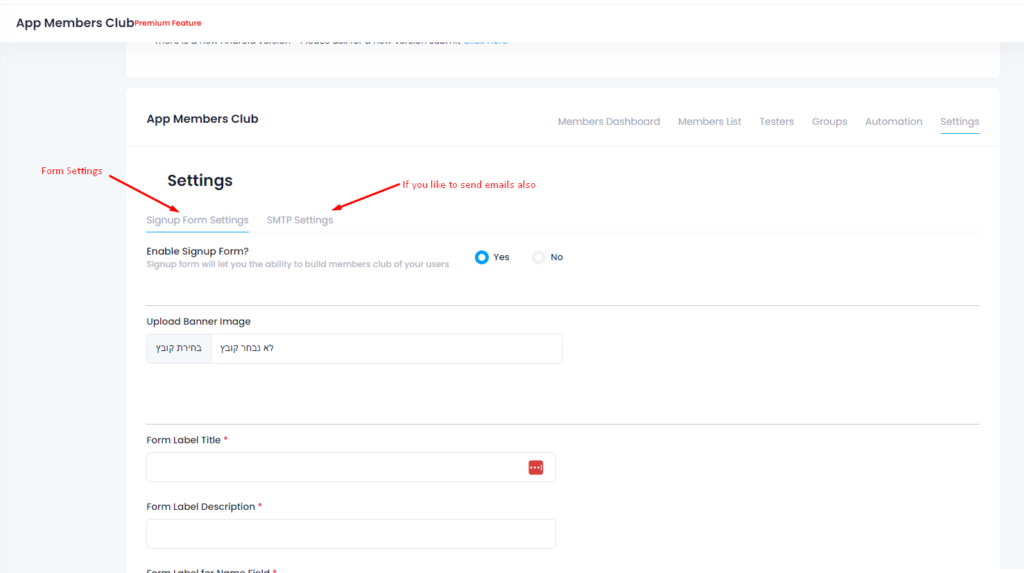
text Form settings The setting tab is the heart of the Members system.You can set the labels on the form and buttons, set the colors, Define the field...
Member Club Automations
By Sep 16, 2023
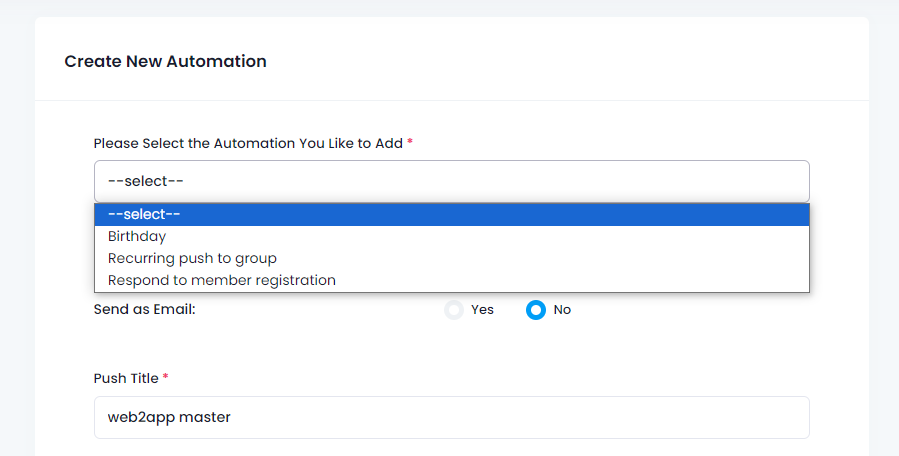
After we have members and groups we can start creating automation and engage our members.Birthday automation – send your members happy birthday ...
Member Club features and operations
By Sep 16, 2023
The features and operations are spread over a couple of tabs: Members lists, testers, groups, and automation.  Members list tab – those are all...
Member Club Introduction
By Sep 2, 2023
Build your customer club/community of your business, get to know your customers, and send them only messages they want to receive! The community or cu...
Skip to content