From Website to App: A Transparent Owner’s Journey (With Real Lessons, Surprises, and Wins Using Web2Application)
- nir
- August 22, 2026
- Marketing
- Marketing AI
- 0 Comments
Why Convert Your Website Into an App? The Real Motivations and Goals
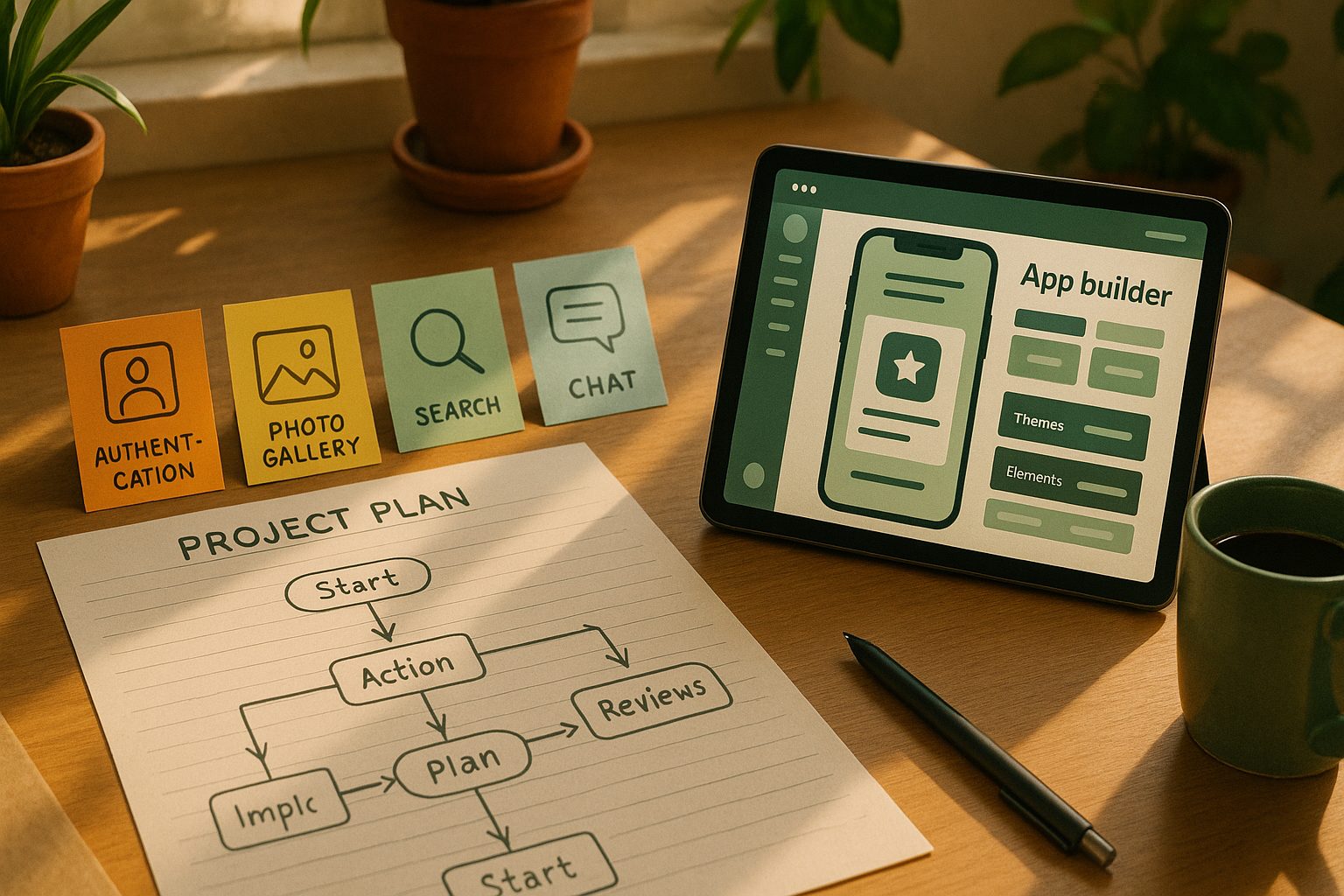
As a website owner, I always wondered if turning my site into a mobile app would really make a difference. After all, my website worked well on mobile browsers. But as more visitors asked about an app—and as I saw competitors launch theirs—I realized there were real benefits:
- Better user engagement: Apps are easier to access and keep users coming back.
- Push notifications: Direct communication with users without relying on email or social media.
- Brand presence: Having an app icon on users’ phones boosts credibility and loyalty.
- Offline access: Some app features work even when the user isn’t online.
My main goal was to make my content more accessible and to connect with my audience in a more personal way—without hiring expensive developers or learning to code.
Getting Started: Choosing the Right No-Code App Builder (And Why Web2Application Stood Out)
I researched several no-code platforms: AppMySite, Glide, and Bubble all came up. But I needed something that:
- Worked seamlessly with my existing website (WordPress with WooCommerce)
- Required zero coding
- Offered real push notifications and native app features
- Provided clear support for submitting to Google Play and the App Store
Web2Application stood out because it checked all these boxes. Their dashboard was straightforward, the free trial let me test before committing, and they offered a WordPress plugin for easy integration. Plus, their support team was responsive, which gave me confidence as a non-technical user.
Step-by-Step: The Actual Process From Website to App (With Screenshots and Timeline)
- Sign Up and Create a New App: I registered at web2application.com and created my app in the dashboard. The interface guided me through each step.
- Configure App Details: I uploaded my logo for the app icon, set a splash screen, and customized the color scheme to match my brand.
- Connect My Website: I installed the Web2Application WordPress plugin, entered the API key from my app dashboard, and synced my site content.
- Set Up Navigation: The bottom tab bar menu was easy to configure—just drag and drop to add my site’s main sections.
- Enable Push Notifications: Following Web2Application’s Firebase setup wizard, I connected my Google account and enabled push notifications in minutes.
- Test the App: I requested the APK from the dashboard, downloaded it, and installed it on my Android phone to test everything.

Tip: Each step took less than an hour, and the dashboard kept things organized. The timeline from signup to first APK test was just one afternoon.
Hidden Challenges and Surprises Along the Way (What No One Tells You)
- Apple’s strict guidelines: Submitting to the App Store required extra attention to design and functionality. Web2Application’s team helped me understand Apple’s 4.2 guideline and made sure my app would be accepted.
- Push notification setup: Setting up Firebase was new to me, but the step-by-step wizard made it doable. Still, I had to double-check permissions on my devices.
- Testing on different devices: My app looked slightly different on Android and iOS. Testing on both helped me catch small issues early.
- Content updates: At first, my app didn’t show new posts. The fix? Reconnecting the WordPress plugin and clearing the app cache.
These surprises were manageable, but having responsive support from Web2Application made all the difference.
Key Features That Made the App Stand Out (Push, Navigation, and More)
- Push Notifications: I could send instant updates to users about new products or articles—something I couldn’t do with just a website.
- Native Navigation: The bottom tab bar made the app feel intuitive and professional.
- Custom Branding: My logo and colors were everywhere, making the app feel truly mine.
- WooCommerce Integration: My shop’s products synced automatically, and users could browse and buy from the app.
Testing, Feedback, and Iterating: What Changed After the First APK
After sharing the APK with a few trusted users, I got valuable feedback:
- Some icons needed tweaking for clarity
- Push notifications were too frequent—easy to adjust in the dashboard
- One menu item linked to the wrong page (fixed in minutes)
Iterating was fast: update in the dashboard, request a new APK, and retest. No coding required.
Submitting to the App Stores: What Worked, What Didn’t, and How Web2Application Helped
Submitting to Google Play was straightforward with Web2Application’s guidance. For iOS, I needed an Apple Developer account (which costs $99/year), and the review process was stricter. Web2Application’s team helped me prepare screenshots, answer Apple’s questions, and make minor tweaks to pass review.
What worked: Having a team that understood the process and could step in when I hit a roadblock.
What didn’t: Apple’s process took longer than I expected, so plan for extra time.
What I’d Do Differently Next Time: Honest Lessons for Future Website-to-App Owners
- Start with a clear feature list—know what you want your app to do before you begin.
- Test on as many devices as possible early in the process.
- Don’t rush the store submission—give yourself time for reviews and feedback.
- Take advantage of platform support—Web2Application’s help was invaluable.
Ready to Turn Your Website Into an App? Start Your Journey with Web2Application
If you’re a website owner wondering how to create an app from a website, my experience proves it’s possible—even without coding or a big budget. Sign up for Web2Application today, and start building your app in just a few clicks. You’ll get hands-on support, powerful features, and a smoother journey from website to app.
Frequently Asked Questions
Do I need to know how to code to create an app from my website?
No coding is required when using Web2Application. The platform is designed for non-technical users and provides a step-by-step dashboard for building your app.
How long does it take to convert a website into an app?
Most users can go from signup to testing their first APK in just a few hours. The full process—including app store submission—may take a few days, especially for iOS.
Will my website updates appear in the app automatically?
Yes, with the Web2Application WordPress plugin, your site content syncs automatically. For other platforms, check the integration options in the dashboard.
What are the main benefits of having a mobile app in addition to my website?
A mobile app offers better user engagement, push notifications and increased brand visibility through an app icon on users’ phones.
How does Web2Application help with app store submission?
Web2Application provides guided support for submitting your app to Google Play and the Apple App Store, including help with guidelines, screenshots, and answering review questions.
Ready to turn your site into an app?
Create your app with Web2Application — convert your website to Android and iOS apps.