Mobile-First Makeover: Advanced Design Tips to Perfect Your Base44 Website for Android & iOS App Conversion
- nir
- August 22, 2026
- Marketing
- Marketing AI
- 0 Comments
Why Base44 Sites Need a Mobile-First Design Mindset for Apps
Base44 is a popular website builder known for its clean layouts and modular content blocks. But when you convert a Base44 website into a hybrid Android or iOS app with a native shell, simply copying your web design isn’t enough. Mobile users expect fast, intuitive, and visually engaging app experiences. Adopting a mobile-first design mindset ensures your app feels native, not just like a website in a wrapper.
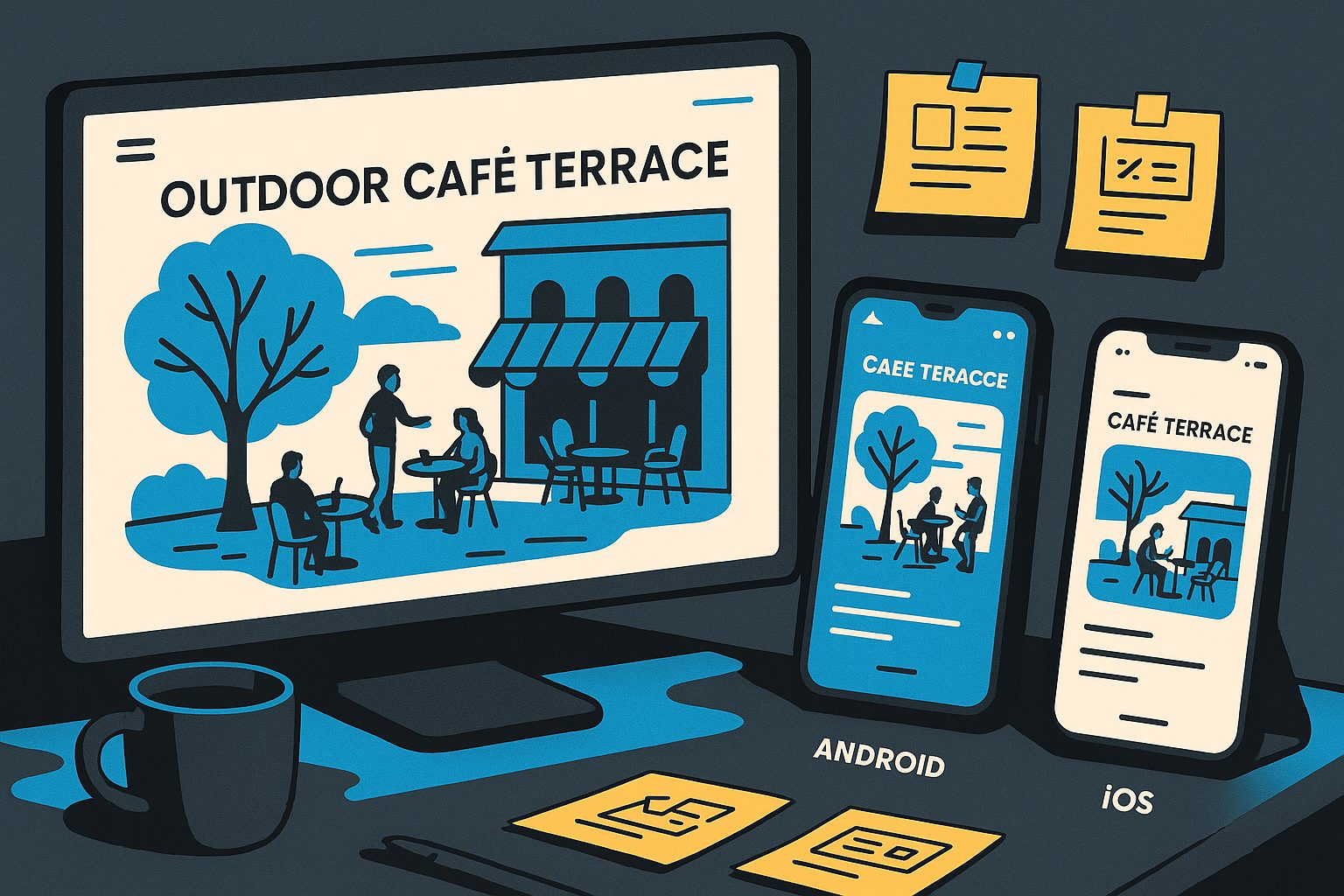
Key Differences: Web vs. App User Experience on Base44
On desktop, Base44 sites often use wide layouts, hover effects, and multi-column sections. In a mobile app, these elements need rethinking:
- Touch navigation replaces mouse clicks and hovers.
- Screen real estate is limited—clarity and simplicity are vital.
- App users expect native features like push notifications and smooth transitions.
Understanding these differences is the first step to a successful app transformation.
Optimizing Navigation and Menus for Touch Screens
Base44 menus are often designed for desktop dropdowns, which don’t translate well to mobile apps. Here’s how to adapt:
- Use a bottom tab bar for primary navigation—easily set up in Web2Application’s dashboard.
- Consolidate menu items into 4-5 core sections for clarity.
- Replace hover-based menus with tap-friendly buttons or slide-out drawers.
Tip: Preview your app’s navigation on multiple devices using Web2Application’s APK testing feature to ensure every link is accessible and easy to tap.
Branding Consistency: Splash Screens, Icons, and Color Schemes
Your app’s first impression matters. To maintain brand consistency:
- Design a custom splash screen using your logo and brand colors. Upload this in the Web2Application dashboard.
- Create a high-resolution app icon (1024x1024px) that stands out on both Android and iOS devices.
- Match your site’s color palette in the app’s theme settings for a seamless look and feel.
Consistent branding builds trust and recognition as users switch from your website to your app.
Layout Tweaks: Making Base44 Content Shine on Small Screens
Base44’s block-based layouts can look crowded on mobile. Here’s how to optimize:
- Increase spacing between blocks for better readability.
- Use larger font sizes (16px or more) for body text.
- Stack columns vertically—avoid side-by-side content on small screens.
- Hide or simplify complex widgets that don’t translate well to mobile.
Web2Application allows you to tweak CSS for advanced adjustments—perfect for Base44’s modular structure.
Interactive Features: Leveraging Push, Tabs, and Native Elements
Take advantage of native app features to enhance your Base44 app:
- Enable push notifications via Firebase to keep users engaged.
- Set up tabbed navigation for quick access to key sections.
- Integrate web-to-app actions like click-to-call, maps, or sharing for a native feel.
These features are easy to activate in Web2Application and make your Base44 app stand out from a standard mobile site.
Common Design Pitfalls (and How to Fix Them in Web2Application)
- Overcrowded menus: Streamline navigation and use tab bars.
- Small touch targets: Increase button sizes and spacing.
- Unoptimized images: Compress and resize for faster load times.
- Missing branding: Always upload a splash screen and icon.
- Web-only features: Remove or replace elements that don’t work in-app (like hover effects).
Web2Application’s dashboard makes it easy to preview and adjust these elements before publishing.
Testing Your Base44 App: Visual Checks and User Feedback Loops
Before submitting your app to Google Play or the App Store:
- Test with the APK on multiple Android devices for layout and performance.
- Use Apple TestFlight for iOS beta testing and gather real user feedback.
- Iterate quickly—Web2Application lets you update your app and retest as needed.
Ask users to report bugs or usability issues, and refine your design for the best possible experience.
Ready to Transform Your Base44 Site Into a Stunning App?
Perfecting your Base44 website for Android and iOS app conversion is easier than ever with these design tips and the powerful tools in Web2Application. Sign up today to start building your app, test your design, and launch on the app stores with confidence!
Frequently Asked Questions
What are the most important design tips for Base44-based Android and iOS apps?
Focus on mobile-first navigation, consistent branding, simplified layouts, and touch-friendly elements. Use Web2Application’s dashboard to adjust splash screens, icons, and menus for a native app experience.
How do I optimize Base44 navigation for mobile apps?
Replace dropdown or hover menus with a bottom tab bar or slide-out drawer. Limit main navigation to 4-5 key sections and ensure all buttons are large enough for touch.
Can I customize the look of my Base44 app after conversion?
Yes! Web2Application allows you to tweak colors, icons, splash screens, and even advanced CSS to match your brand and optimize for mobile devices.
How do I test my Base44-based app before publishing?
Download the APK for Android testing or use Apple TestFlight for iOS. Test on multiple devices, check navigation and visuals, and gather feedback before submitting to app stores.
Why choose Web2Application for converting my Base44 website into an app?
Web2Application offers Base44-specific design controls, push notifications, easy navigation setup, and expert support—making it the best choice for a seamless mobile app conversion.
Ready to turn your site into an app?
Create your app with Web2Application — convert your website to Android and iOS apps.