From Website to App Store: The Realistic Timeline and Steps to Create a Mobile App From Your WordPress Site (No Coding Needed)
- nir
- August 21, 2026
- Marketing
- Marketing AI
- 0 Comments
From Website to App Store: The Realistic Timeline and Steps to Create a Mobile App From Your WordPress Site (No Coding Needed)

Why Turn Your Website Into a Mobile App in 2024?
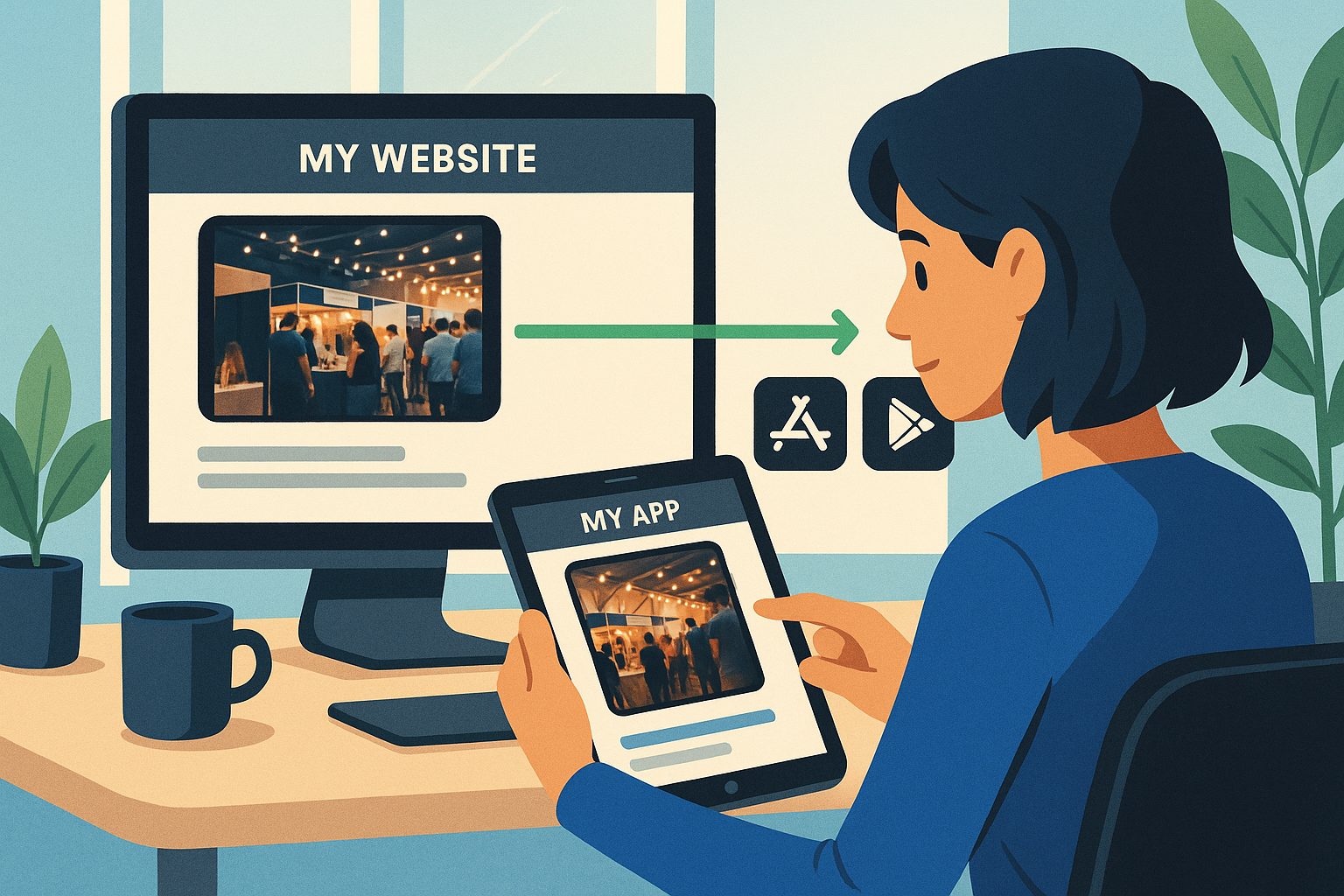
Mobile apps are no longer a luxury—they’re an expectation. In 2024, users spend more time on mobile devices than ever, and having your own app on the App Store or Google Play instantly boosts credibility, engagement, and retention. If you already have a WordPress website, converting it into a mobile app is the fastest way to reach customers where they spend their time—without rebuilding your site or learning to code.
What to Prepare Before You Start (Content, Accounts, and Expectations)
- Your website should be mobile-friendly (responsive design works best).
- Prepare your app icon and splash screen—these are the first things users see.
- Set up accounts: You’ll need a Google Play Developer account ($25 one-time) and an Apple Developer account ($99/year) for store submissions.
- Know your goals: Decide what you want users to do in your app (browse, shop, book, etc.).
- Set realistic expectations: Even with no-code tools, there are steps for testing, approvals, and setup. This guide shows you what to expect at each stage.
Step 1: Sign Up and Connect Your Website to Web2Application
Start by signing up for a free account on Web2Application. Once inside your dashboard, click “Create New App” and enter your website URL. For WordPress sites, install the free Web2Application plugin and connect your API key—this enables deep integration and real-time content sync. No coding required!
Step 2: Customizing Your App’s Look and Features (With No Coding)
Web2Application makes customization simple. Upload your app icon and splash screen, choose your color scheme, and set up navigation menus (like a bottom tab bar). You can enable push notifications, add smart search for WooCommerce stores, and even tweak advanced settings—all from your dashboard. The platform guides you through each step, so you stay in control without technical headaches.
Step 3: Testing Your App on Real Devices (APK & TestFlight)
Before going live, it’s crucial to test your app. Web2Application lets you generate an APK file for Android and a TestFlight build for iOS. Download the APK to your Android device, or use Apple TestFlight to try your app on iPhones and iPads. This step helps you catch any issues and fine-tune the user experience before submitting to the app stores.
Step 4: Navigating App Store Submission for Android and iOS
Submitting to Google Play and Apple’s App Store can seem daunting, but Web2Application streamlines the process. Premium users get hands-on support for store submission, including help with Google Play Console and Apple’s guidelines (like Apple’s 4.2 minimum functionality rule). You’ll need to provide store listing details and screenshots, then request submission directly from your dashboard. The Web2Application team assists you at every step, reducing the chance of rejections or delays.
How Long Does Each Step Really Take? (A Realistic Timeline)
- Sign up & connect website: 10–30 minutes
- Customize app & set up features: 1–2 hours (more if you want advanced tweaks)
- Testing on devices: 30–60 minutes
- Store submission prep: 1–2 hours (including writing descriptions, preparing screenshots)
- App store review: Google Play: 1–3 days; Apple App Store: 2–7 days (can vary)
Total realistic timeline: Most website owners can go from signup to app store launch in 3–7 days, depending on how quickly you complete each step and store review times.
What Happens After Launch: Updates, Support, and Growing Your App Audience
Once your app is live, Web2Application keeps it in sync with your website. Update your content on WordPress, and your app updates automatically. You can send push notifications, track downloads, and promote your app using smart download links. Premium members get priority support via WhatsApp, access to advanced features, and help with future updates or new app versions.
Ready to Create a Mobile App From Your Website?
If you want a fast, no-code way to turn your WordPress site into a professional mobile app, Web2Application is your best choice. Sign up today and start your journey from website to app store—no coding, no hassle, just results.
Frequently Asked Questions
Can I really create a mobile app from my website without coding?
Yes! With Web2Application, you can convert your WordPress (or any) website into a hybrid Android and iOS app with a native shell with no coding required. The platform handles the technical work, so you focus on design and content.
How long does it take to launch my app on the app stores?
Most users complete setup and customization in a few hours. App store reviews typically take 1–3 days for Google Play and 2–7 days for Apple. In total, you can expect to launch in 3–7 days if you follow each step promptly.
What do I need before starting the conversion?
Prepare a mobile-friendly website, your app icon and splash screen, and developer accounts for Google Play and Apple. Web2Application guides you through the rest.
Will my app update automatically when I change my website?
Yes. When you update your website content, your app will sync automatically, especially if you use the Web2Application WordPress plugin.
Do I need a premium plan to submit my app to Google Play or Apple App Store?
Yes, premium plans unlock store submission support, push notifications, and priority assistance from the Web2Application team.
Ready to turn your site into an app?
Create your app with Web2Application — convert your website to Android and iOS apps.