The Automated Workflow: How to Turn Your WordPress Site Into a Real-Time Synced Mobile App (With Push, Updates, and Store Publishing)
- nir
- August 20, 2026
- Marketing
- Marketing AI
- 0 Comments
Why Real-Time Sync Matters for WordPress Apps
Turning your WordPress site into a mobile app is a powerful way to reach more users and boost engagement. But the real challenge isn’t just building the app—it’s keeping your app content, products, and notifications in sync with your website, automatically and in real time. Manual updates and plugin-only solutions often fall short, requiring tedious intervention every time you update your site.
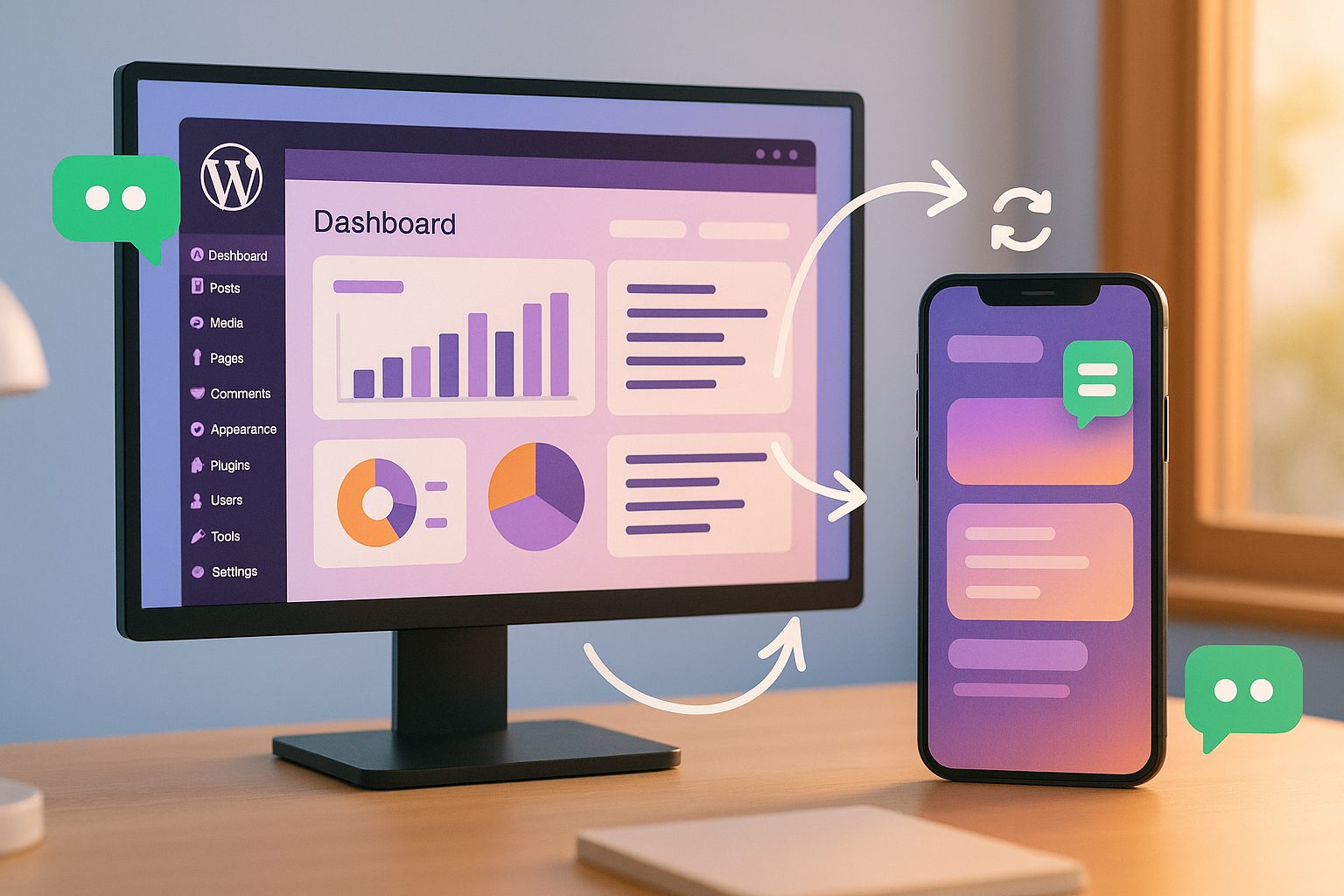
That’s why choosing a platform that offers real-time sync and automation is crucial. With Web2Application, your WordPress site and mobile app stay perfectly aligned—so your users always see the latest posts, products, and offers, and you never have to worry about manual syncing or missed updates.
Overview: The End-to-End Automated Workflow (From Site to App Store)
Here’s how a truly automated workflow looks when you use Web2Application to convert your WordPress site into a hybrid Android and iOS app with a native shell:
- Connect your WordPress site to Web2Application with a dedicated plugin and API key
- Design and customize your app’s look and navigation without coding
- Enable push notifications for posts, products, and custom events
- Test your app instantly with downloadable APK builds
- Publish to Google Play and Apple App Store with guided, automated submission
- Enjoy ongoing real-time sync—no manual updates required
Step 1: Connecting Your WordPress Site to Web2Application
Getting started is easy and requires no coding skills:
- Sign up at Web2Application and create a new app from your dashboard.
- Install the Web2Application WordPress plugin on your site. You can download it directly from your Web2Application dashboard or via the WordPress plugin directory.
- Enter your unique API key (found in your Web2Application dashboard) into the plugin settings on your WordPress site.
- The plugin will automatically sync your site’s content, products (including WooCommerce), and structure with your app in real time.
This connection ensures that every post, page, and product update on your WordPress site is instantly reflected in your app—no manual steps required.
Step 2: Designing and Customizing Your App’s Look and Navigation
Web2Application lets you fully customize your app’s appearance and navigation, all from a simple dashboard:
- Upload your app icon and splash screen
- Choose your color scheme and theme
- Set up a bottom tab bar menu for easy navigation
- Use your site’s page builder (like Elementor) to design custom app pages
- Preview changes in real time before publishing
No coding or advanced technical skills required—just point, click, and personalize.
Step 3: Enabling Push Notifications for Posts, Products, and More
Push notifications are key to driving engagement. With Web2Application, you can:
- Enable push notifications by connecting your app to Google Firebase (guided setup included)
- Send instant or scheduled push notifications for new posts, product updates, or custom events
- Automate notifications for WooCommerce product launches or blog updates
- Manage push campaigns directly from your Web2Application dashboard
This ensures your users are always in the loop—no matter where they are.
Step 4: Testing Your App Instantly With APK Builds
Before publishing, you can test your app on any Android device:
- Request an APK build from your Web2Application dashboard
- Download the APK and install it on your device (enable “Install from unknown sources”)
- Check that all content, navigation, and notifications work as expected
This step lets you catch any issues and fine-tune your app before going live.
Step 5: Automated Store Submission for Android and iOS
Web2Application streamlines the publishing process for both Google Play and the Apple App Store:
- Premium users can request store submission directly from the dashboard
- The Web2Application team assists with the Google Play Console and Apple Developer account setup
- Apps are reviewed to meet store guidelines—including Apple’s minimum functionality requirements
- Updates and new versions can be submitted with just a few clicks
No need to navigate complex store requirements alone—Web2Application guides you every step of the way.
Keeping Your App Updated—No Manual Sync Needed
Once your app is live, the magic of real-time sync kicks in. Every time you update your WordPress site—add a new post, launch a product, or tweak a page—those changes appear instantly in your mobile app. Push notifications keep your audience engaged, and you never have to worry about manual syncing or rebuilding your app for every update.
Ready to Turn Your WordPress Site Into a Real-Time Synced App?
Stop settling for outdated, plugin-only solutions or manual workflows. With Web2Application, you can automate the entire process—from site to app store—and keep your content, products, and notifications perfectly in sync. Sign up for Web2Application today and launch your real-time WordPress app on Android and iOS in just a few steps!
Frequently Asked Questions
Do I need to know how to code to turn my WordPress site into an app?
No coding is required. Web2Application provides a user-friendly dashboard and WordPress plugin, making it easy for anyone to convert their site into a hybrid app with a native shell with real-time sync and push notifications.
Will my app update automatically when I change content on my WordPress site?
Yes. Once your WordPress site is connected via the Web2Application plugin, all content, products, and updates are synced in real time—no manual intervention needed.
Can I send push notifications to my app users?
Absolutely. Web2Application supports push notifications for posts, products, and custom events. You can manage and automate notifications directly from your dashboard.
How do I publish my app to Google Play and the Apple App Store?
Web2Application offers guided, automated submission for both stores. Premium users receive hands-on support for Google Play Console and Apple Developer account setup, ensuring your app meets all guidelines.
Is there a free trial available?
Yes! You can start building and testing your app for free with Web2Application. Upgrade to a premium plan to unlock push notifications, store publishing, and priority support.
Ready to turn your site into an app?
Create your app with Web2Application — convert your website to Android and iOS apps.