WooCommerce to Mobile App: The Transparent, Step-by-Step Owner’s Workflow (With Free APK Testing and Real-Time Sync)
- nir
- August 5, 2026
- Marketing
- Marketing AI
- 0 Comments
Why Convert Your WooCommerce Store Into a Mobile App in 2024?
Mobile shopping continues to dominate eCommerce in 2024. Customers expect fast, convenient, and native app experiences—right from their phones. If you run a WooCommerce store, converting it into a mobile app can:
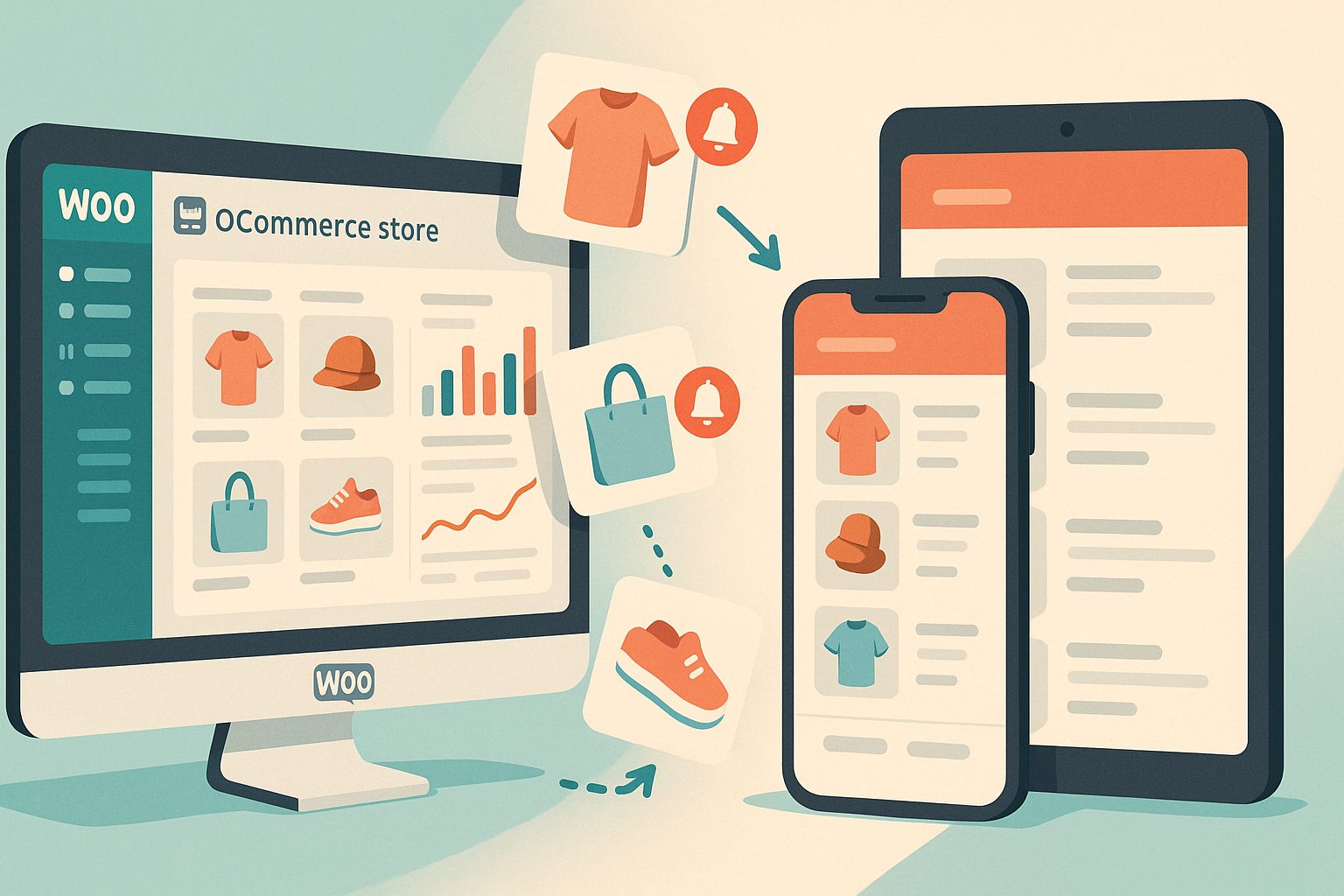
- Boost sales with push notifications and in-app promotions
- Improve customer loyalty and retention
- Offer a seamless, branded experience on Android and iOS
- Enable offline browsing and faster checkout
But many store owners hesitate, unsure about the technical steps or costs. What if you could preview your real app—free—before committing? With Web2Application, you can.
What to Prepare Before Starting: Website, Plugins, and Store Readiness
Before you convert your WooCommerce store to a mobile app, make sure:
- Your WooCommerce store is live and accessible
- You have admin access to your WordPress dashboard
- Your product catalog, images, and descriptions are up to date
- You can install plugins on your WordPress site
Having these ready ensures a smooth, real-time sync between your website and your future app.
Step 1: Connecting Your WooCommerce Store to Web2Application (Plugin Setup & API Key)
- Sign up at Web2Application and create a new app in your dashboard.
- Download the official Web2Application WordPress plugin (available from your app dashboard or the plugin repository).
- Install and activate the plugin on your WooCommerce site.
- Copy your unique API key from the Web2Application dashboard and paste it into the plugin settings on your WordPress site.
- Verify the connection—your products, categories, and content will now sync automatically to your app.
This direct connection ensures real-time updates between your store and your mobile app—no manual syncing required.
Step 2: Customizing Your App’s Design, Navigation, and Store Features
With your store connected, you can now:
- Upload your app icon and splash screen for brand consistency
- Configure the bottom tab bar menu for easy navigation (e.g., Home, Shop, Cart, Account)
- Adjust colors and layouts to match your website’s look and feel
- Preview changes instantly in your app dashboard
Web2Application’s dashboard gives you full control—no coding needed. Advanced users can even tweak app styles with custom CSS.
Step 3: Enabling Push Notifications for Sales, Offers, and Customer Updates
Push notifications are a proven way to drive repeat purchases and engage customers. To enable them:
- Go to the Push Settings in your Web2Application app dashboard.
- Follow the guided steps to connect your Google Firebase account.
- Once set up, you can send targeted push notifications directly from your dashboard—promote flash sales, new arrivals, or order updates.
Premium users unlock advanced push features, including programmable and personalized notifications.
Step 4: Generating and Testing Your Real APK—See Your Store as a Mobile App Instantly
Unlike most platforms, Web2Application lets you generate a real APK file to test your app on any Android device—before you pay a cent. Here’s how:
- In your app dashboard, navigate to the APK Request page.
- Request your test APK file.
- Download the APK when it’s ready and install it on your Android device (enable “Install from unknown sources”).
- Browse your store, test checkout, and experience your app exactly as your customers will.
This transparent preview means you know exactly what you’re getting—no surprises.
Step 5: Exploring Premium Features—Store Submission, Real-Time Sync, and Advanced Support
Ready to go live? Web2Application’s Premium plan unlocks:
- Full push notification capability
- Assisted submission to Google Play and Apple App Store
- WhatsApp premium support for fast help
- Ongoing, real-time sync between your WooCommerce store and your app
Start with a 14-day free trial to explore all Premium features—no commitment required.
What to Expect Next: Publishing to Google Play and Apple App Store
Once you’re satisfied with your app:
- Request store submission directly from your Web2Application dashboard
- Follow guided steps to open developer accounts (required by Google and Apple)
- Get help with app details, screenshots, and compliance
- Test your iOS app with Apple TestFlight before public release
Web2Application’s team supports you through the process, ensuring your app meets store guidelines and is ready for your customers.
Ready to Convert Your WooCommerce Store to a Mobile App?
Experience a transparent, step-by-step workflow—connect your store, customize your app, and test your real APK for free. Create Your App Free today with Web2Application. Generate a test APK, explore Premium features for 14 days, and see your WooCommerce store come to life as a mobile app—no coding required.
Related articles
Frequently Asked Questions
Do I need to know how to code to convert my WooCommerce store to a mobile app?
No coding is required. Web2Application provides a no-code workflow—just connect your store, customize your app, and generate your APK directly from the dashboard.
Can I test my WooCommerce app before paying?
Yes! Web2Application lets you generate a real APK for your Android app, so you can test your store as a live mobile app before committing to a plan.
Will my products and orders sync in real time between my website and app?
Yes. Once you connect the Web2Application plugin and API key, your products, categories, and content sync automatically between your WooCommerce site and your app.
How do push notifications work for my WooCommerce app?
After enabling push notifications via Google Firebase in your app dashboard, you can send sales alerts, order updates, and personalized messages directly to your app users.
What happens after I finish testing my app?
You can upgrade to Premium to unlock push notifications, store submission support, and advanced features. Web2Application guides you through publishing on Google Play and Apple App Store.
Ready to turn your website into an app?
Create your Android and iOS app without coding. Start free, generate a test APK, and explore Premium features with a 14-day trial.