Every Way to Turn Your Website Into an App in 2024: Honest Pros, Cons, and How to Test Each Path Risk-Free
- nir
- September 13, 2026
- Marketing
- Marketing AI
- 0 Comments
Every Way to Turn Your Website Into an App in 2024: Honest Pros, Cons, and How to Test Each Path Risk-Free

Why Turn Your Website Into an App? Key Benefits and Modern Use Cases
As mobile usage continues to outpace desktop, turning your website into an app is more than a trend—it’s a strategic move. Apps offer faster access, better engagement, and features like push notifications that websites can’t match. Whether you’re running an online store, a membership portal, or a content platform, having a native app can:
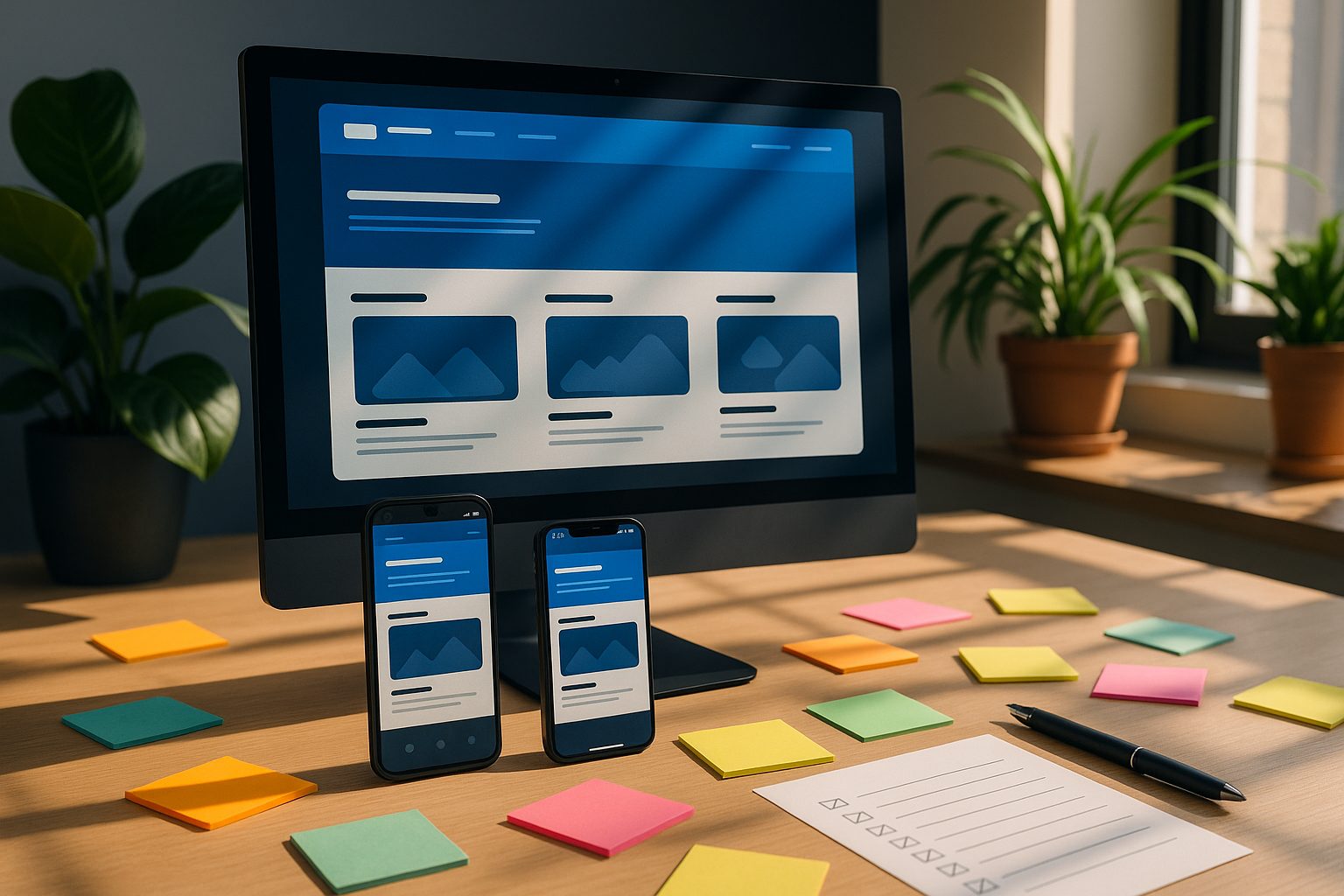
- Boost user retention and loyalty
- Enable instant, targeted communication via push notifications
- Improve brand visibility in the App Store and Google Play
- Deliver a smoother, more immersive mobile experience
- Unlock new revenue and marketing channels
All the Ways to Convert a Website Into an App: From Wrappers to Full Builders
There’s no single way to turn your website into an app. Here’s a transparent look at every real-world method in 2024:
1. Webview Wrappers
These solutions “wrap” your website inside a native app shell. The app displays your site as-is, often with minimal native features.
- Pros: Fastest, cheapest, no coding required. Great for simple sites.
- Cons: Limited offline support, basic functionality, may not meet all app store guidelines.
2. No-Code App Builders
No-code platforms let you convert your website into an app with drag-and-drop tools, design controls, and integrations—no programming needed. Some, like Web2Application, also support WordPress and WooCommerce.
- Pros: User-friendly, customizable, supports push notifications and native menus. No coding skills needed.
- Cons: Advanced features or store submission may require a premium plan. Some platforms limit design flexibility.
3. Low-Code Platforms
Low-code tools offer more customization, letting you add custom scripts or logic. Suitable if you want more than a simple wrapper but don’t want to build from scratch.
- Pros: More control, extendable with code, access to some native APIs.
- Cons: Steeper learning curve, may require technical support.
4. Custom App Development
Hiring developers to build a native app from the ground up is the most flexible—but also the most expensive and time-consuming—option.
- Pros: Fully tailored experience, complete control over features and design.
- Cons: High cost, long timelines, ongoing maintenance required.
No-Code, Low-Code, and Custom: What Each Path Really Means for Owners
Choosing the right approach depends on your goals, budget, and technical comfort. Here’s what to consider:
- No-Code: Best for most website owners who want speed, simplicity, and core features like push notifications and easy updates.
- Low-Code: Ideal if you have some technical skills and want to add custom logic or integrations.
- Custom: Worth it for unique apps with complex requirements—but expect higher costs and ongoing developer involvement.
How to Test Your Website as an App—Before You Commit (With Free APK Preview)
One of the biggest risks in app conversion is investing time and money before you know how your app will look and feel. The best platforms let you test your app risk-free. With Web2Application, you can:
- Sign up free at web2application.com
- Enter your website URL and configure your app’s icon, splash screen, and menu
- Generate a real APK file to install and test on your Android device
- Explore premium features with a 14-day trial—no commitment required
This lets you experience your app’s performance, navigation, and design before publishing or upgrading.
Essential Features to Look For: Push Notifications, Design Controls, and Store Readiness
Not all website-to-app solutions are created equal. As you compare options, look for:
- Push Notifications: Communicate instantly with users—Web2Application integrates with Google Firebase for powerful push messaging.
- Design Customization: Change icons, splash screens, menus, and colors to match your brand.
- WordPress & WooCommerce Support: Sync content, enable product search, and build pages with Elementor.
- App Store Submission Help: Guidance for Google Play and Apple App Store requirements.
- Testing Tools: Ability to generate APKs and preview your app before publishing.
Common Pitfalls and How to Avoid Them When Converting Your Website
- Store Rejection: Some wrappers don’t meet Apple or Google’s guidelines. Use a platform that supports native features and helps with submission.
- Missing Push Notifications: Not all solutions offer easy push setup—check for Firebase integration.
- Outdated Content: Ensure your app syncs with your website, especially for dynamic or WordPress sites.
- Hidden Costs: Watch for platforms that lock essential features behind expensive plans. Test before you pay.
How Web2Application Makes Website-to-App Conversion Transparent, Testable, and Owner-Friendly
Web2Application stands out by offering a transparent, owner-first approach:
- Risk-Free Testing: Create your app free and generate a real APK to test on your device.
- Full Control: Customize design, menus, and notifications from a simple dashboard.
- Premium Features, Free Trial: Explore push notifications, store submission support, and more with a 14-day trial—no credit card required to start.
- WordPress Integration: Connect your site with a dedicated plugin for seamless content sync and WooCommerce support.
- Expert Support: Access helpful guides and priority WhatsApp support for premium users.
Next Steps: How to Create Your App Free and Explore Premium Features With a 14-Day Trial
Ready to see your website as a real app? With Web2Application, you can:
- Sign up free at web2application.com
- Build and customize your app in minutes—no coding required
- Generate a test APK to preview your app on Android
- Try premium features like push notifications and store submission with a 14-day trial
Create Your App Free—see exactly how your website looks and works as a native app before you commit. Experience the difference today with Web2Application.
Frequently Asked Questions
Can I turn my website into an app without coding?
Yes! No-code platforms like Web2Application let you convert your website into a hybrid Android and iOS app with a native shell without any programming. Just enter your site URL, customize the design, and generate a test APK to preview your app.
How can I test my website as an app before publishing?
Web2Application allows you to create your app free and generate a real APK file. You can install this APK on your Android device to see exactly how your website works as an app before making any commitments.
What features should I look for in a website-to-app platform?
Look for push notifications, design customization, WordPress and WooCommerce support, real app previews (APK), and assistance with app store submission. Web2Application offers all these features with a transparent free trial.
Will my app be accepted on Google Play and Apple App Store?
App store acceptance depends on meeting platform guidelines. Web2Application provides guidance and native features to help meet these requirements, but final approval is at the discretion of Google and Apple.
What is the difference between a webview wrapper and a no-code app builder?
A webview wrapper simply displays your website inside an app shell, offering limited native features. A no-code app builder like Web2Application provides more customization, push notifications, and store submission support.
Ready to turn your website into an app?
Create your Android and iOS app without coding. Start free, generate a test APK, and explore Premium features with a 14-day trial.