What to Expect From the App Creation Process With Web2Application: A Transparent Step-by-Step Owner’s Roadmap
- nir
- August 8, 2026
- Marketing
- Marketing AI
- 0 Comments
Understanding the Web2Application App Creation Workflow
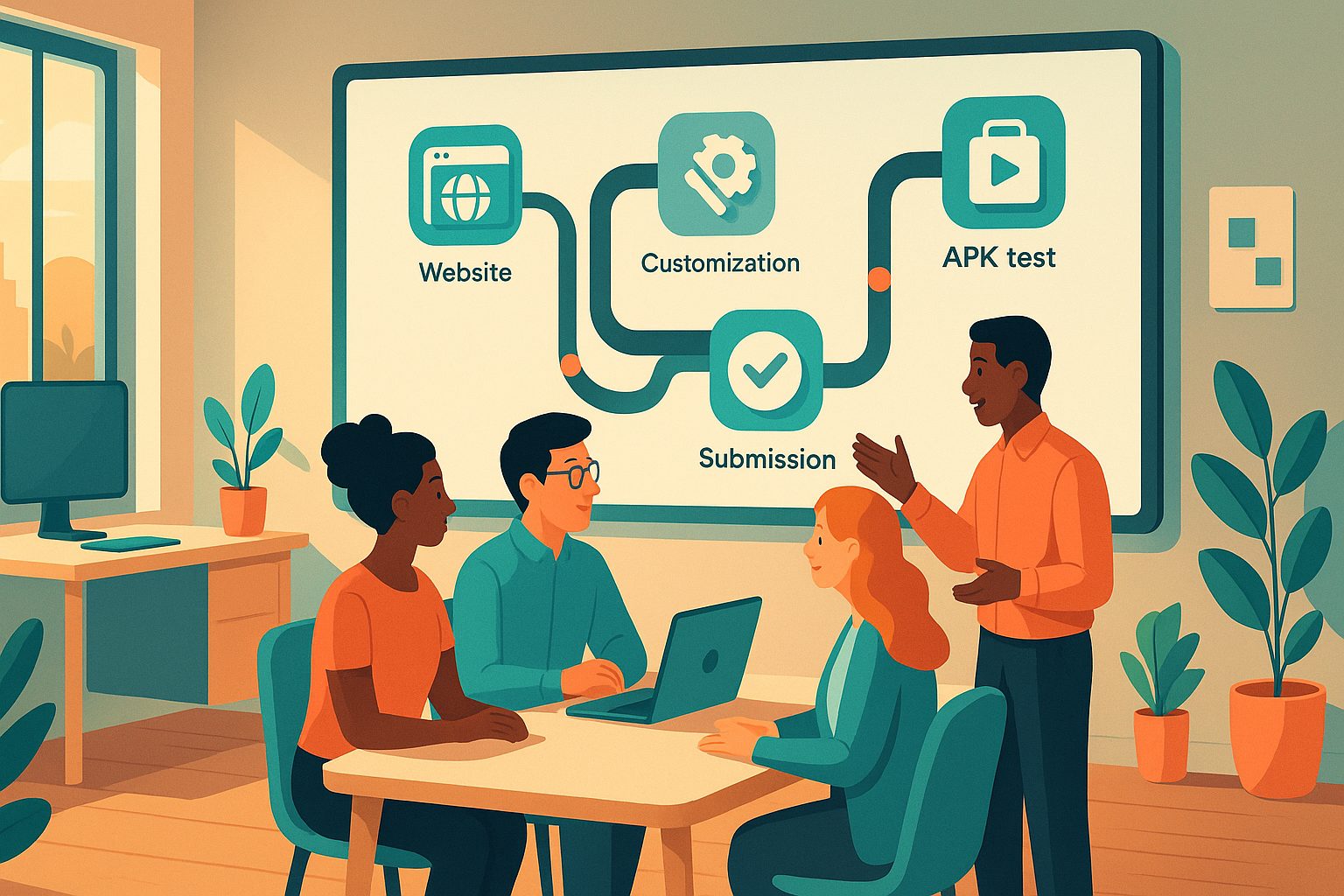
For website owners ready to expand their reach, turning a website into a mobile app can seem daunting. Web2Application simplifies this process, but knowing what to expect at each stage helps you plan, avoid surprises, and make the most of the platform. This guide offers a transparent, step-by-step owner’s roadmap—so you’ll know exactly what happens, when, and what’s required from you.
What Happens After You Sign Up: First Steps and Dashboard Tour
Once you sign up at Web2Application, you’ll land in your personal dashboard. Here’s what to expect:
- Create New App: Start by clicking the “Create New App” button. You’ll enter basic details like your app name and website URL.
- Dashboard Overview: The dashboard is your command center. From here, you’ll configure design, enable features, request APKs, and manage submissions.
- Guided Setup: Helpful prompts and tooltips guide you through each section, so no technical background is required.
Setting Up Your App: Icons, Splash Screens, and Configuration
Next, you’ll customize your app’s appearance and basic settings. This stage includes:
- App Icon & Splash Screen: Upload your logo and a splash image to brand your app.
- App Configuration: Set colors, choose your app’s start page, and configure navigation style.
- Owner Details: Add your business info—important for store submissions later.
Tip: You can revisit and tweak these settings anytime before submission.
Adding Features: Menus, Push Notifications, and WordPress Integration
Web2Application lets you add powerful features without coding:
- Bottom Tab Bar Menu: Set up navigation tabs for easy access to key pages.
- Push Notifications: Enable push by connecting your Google Firebase account. This unlocks direct communication with users.
- WordPress Integration: If your site runs on WordPress, install the Web2Application plugin to sync content, enable WooCommerce product search, and more.
Each feature comes with step-by-step instructions, and you can choose which to activate based on your needs.
Generating and Testing Your APK: What to Expect and How It Works
Before launching, you’ll want to see your app in action. Here’s how testing works:
- Request APK: From your dashboard, request a test APK. Web2Application will build your app and notify you when the APK is ready to download.
- Install on Android Device: Download the APK, enable “Install from unknown sources” on your device, and install the app for real-world testing.
- Review & Refine: Check app appearance, navigation, and features. Make any changes in the dashboard and request a new APK if needed.
Testing is free and unlimited during your trial, so you can perfect your app before moving forward.
Moving From Free to Premium: Unlocking Advanced Features and Support
Web2Application offers a generous free trial, but upgrading to Premium unlocks:
- Full push notification capabilities
- Store submission support for Google Play and Apple App Store
- Priority WhatsApp support
- Advanced features and automations
After exploring your test app, you can upgrade directly from the dashboard. Premium plans are flexible, and you can cancel anytime from your payment page.
Preparing for Store Submission: What’s Required and How Web2Application Helps
When you’re ready to launch, Web2Application guides you through the submission process:
- Android: Premium users can request submission help. You’ll need a Google Play Developer account (one-time fee, managed by Google).
- iOS: Submission requires an Apple Developer account ($99/year, managed by Apple). Web2Application provides step-by-step guidance, including Apple’s guidelines for app functionality.
- Submission Support: The team assists with packaging, uploading, and responding to store requirements.
Most owners can move from test APK to store-ready app in a matter of days, depending on store review times.
Common Questions and Realistic Timelines: How Long Each Step Takes
- Sign Up & Initial Setup: 10–20 minutes
- Customization & Feature Setup: 30–60 minutes (more if you want advanced tweaks)
- APK Generation: Usually ready within 30–60 minutes after request
- Testing & Refinement: As long as you need (unlimited during trial)
- Store Submission: Google Play/Apple review times vary—typically a few days to a week
Technical skill required is minimal—if you can manage your website, you can handle Web2Application. The platform is built for owners, not developers.
Ready to Start? Create Your App Free
Turning your website into a mobile app is easier than ever with Web2Application. Sign up today to create your app free, generate a test APK, and explore Premium features with a 14-day trial. Experience the full journey before you commit—Create Your App Free and see how simple the process can be.
Frequently Asked Questions
Do I need to know how to code to use Web2Application?
No coding skills are required. Web2Application is designed for website owners and provides step-by-step guidance through every stage of the app creation process.
How long does it take to create and test my app?
Most users can complete setup and generate a test APK within an hour. Testing and refining your app is unlimited during the free trial, so you can take as much time as you need.
What happens after I create my test app?
You can review your app on your device, make changes in the dashboard, and request new APKs as needed. When you’re satisfied, upgrade to Premium to unlock push notifications and store submission support.
What do I need for store submission?
For Android, you’ll need a Google Play Developer account. For iOS, you’ll need an Apple Developer account. Web2Application provides guidance and support for both platforms.
Can I cancel my Premium subscription anytime?
Yes, you can cancel your subscription from the Payment page in your dashboard. Your Premium access will remain active until the end of the paid period.
Ready to turn your website into an app?
Create your Android and iOS app without coding. Start free, generate a test APK, and explore Premium features with a 14-day trial.