What to Prepare Before You Turn Your Website Into an App: The Complete Owner’s Pre-Conversion Guide
- nir
- August 26, 2026
- Marketing
- Marketing AI
- 0 Comments
Why Preparation Matters: Avoiding Costly Mistakes in Website-to-App Conversion
Converting your website into a mobile app is an exciting step toward reaching more users and increasing engagement. However, jumping in without proper preparation can lead to delays, rejections from app stores, and unnecessary costs. By taking time to prepare, you’ll streamline the process and set your app up for long-term success. This guide walks you through everything you need to know before you start building your app, ensuring a smooth transition from website to app with Web2Application.
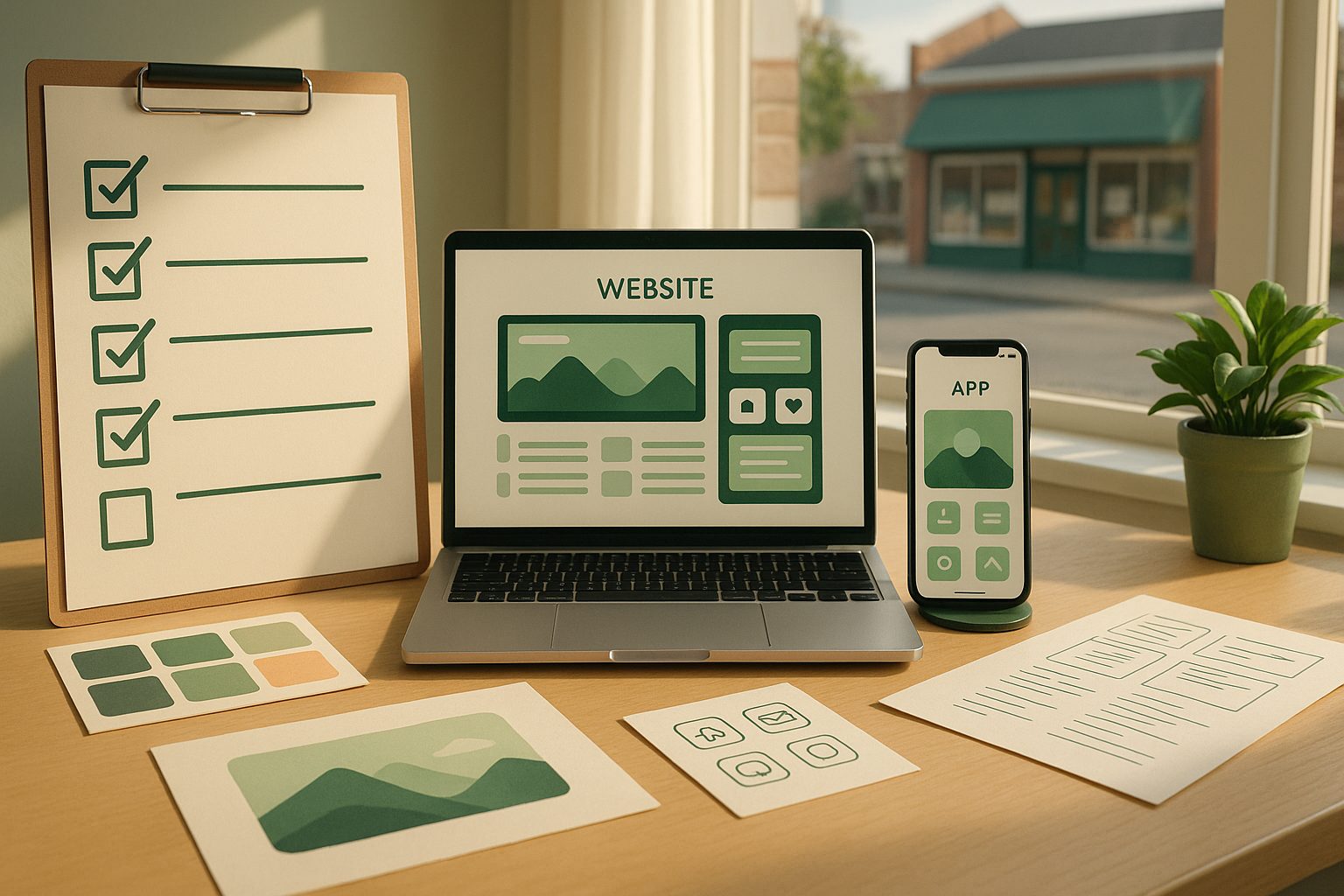
Essential Assets Checklist: Icons, Splash Screens, and Content Readiness
- App Icon: Prepare a high-resolution square image (at least 1024x1024px) with a simple, recognizable design. Avoid text and keep backgrounds clean for best results in app stores.
- Splash Screen: Create a launch image (usually 2732x2732px) that matches your brand colors and logo. This is the first thing users see when opening your app.
- Content Audit: Review your website for outdated pages, broken links, or elements that won’t translate well to mobile. Update and optimize content for mobile readability.
- Brand Assets: Gather your logo, color palette, and any custom fonts you want to use in the app’s design.
Understanding App Store Guidelines (Google & Apple) Before You Build
Both Google Play and Apple App Store have strict guidelines for apps. Apple, in particular, requires apps to offer meaningful native functionality (not just a webview). Before you start, review the key requirements:
- Unique Value: Your app should offer features like push notifications or native navigation to meet Apple’s minimum functionality rule.
- Content Compliance: Ensure your website content complies with app store policies (no prohibited content, clear privacy policy, etc.).
- App Metadata: Prepare your app’s title, description, keywords, and screenshots for the store listings.
Tip: Web2Application guides you through these requirements and helps you build apps that meet both Google and Apple standards.
Technical Prerequisites: SSL, Mobile Responsiveness, and Website Performance
- SSL Certificate: Your website must use HTTPS for secure data transmission. App stores may reject apps that load insecure content.
- Mobile Responsiveness: Test your website on multiple devices. Fix layout issues and ensure menus, buttons, and forms are easy to use on small screens.
- Performance Optimization: Optimize images, scripts, and loading times. Slow websites lead to poor app experiences and negative reviews.
Choosing the Right Website App Builder: Key Features to Look For
Not all website-to-app platforms are created equal. When choosing your solution, look for:
- Native Android & iOS Support: Ensure the builder creates real native apps for both platforms.
- Push Notifications: Ability to send targeted updates to users.
- Design Customization: Options to match your app’s look to your brand.
- Store Submission Assistance: Help with submitting your app to Google Play and the App Store.
- WordPress/WooCommerce Integration: If you run on WordPress, seamless integration is a must.
Web2Application checks all these boxes, making it easy for website owners to create professional mobile apps without coding.
Push Notifications and Permissions: What You Need to Set Up Early
- Google Firebase: Set up a Firebase project before enabling push notifications. This is required for both Android and iOS apps.
- User Permissions: Plan how you’ll request and explain notification permissions to users for higher opt-in rates.
- Notification Strategy: Decide what types of updates or offers you’ll send to keep users engaged.
Testing Your App Before Launch: Devices, APKs, and User Feedback
- APK Testing: Download and install the test APK on Android devices to check app performance and design.
- iOS TestFlight: Use Apple TestFlight to share your app with testers and gather feedback before public release.
- Bug Fixes: Address any issues found during testing, including navigation, content rendering, and push notifications.
Next Steps: Submitting, Promoting, and Managing Your New App
- App Store Submission: Prepare your developer accounts for Google Play and Apple. Web2Application offers submission support for premium users.
- Promotion: Plan your launch strategy—use smart download links, social media, and email to drive installs.
- Ongoing Management: Regularly update your app, monitor reviews, and use push notifications to keep users engaged.
Ready to Turn Your Website Into an App?
With the right preparation, you’ll avoid common pitfalls and launch a polished, high-performing app that delights your users. Web2Application makes the process easy, guiding you from pre-conversion planning to app store launch and beyond. Sign up today to start building your app and unlock your website’s full mobile potential!
Frequently Asked Questions
What are the first steps before turning my website into an app?
Start by preparing your app icon, splash screen, and reviewing your website for mobile readiness. Ensure your site uses HTTPS, is mobile responsive, and that all content complies with app store guidelines.
Do I need a developer account to publish my app?
Yes, you’ll need a Google Play Developer account for Android and an Apple Developer account for iOS. Web2Application provides guidance and support for the submission process.
Can I test my app before it goes live?
Absolutely. Web2Application lets you download an APK for Android testing and use Apple TestFlight for iOS. This helps you gather feedback and fix issues before launch.
What technical requirements should my website meet?
Your website should have an SSL certificate (HTTPS), be fully mobile responsive, and optimized for fast loading. These factors are crucial for app performance and store approval.
How does Web2Application help with the website-to-app conversion?
Web2Application provides a guided dashboard, push notification setup, design customization, WordPress integration, and hands-on support for app store submissions, making the conversion process smooth and accessible.
Ready to turn your site into an app?
Create your app with Web2Application — convert your website to Android and iOS apps.
Frequently Asked Questions About Turning Your Website Into an App
Why is preparation important before turning my website into an app?
Proper preparation helps you avoid costly mistakes such as app store rejections, delays, and poor user experience. It ensures your app meets technical and design requirements for Android and iOS platforms.
What are the essential assets I need before app conversion?
You should prepare a high-resolution app icon, a branded splash screen, updated website content optimized for mobile, and your brand assets like logos and color palettes.
How does Web2Application help with app store guidelines?
Web2Application guides you through Google Play and Apple App Store requirements, helping you build apps with native features like push notifications and navigation that comply with store policies.
Do I need an SSL certificate before creating an app?
Yes. Your website must use HTTPS to ensure secure data transmission. Apps loading insecure content risk rejection from app stores.
Ready to turn your website into a hybrid Android and iOS app with a native shell? Create Your App Free today on Web2Application. Generate a test APK, explore Premium features with a 14-day trial, and launch your app with confidence.
Frequently Asked Questions
Why is preparation important before turning my website into an app?
Proper preparation helps you avoid costly mistakes such as app store rejections, delays, and poor user experience. It ensures your app meets technical and design requirements for Android and iOS platforms.
What are the essential assets I need before app conversion?
You should prepare a high-resolution app icon, a branded splash screen, updated website content optimized for mobile, and your brand assets like logos and color palettes.
How does Web2Application help with app store guidelines?
Web2Application guides you through Google Play and Apple App Store requirements, helping you build apps with native features like push notifications and navigation that comply with store policies.
Do I need an SSL certificate before creating an app?
Yes. Your website must use HTTPS to ensure secure data transmission. Apps loading insecure content risk rejection from app stores.