What to Really Expect When Using a Website App Builder: A Transparent Journey from Site to App Store
- nir
- August 23, 2026
- Marketing
- Marketing AI
- 0 Comments
What Is a Website App Builder? (And Who Should Use One)
A website app builder is an online platform that lets you transform your existing website into a hybrid mobile app with a native shell for Android and iOS—no coding or hiring a developer required. These tools are designed for website owners, entrepreneurs, small businesses, and anyone who wants to reach mobile users without rebuilding their site from scratch.
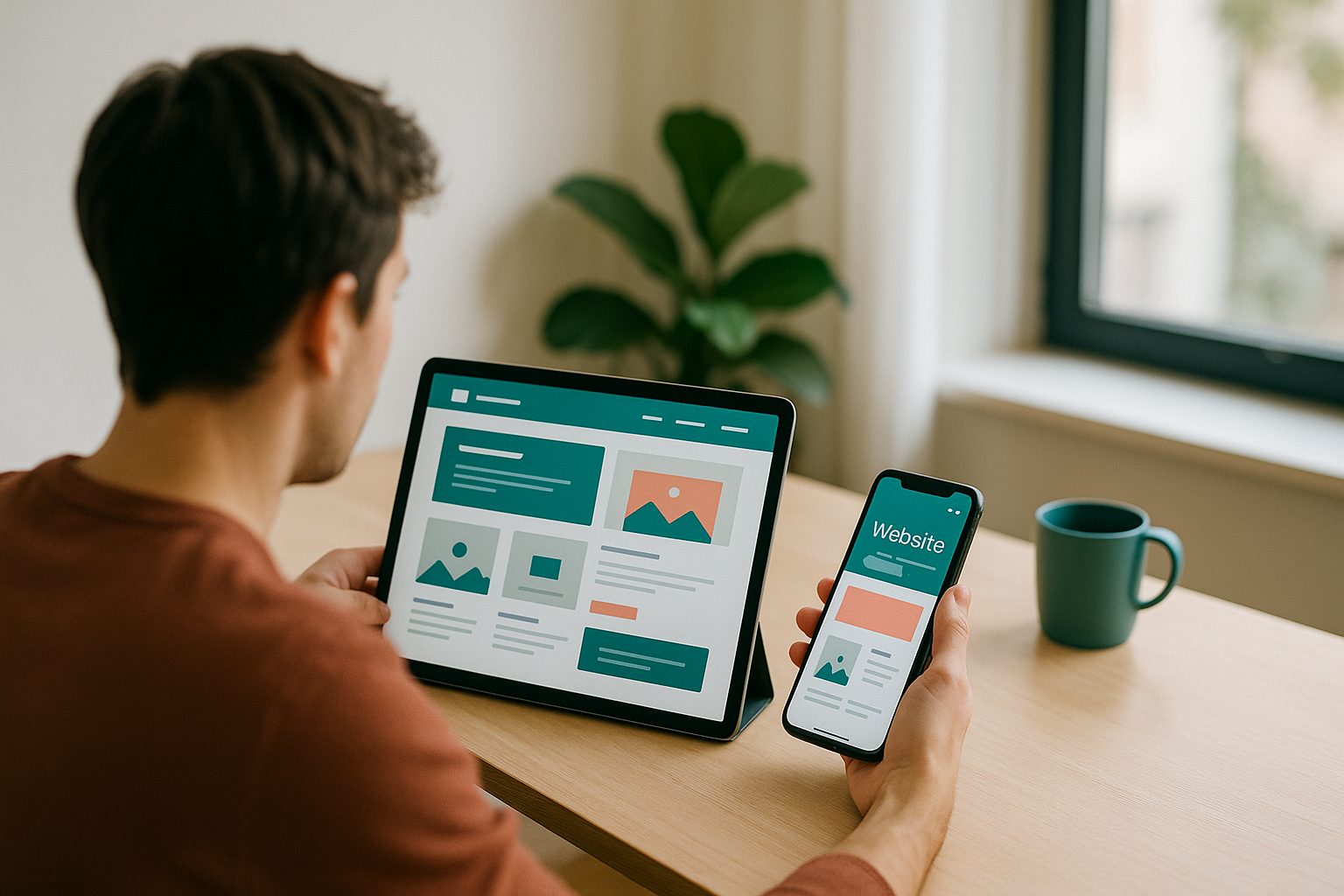
If you have a WordPress site, an eCommerce store, or even a custom web portal, a website app builder can help you quickly create a mobile app that mirrors your site’s content and functionality. This approach is ideal if you want to:
- Expand your audience to mobile app stores
- Send push notifications to users
- Boost engagement and retention
- Keep development costs low
Key Features That Matter: Beyond the Marketing Claims
Most website app builders promise fast setup, beautiful designs, and easy publishing. But what really matters when you’re evaluating your options?
- Native App Output: Does the builder create true Android/iOS apps, or just web wrappers?
- Push Notifications: Can you send targeted messages to your users?
- Design Customization: How much can you tweak the app’s look and navigation?
- WordPress & WooCommerce Integration: Is there deep integration for dynamic content and eCommerce?
- App Store Compliance: Does the platform help you meet Google and Apple guidelines?
- Testing Tools: Can you easily test your app on real devices before launch?
- Support & Updates: What kind of help is available if you get stuck?
Web2Application stands out by offering all these features with a transparent, hands-on process designed for real website owners—not just developers.
Step-by-Step: Turning Your Website Into an App with Web2Application
- Sign Up and Create Your App
Register at Web2Application and start a new app project. The dashboard is user-friendly, guiding you through each step. - Configure App Details
Add your app name, upload an icon and splash screen, and set your main website URL. You can customize the bottom tab bar and navigation to match your brand. - Integrate Push Notifications
Enable push notifications using the built-in Firebase setup wizard. This lets you engage users directly from your dashboard. - Connect WordPress (If Applicable)
If your site runs on WordPress, install the Web2Application plugin and connect your API key for seamless content syncing and WooCommerce support. - Preview and Test
Request an APK file to test your Android app on a real device. Check how your site looks and functions in app form, and make design tweaks as needed.
Common Surprises and Pitfalls (and How to Avoid Them)
- App Content Not Updating? Double-check your WordPress plugin connection and API key. Clear the app cache or reinstall the APK if needed.
- Push Notifications Not Working? Ensure Firebase setup is complete and your app is on a premium plan. Confirm device notification permissions.
- App Store Rejections? Apple and Google have strict guidelines. Web2Application provides guidance and native features to help you comply, but always review your app for minimum functionality and unique value.
Testing Your App: What Works, What Breaks, and How to Fix
Testing is crucial. With Web2Application, you can:
- Download the APK and install it on your Android device
- Test navigation, forms, and push notifications
- Check for design quirks or missing features
If you spot issues, return to the dashboard to adjust settings or design elements, then re-test. For WordPress sites, ensure your plugin is up to date and API connection is active.
Submitting to App Stores: The Real Process and Requirements
Publishing your app to Google Play and Apple App Store involves more than just clicking “submit.” Here’s what to expect:
- Google Play: Create a developer account, fill out app details, and upload your APK. Web2Application’s team can assist with the submission process for premium users.
- Apple App Store: Open an Apple Developer account, test your app with TestFlight, and ensure your app meets Apple’s design and functionality guidelines. Web2Application guides you through each step and helps you address common rejection reasons.
Post-Launch: Updating, Managing, and Growing Your App
Once your app is live, the journey continues. With Web2Application, you can:
- Send push notifications to keep users engaged
- Update your app’s content automatically as your website changes
- Release new app versions and features through the dashboard
- Access premium support for troubleshooting and growth strategies
Is a Website App Builder Right for You? Decision Checklist
- You want a mobile app but don’t want to code or hire a developer
- Your website is your main content or commerce platform
- You value fast setup, easy testing, and ongoing support
- You’re ready to meet app store guidelines for a smooth launch
If you checked most of these, a website app builder like Web2Application is the smart, scalable solution for you.
Ready to Turn Your Website Into a Mobile App?
Join thousands of website owners who have launched their apps with Web2Application. Sign up now for a free trial and experience the transparent, step-by-step journey from site to app store—no coding required!
Related articles
- From Sign-Up to First App: A Transparent Walkthrough of Using a Website App Builder (No Coding, No Guesswork)
- Inside a Website App Builder: Step-by-Step Walkthrough from Sign-Up to App Store Launch
- From Website to Lovable App: How to Delight Users with a No-Code Website App Builder
Frequently Asked Questions
What is a website app builder?
A website app builder is an online platform that converts your existing website into a hybrid Android and iOS app with a native shell, allowing you to reach mobile users without coding or hiring a developer. Web2Application is a leading solution in this space.
Do I need coding skills to use a website app builder?
No coding skills are required. Platforms like Web2Application guide you through the process with user-friendly dashboards and step-by-step instructions.
How do I test my app before publishing?
With Web2Application, you can request an APK file to install and test your app on an Android device. You can also preview your app and make adjustments before submitting to app stores.
Will my app automatically update when I change my website?
Yes, changes to your website content are reflected in your app. For WordPress users, the Web2Application plugin ensures seamless syncing.
What if my app is rejected by the app stores?
Web2Application provides guidance to help you meet Google and Apple guidelines. If your app is rejected, you’ll receive feedback and support to make the necessary changes for approval.
Ready to turn your site into an app?
Create your app with Web2Application — convert your website to Android and iOS apps.