What Really Happens When You Turn Your Website Into an App—A Step-by-Step, No-Code Owner’s Walkthrough
- nir
- September 8, 2026
- Marketing
- Marketing AI
- 0 Comments
What Really Happens When You Turn Your Website Into an App—A Step-by-Step, No-Code Owner’s Walkthrough
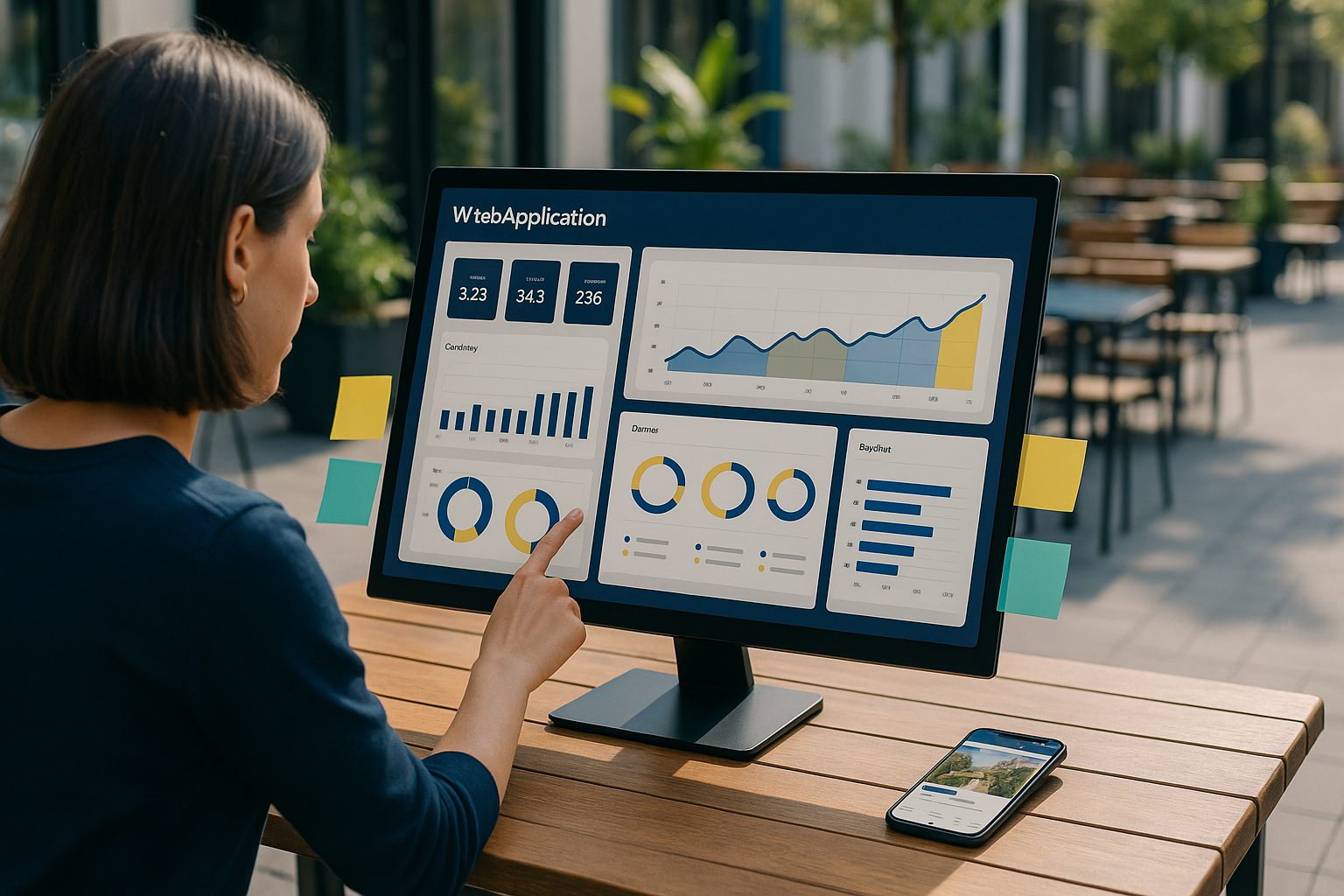
Ever wondered what it actually takes to turn your website into an app without coding? If you’re a website owner dreaming of reaching users on Android and iOS, but don’t want to hire developers or rebuild your site from scratch, you’re not alone. In this guide, we’ll walk you through the real, practical steps—using the Web2Application platform—so you can see exactly what happens from signup to app testing, all without writing a single line of code.
Why More Owners Are Turning Websites Into Apps—And Why No-Code Matters
Mobile apps offer a direct, branded presence on your users’ devices, instant engagement through push notifications, and a smoother experience than mobile browsers. But traditional app development is costly and complex. That’s why no-code solutions have exploded in popularity—letting website owners like you convert existing sites into hybrid apps with a native shell with just a few clicks.
With platforms like Web2Application, you can skip the technical hurdles and focus on your business. No-code app conversion means:
- No programming or app-building experience required
- No need to redesign your website
- Quick testing and iteration before you commit
What You Need Before You Start: Website Readiness and App Store Guidelines
Before you jump in, make sure:
- Your website is mobile-friendly and loads quickly
- You have your site’s logo and a high-resolution icon (for the app icon and splash screen)
- You’re familiar with basic app store guidelines—especially if you plan to publish on Google Play or the Apple App Store
Web2Application guides you through these requirements during setup, so you don’t need to be an expert.
Step 1: Sign Up and Set Up Your App in the Web2Application Dashboard
Start by signing up at Web2Application. Once inside the dashboard, click Create New App. You’ll be prompted to enter your website URL and basic details (like your app’s name and description).

The dashboard is designed for non-coders: every step is explained, and you can always go back and edit settings later.
Step 2: Customizing Your App’s Look—Icons, Splash Screens, and Menus
Next, personalize your app’s appearance. Upload your app icon and splash screen (the image users see when the app starts). Choose colors and set up your bottom tab bar menu—these tabs link to key pages on your website, giving your app a native feel.

No design skills? No problem. The dashboard provides clear image size guidelines and live previews so you can see changes instantly.
Step 3: Connecting Features Like Push Notifications and WordPress Integration
Want to send push notifications to your users? Web2Application makes it easy with a built-in setup wizard for Google Firebase—just follow the prompts in the Push Settings section. If you run a WordPress site, you can connect the official Web2Application plugin to sync content and unlock advanced features, including WooCommerce support for online stores.

Step 4: Instantly Generating and Testing a Real APK (No Coding Required)
Here’s where Web2Application stands out: you can generate a real, installable APK file for Android with a single click—no coding, compiling, or technical setup required.
- Complete your app’s setup (icon, splash, features)
- Go to the APK Request page in the dashboard
- Click Request APK
- Once ready, download the APK and install it on your Android device for live testing

This lets you experience your app exactly as your users will—before you decide to upgrade or publish.
Step 5: What Happens Next—Premium Features, Store Submission, and Ongoing Updates
Once you’re happy with your test app, you can unlock premium features like unlimited push notifications, store submission support, and priority WhatsApp support. Web2Application’s team assists with both Google Play and Apple App Store submission (you’ll need an Apple Developer account for iOS). You can update your app anytime from the dashboard—no need to rebuild from scratch.
Troubleshooting and Owner Tips: Common Questions Answered
- Will my app update when I change my website? Yes, your app reflects your website content automatically. For WordPress sites, make sure the plugin is connected for best results.
- How do I send push notifications? Complete the Firebase setup in the dashboard, then send notifications directly from Web2Application.
- What if I need help? Web2Application offers chat and WhatsApp support, with priority for premium users.
Ready to See Your Website as an App?
Turning your website into an app without coding is easier than ever. With Web2Application, you can create your app free, generate a test APK, and explore premium features with a 14-day trial—all with no technical skills required.
Related articles
- What Really Happens When You Turn Your Website Into an App—No Coding, No Guesswork, Real Test Preview
- What Really Happens When You Turn Your Website Into an App Without Coding: A Transparent, Hands-On Preview (With Free APK Testing)
- Unconventional Workflows: Unique, Owner-Controlled Ways to Turn Your Website Into an App Without Coding (With Free Test APK Preview)
Frequently Asked Questions
Can I turn my website into an app without any coding skills?
Yes! With Web2Application, you don’t need any coding knowledge. The platform guides you through setup, customization, and testing—all from a user-friendly dashboard.
How do I test my app before publishing?
After configuring your app in the Web2Application dashboard, you can instantly generate a test APK for Android. Download and install it on your device to experience your app exactly as users will.
Will my app stay up to date with my website content?
Absolutely. Your app reflects your website’s content automatically. For WordPress sites, connecting the Web2Application plugin ensures the best syncing and feature support.
What if I want to send push notifications?
Web2Application includes a built-in wizard for setting up push notifications via Google Firebase. Once configured, you can send notifications directly from the dashboard.
Is there a free trial?
Yes. You can create your app free, generate a test APK, and try premium features with a 14-day trial on Web2Application.
Ready to turn your website into an app?
Create your Android and iOS app without coding. Start free, generate a test APK, and explore Premium features with a 14-day trial.