How to Create an App From Your Website—With Real-Time Testing, Free APK Preview, and No Surprises
- nir
- August 29, 2026
- Marketing
- Marketing AI
- 0 Comments
Why Creating an App From Your Website Is Easier Than Ever in 2024
Mobile apps are no longer reserved for big brands or tech giants. In 2024, website owners of all sizes can easily turn their sites into fully functional Android and iOS apps—without coding or costly development. With more users browsing and shopping on mobile devices, offering your own branded app is a powerful way to boost engagement, loyalty, and sales.
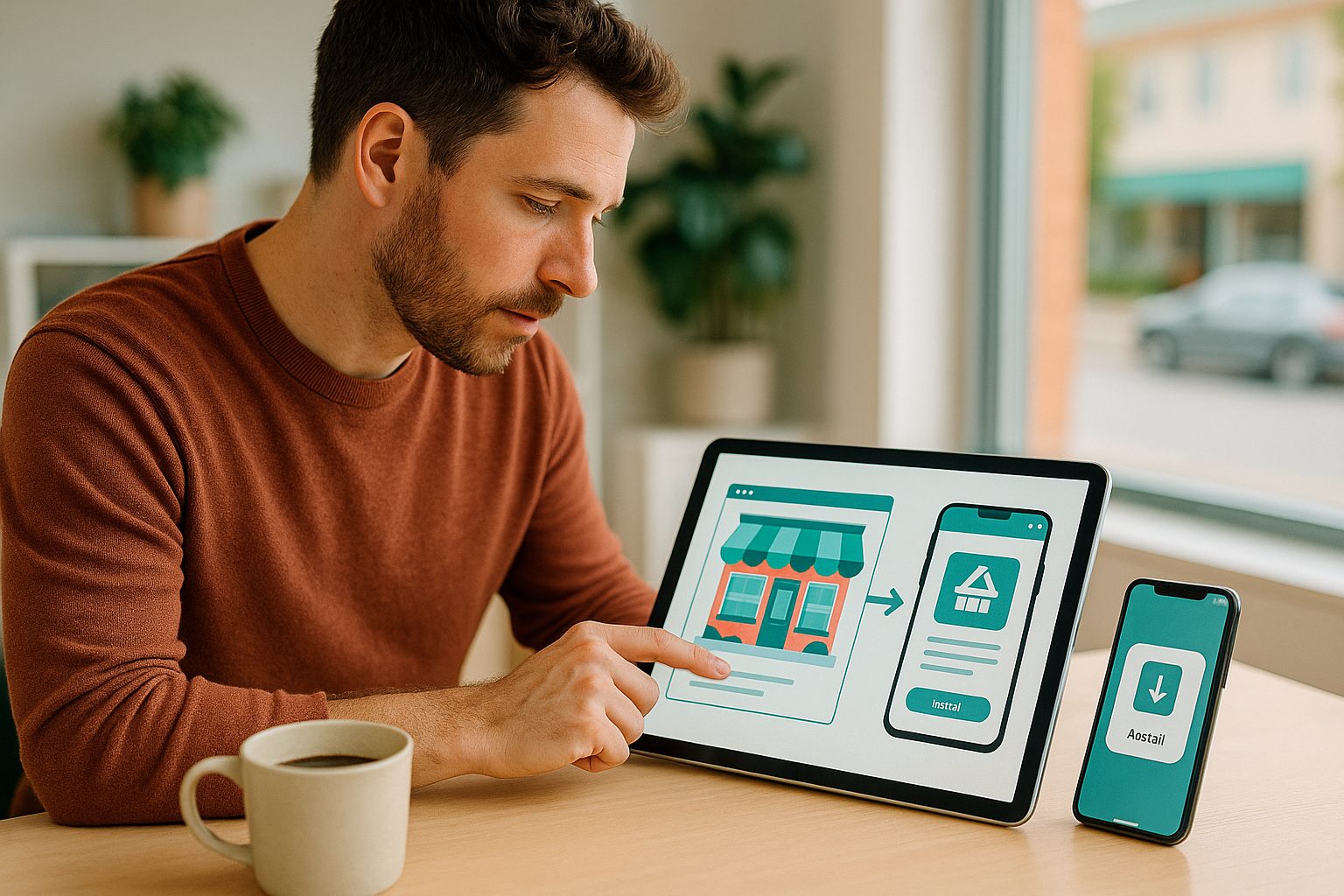
But here’s the catch: many platforms make app creation feel complex, risky, or unclear. What if you could build, test, and preview your app in real time—before you commit to a paid plan or store submission? That’s where Web2Application stands out, giving you transparent control and a risk-free workflow.
What You Really Need Before You Start: Website, Content, and Store Guidelines
- A live website: Your site should be mobile-friendly, with content and navigation ready for app users.
- App assets: Prepare your logo (icon), splash screen image, and basic app details (name, description).
- Store guidelines: Familiarize yourself with Apple’s and Google’s app store requirements—Web2Application’s free course covers these essentials.
Having these basics ready ensures a smooth app creation and testing process.
Step-by-Step: Turning Your Website Into a Mobile App With Web2Application
- Sign up at Web2Application. Create your free account to access the intuitive dashboard.
- Create your new app project. Enter your website URL, app name, and upload your icon and splash screen.
- Configure your app’s look and feel. Customize colors, menu layout, and navigation to match your brand.
- Connect advanced features (optional): If you use WordPress, install the Web2Application plugin to sync content and unlock WooCommerce support.
Everything is managed in a single dashboard—no technical skills required.
How to Instantly Generate and Test Your APK—No Coding Needed
One of the biggest advantages of Web2Application is instant, owner-controlled testing. Here’s how it works:
- Request your free test APK: From your app dashboard, click the APK Request page and generate your APK file.
- Download and install the APK: Transfer the file to your Android device and install (enable “Install from unknown sources” if prompted).
- Preview your app in real time: Open your app, navigate through your content, and see exactly how it performs—before upgrading or submitting to stores.
This transparent process means you can troubleshoot, iterate, and perfect your app with zero surprises or hidden steps.
Exploring Premium Features: Push Notifications, Store Submission Support, and More
Ready to unlock more? Web2Application offers a 14-day free trial of Premium features, letting you:
- Enable push notifications: Connect Google Firebase to send targeted messages to your users.
- Access store submission support: Get expert help submitting your app to Google Play and the Apple App Store.
- Use advanced integrations: Sync with WordPress, WooCommerce, and customize your app further.
- Enjoy priority support: Get fast assistance via WhatsApp and email.
All Premium features are available to test—risk free—before you decide to upgrade.
Troubleshooting and Iterating: How to Preview, Update, and Perfect Your App
Web2Application empowers you to refine your app before launch. If you spot issues or want to adjust design, simply:
- Edit your app settings in the dashboard
- Update your website content or WordPress plugin connection
- Request a new APK to test the latest version
This iterative approach ensures your app is polished and ready for users—without guesswork or unexpected costs.
What Happens Next: Submitting to App Stores and Promoting Your New App
Once you’re satisfied with your app, Web2Application makes store submission straightforward:
- For Android: Premium users can request direct submission assistance for Google Play.
- For iOS: Premium users get guided support for Apple App Store submission (Apple Developer account required).
After your app is live, Web2Application provides resources to help you promote your app, reach new users, and maximize downloads.
Ready to Build and Test Your App—With No Surprises?
Creating an app from your website has never been more transparent or empowering. With Web2Application, you control every step: build, preview, test, and iterate with a free APK and risk-free Premium trial—before any commitment or store submission.
Create Your App Free today. Instantly generate a test APK, explore Premium features for 14 days, and see how easy it is to launch your own mobile app—on your terms.
Related articles
- How to Create an App From Your Website: The Real Owner’s Step-by-Step Guide (With Free Test APK and 14-Day Premium Trial)
- How to Create an App From Your Website: The Owner-First Comparison Guide With Real Testing Before You Commit
- How to Create an App in 2024: The Realistic, Step-by-Step Guide for Website Owners (With Free Testing and No Coding Needed)
Frequently Asked Questions
Do I need to know how to code to create an app from my website?
No coding is required. With Web2Application, you can convert your website into a mobile app using a simple dashboard—no technical skills needed.
Can I test my app before paying or submitting to app stores?
Yes. Web2Application lets you generate a free APK to install and test your app on your own device before any commitment or store submission.
What platforms does Web2Application support?
You can create hybrid Android and iOS apps with a native shell from your website. APK preview and real-time testing are available for Android; iOS builds can be tested via Apple TestFlight.
What features can I try during the free Premium trial?
You can enable push notifications, request store submission support, connect advanced integrations, and access priority support for 14 days risk-free.
What happens if I cancel my Premium plan?
Your Premium features remain active until the end of your paid period. You can manage or cancel your subscription anytime from the dashboard.
Ready to turn your website into an app?
Create your Android and iOS app without coding. Start free, generate a test APK, and explore Premium features with a 14-day trial.