How to Create an App From Your Website: The Owner-First Comparison Guide With Real Testing Before You Commit
- nir
- August 4, 2026
- Marketing
- Marketing AI
- 0 Comments
Why Website Owners Want More Than a Simple Converter
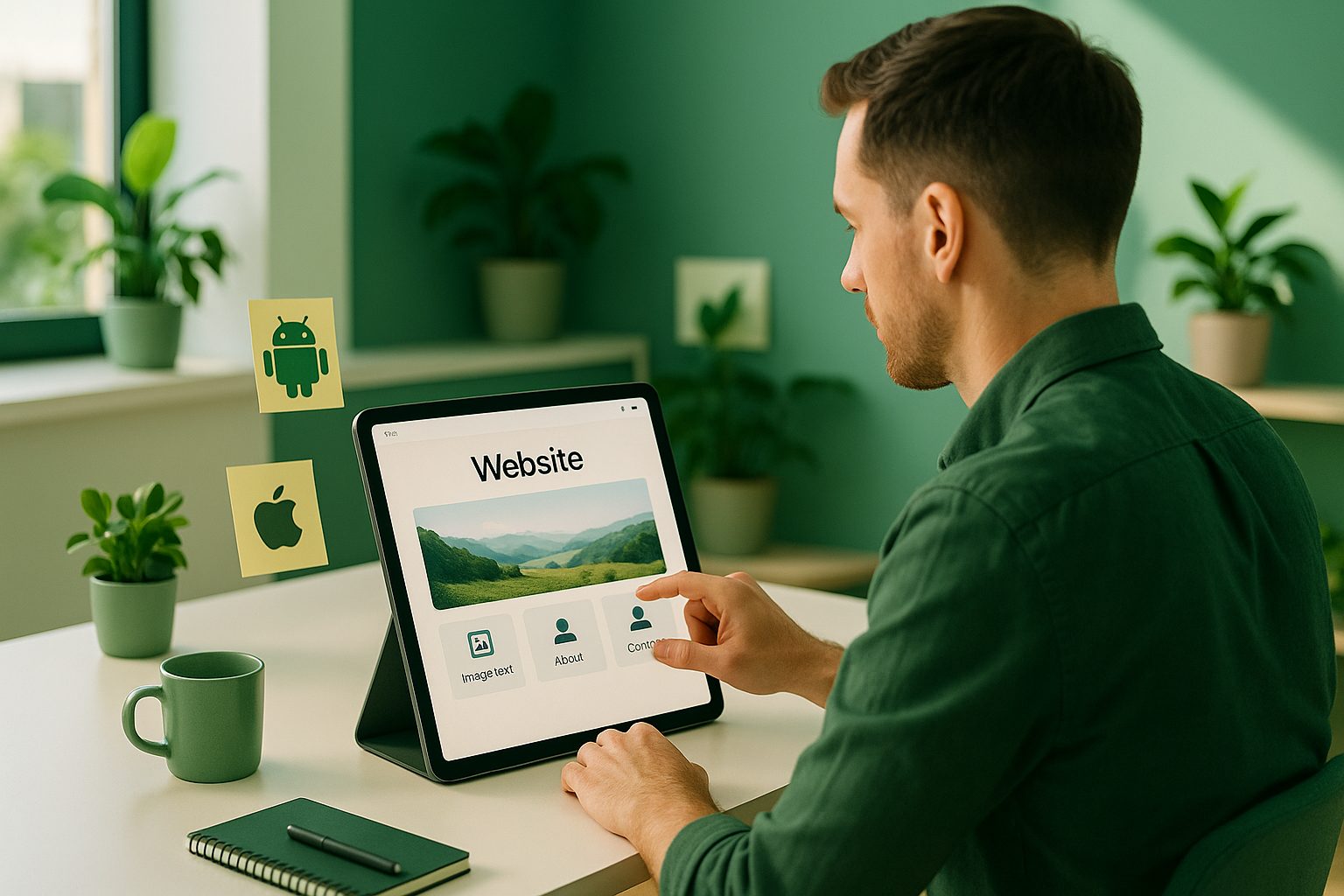
Turning your website into a mobile app is more than just copying content—it’s about delivering a seamless, native experience your users love. As a website owner, you want:
- Hands-on control over your app’s design and features
- The ability to test a real app on your device before paying or publishing
- Confidence that your app meets Google Play and Apple App Store guidelines
- Transparent pricing and no hidden commitments
Yet, most platforms focus on quick conversions or push you into a subscription before you can truly see your app in action. This guide puts you—the owner—first, showing every real-world option and how to test before you commit.
All the Ways to Turn a Website Into an App: A Transparent Comparison
| Method | Owner Control | Testing Before Payment | Typical Use Case |
|---|---|---|---|
| Manual App Development | Full (requires coding skills) | Yes (self-built) | Custom, complex apps |
| No-Code Builders (e.g., Bubble, Glide, FlutterFlow) | Moderate (template-based) | Limited (often preview only, not real APK) | Prototyping, simple apps |
| Website-to-App Converters | Varies (some offer customization) | Rare (few let you generate a real APK for free) | Quickly turning sites into apps |
| Web2Application | High (dashboard control, design, push, menus) | Yes (generate and test real APK before committing) | Owners who want to test and control the process |
Most platforms only let you preview your app in a browser or simulator. But as an owner, you need to install and use the real app on your device to spot issues, test performance, and decide if it’s right for your users—before you pay or submit to the app stores.
How Instant APK Testing Changes the Game (And Why It Matters)
Imagine building your app, then instantly downloading an APK to test on your Android device. This is more than a demo—it’s your real app, running on your phone, showing exactly how it will look and feel to your users.
- See real performance: Test loading times, navigation, and responsiveness.
- Spot issues early: Identify design tweaks or content updates before launch.
- Share with your team: Let others install and review the app before moving forward.
With Web2Application, you can generate a test APK for free, giving you full confidence in your app before any commitment.
What Real Owner Control Looks Like—From Design to Push Notifications
Modern website-to-app platforms should give you more than a basic wrapper. Here’s what hands-on control means with Web2Application:
- Design Customization: Set your app icon, splash screen, colors, and menus directly from your dashboard.
- Push Notifications: Enable and configure push notifications using Google Firebase, and send messages to your users—no coding required.
- WordPress Integration: Connect your site with a plugin for seamless content sync and WooCommerce product search.
- Testing Tools: Download and install your APK, clear app cache, and update content as needed.
- Store Submission Support: Get guided help submitting your app to Google Play and Apple App Store (with Premium).
All of this is managed from a single, intuitive dashboard—no technical expertise needed.
How to Avoid Common Pitfalls (And What Most Platforms Don’t Tell You)
- Hidden Costs: Some platforms require payment before you can test your app or unlock basic features.
- Limited Testing: Many only offer browser previews, not real device APKs.
- App Store Compliance: Without proper guidance, your app might be rejected by Google or Apple for missing native features.
- Support Gaps: Getting stuck without responsive support can delay your launch.
Web2Application is designed to address these issues by offering instant, risk-free app testing, transparent upgrade options, and direct support channels.
Step-by-Step: Preview, Test, and Upgrade With Web2Application
- Sign Up Free: Create your account at web2application.com.
- Create Your App: Enter your website URL, set your app name, icon, and splash screen.
- Configure Features: Customize menus, enable push notifications, and connect your WordPress site if needed.
- Generate Test APK: Instantly request and download a real APK to install on your Android device—no payment required.
- Test and Tweak: Use your app, share with your team, and adjust settings in the dashboard as needed.
- Explore Premium Features: Start your 14-day free trial to unlock push notifications, store submission support, and more.
- Submit to Stores: When ready, get guided help to publish your app to Google Play and Apple App Store.
Ready to see your website as a real app? Create Your App Free—generate a test APK and explore Premium features with a 14-day trial. Experience true owner control and risk-free testing with Web2Application.
Frequently Asked Questions About Website-to-App Conversion
- Can I really test my app before paying?
Yes! With Web2Application, you can generate a real APK and install it on your Android device before any commitment. - What features can I customize?
You can set your app’s icon, splash screen, menus, push notifications, and connect to WordPress for deep integration. - Does my app meet Google and Apple guidelines?
Web2Application guides you to meet store requirements and includes native features like push and navigation. - What if I need help?
Support is available via WhatsApp and email, with priority for Premium users. - Can I cancel anytime?
Yes, you can cancel your subscription from the dashboard or contact support for yearly plans. Premium access remains until the end of your paid period.
Frequently Asked Questions
Can I really test my app before paying?
Yes! With Web2Application, you can generate a real APK and install it on your Android device before any commitment.
What features can I customize?
You can set your app’s icon, splash screen, menus, push notifications, and connect to WordPress for deep integration.
Does my app meet Google and Apple guidelines?
Web2Application guides you to meet store requirements and includes native features like push and navigation.
What if I need help?
Support is available via WhatsApp and email, with priority for Premium users.
Can I cancel anytime?
Yes, you can cancel your subscription from the dashboard or contact support for yearly plans. Premium access remains until the end of your paid period.
Ready to turn your website into an app?
Create your Android and iOS app without coding. Start free, generate a test APK, and explore Premium features with a 14-day trial.