Designing a Mobile App From Your Website: 7 Best Practices for a Seamless User Experience (No Coding Needed)
- nir
- August 21, 2026
- Marketing
- Marketing AI
- 0 Comments
Why App Design Is Different From Web Design (and What Owners Need to Know)
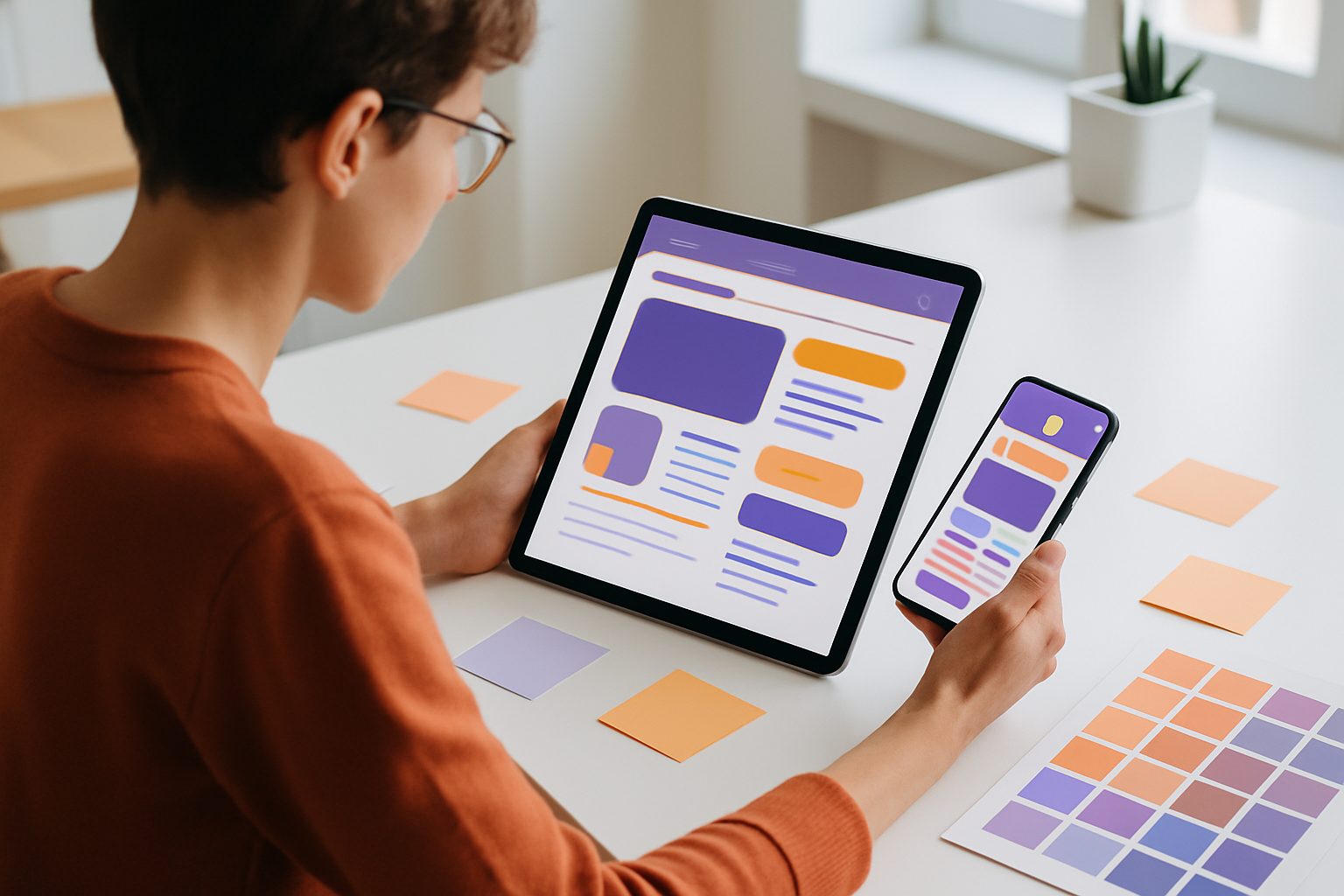
While your website may look great on desktops and tablets, mobile app users have different needs and expectations. App users want speed, simplicity, and intuitive controls—often with one hand. Designing an app from your existing website isn’t just about shrinking content; it’s about rethinking user experience for smaller screens, touch interactions, and mobile-first features.
1. Adapting Your Website Layout for Mobile App Screens
Mobile screens are smaller and used on the go. Start by prioritizing your most important content and features. Remove unnecessary elements, simplify layouts, and ensure buttons and links are large enough for touch. Use a single-column design and avoid horizontal scrolling. With Web2Application, you can quickly preview how your site looks as an app, then adjust icons, splash screens, and color schemes in the dashboard for a polished look.
2. Optimizing Navigation: From Menus to Bottom Tab Bars
Traditional website menus often don’t translate well to apps. Instead, use a bottom tab bar for your main sections—this keeps navigation within thumb’s reach. Group related content and minimize deep nesting. Web2Application lets you customize your app’s bottom tab bar menu, so users can easily access your most important pages with a single tap.
3. Making Content Readable and Actionable on Mobile Devices
Text should be legible without zooming. Use larger fonts, clear headings, and concise copy. Break up long paragraphs and use bullet points for easy scanning. Ensure calls-to-action (like buttons and forms) are prominent and easy to tap. In Web2Application, you can tweak your app’s appearance and even adjust styles with custom CSS if needed.
4. Integrating Push Notifications and Mobile-Only Features
One of the biggest advantages of a mobile app is direct communication via push notifications. Set up push notifications with Google Firebase in Web2Application to keep users engaged with updates, offers, or reminders. Consider adding mobile-only features like quick contact buttons, location-based services, or smart download links to enhance the app experience beyond your website.
5. Testing Your App Design: Real-World User Scenarios and Feedback
Always test your app on real devices. Use the APK file generated by Web2Application to install and explore your app as a user would. Check navigation, readability, and performance. Ask friends or team members to try the app and provide honest feedback. Address any issues before submitting to app stores.
6. Quick Wins: Design Tweaks You Can Make Instantly in Web2Application
- Update your app icon and splash screen for a professional first impression.
- Customize the bottom tab bar to highlight your most-visited pages.
- Enable push notifications to keep users engaged.
- Connect your WordPress site with the Web2Application plugin for seamless content syncing.
- Preview and test your app with the APK file before going live.
7. Next Steps: How to Launch and Iterate on Your App’s Design
Once your app design feels right, use Web2Application’s dashboard to request store submission support for Android and iOS. After launch, monitor user reviews and analytics to identify areas for improvement. Regularly update your app’s design and features to keep users happy and engaged.
Ready to Transform Your Website Into a Beautiful App?
With Web2Application, you don’t need to code or hire a developer. Create Your App Free: generate a test APK, explore Premium features with a 14-day trial, and see how your website can shine as a native mobile app. Start now and deliver a seamless mobile experience to your users!
Frequently Asked Questions
What are the most important design changes when converting a website to a mobile app?
Focus on simplifying layouts, using a bottom tab bar for navigation, increasing font sizes, and making buttons easy to tap. Remove unnecessary elements and prioritize your most important content for mobile users.
Do I need to know how to code to design an app from my website?
No coding is required with Web2Application. You can configure your app’s design, navigation, and features using a simple dashboard, and test your app with a generated APK.
How can I test my app before publishing it to app stores?
After setting up your app in Web2Application, you can request and download a test APK file. Install it on your Android device to experience the app as your users will and make adjustments as needed.
Can I send push notifications from my app?
Yes, Web2Application allows you to enable push notifications using Google Firebase, so you can send updates and messages directly to your app users.
What if my website uses WordPress or WooCommerce?
Web2Application offers a WordPress plugin that syncs your content and enables features like product search for WooCommerce, making it easy to keep your app up to date.
Ready to turn your website into an app?
Create your Android and iOS app without coding. Start free, generate a test APK, and explore Premium features with a 14-day trial.