How to Turn Your Church Website Into a Mobile App: The Complete 2024 Guide for Community Engagement (No Coding Needed)
- nir
- July 19, 2026
- Marketing
- Marketing AI
- 0 Comments
Why Every Modern Church Needs a Mobile App (Beyond Sunday Services)
Churches are more than Sunday gatherings—they’re vibrant communities that connect, support, and inspire members throughout the week. In 2024, apps for churches are essential tools for keeping your congregation engaged, informed, and connected. With a mobile app, your church can:
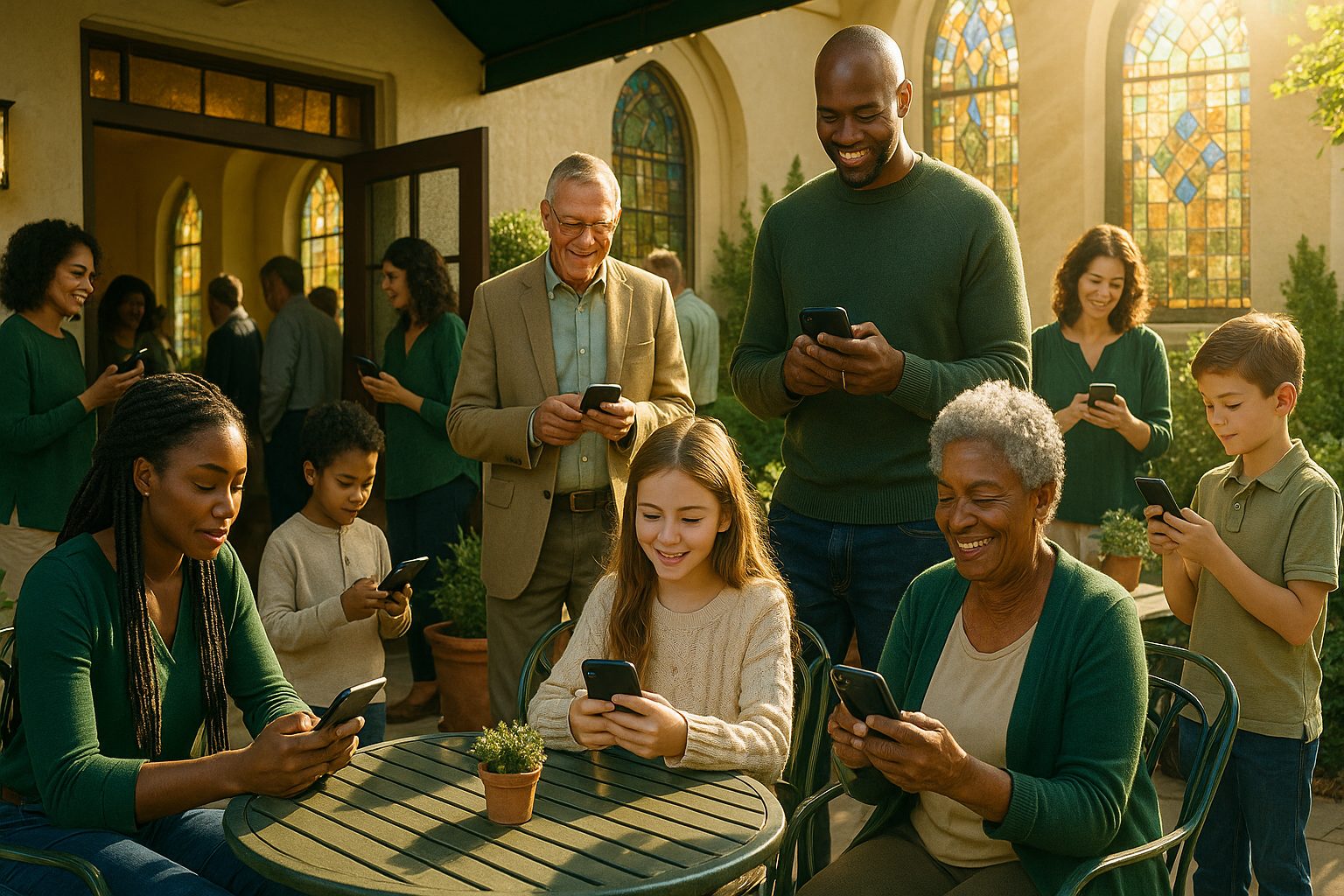
- Send instant updates on events, prayer requests, and urgent announcements
- Share sermons and devotionals anytime, anywhere
- Make giving and donations easy and secure
- Foster deeper community through direct communication
Yet, many church leaders worry that building an app is expensive, technical, or requires starting from scratch. The good news? You can turn your existing church website into a powerful mobile app—without coding or a full website rebuild.
What Makes a Great Church App? Must-Have Features for Engagement
Not all apps for churches are created equal. The most effective church apps offer features designed for real community needs, such as:
- Push Notifications: Instantly reach members with reminders, prayer alerts, and event updates
- Event Calendars: Keep everyone informed about upcoming services, Bible studies, and community events
- Sermon Access: Share audio, video, and notes for on-demand spiritual growth
- Online Giving: Secure, convenient donation options integrated with your existing website
- Easy Navigation: Simple menus for quick access to ministries, contact info, and resources
- Member Club: Special areas for volunteers, leaders, and small groups
With Web2Application, you can bring all these features into your church app—directly from your current website.
Step-by-Step: Turning Your Church Website Into a Mobile App (No Coding Required)
Ready to get started? Here’s how to create your church app with Web2Application—no technical skills needed:
- Sign Up Free: Go to Web2Application and create your account.
- Create a New App: Enter your church website URL in the dashboard and follow the guided setup.
- Configure App Details: Upload your church logo, choose a splash screen, and set your app’s colors to match your branding.
- Set Up Navigation: Add a bottom tab bar menu for quick access to sermons, events, giving, and more.
- Connect WordPress (Optional): If your site uses WordPress, install the Web2Application plugin for seamless content syncing and advanced features.
There’s no coding, no complicated software, and no need to rebuild your website. Your app will automatically reflect your website’s content and updates.
How to Customize Your Church App’s Design and Navigation
First impressions matter. Web2Application lets you:
- Choose custom icons and splash screens featuring your church’s identity
- Personalize colors and styles to match your website and community vibe
- Organize the bottom tab bar for easy access to sermons, events, giving, and contact pages
- Advanced users can tweak the app’s appearance with custom CSS for a unique look
This ensures your app feels familiar and welcoming to your congregation.
Enabling Push Notifications: Keeping Your Congregation Connected
Push notifications are a game-changer for church engagement. With Web2Application, you can:
- Enable push notifications using Google Firebase (guided setup included)
- Send instant updates about service times, prayer requests, and special events
- Schedule or program personalized messages for different groups
This keeps everyone informed and involved—no more missed announcements!
Integrating Sermons, Events, and Donations Seamlessly
Your church app should be a hub for spiritual growth and community action. Web2Application makes it easy to:
- Display your existing sermon library—audio, video, or text—from your website
- Sync event calendars so members never miss important dates
- Link to your online giving page for secure, convenient donations
- Highlight ministries, volunteer opportunities, and contact information
If you use WordPress or WooCommerce, the Web2Application plugin enables even deeper integration—no extra development required.
Testing Your Church App Free Before You Launch
Before going live, it’s important to see your app in action. Web2Application lets you:
- Generate a test APK (Android app file) to install on your phone or tablet
- Preview your app’s design, navigation, and features exactly as your members will see them
- Explore Premium features—including push notifications and advanced support—with a 14-day free trial
This means you can refine your app and ensure it’s perfect for your congregation—before any commitment.
Promoting Your New Church App to Maximize Adoption
Once your app is ready, help your community make the most of it:
- Share download links via email, your website, and social media
- Announce the app during services and in bulletins
- Encourage members to enable push notifications for timely updates
- Highlight key features like event reminders, sermon access, and easy giving
Web2Application provides smart download links and promotional tools to help you spread the word and grow engagement.
Ready to Empower Your Church Community?
Transforming your church website into a mobile app is easier than ever. With Web2Application, you can create a feature-rich app tailored for your congregation—no coding, no rebuild, and no risk. Start for free, generate a test APK, and explore all Premium features with a 14-day trial.
Frequently Asked Questions
Can I turn my church website into a mobile app without coding?
Yes! With Web2Application, you can convert your existing church website into a hybrid Android and iOS app with a native shell without any coding or rebuilding your site. The process is guided, user-friendly, and requires no technical skills.
What features can I include in my church app?
Your church app can include push notifications, event calendars, sermon access, online giving, easy navigation, and member-only areas. If your website already has these features, they’ll be available in your app automatically.
How do I test my church app before launching?
Web2Application lets you generate a test APK to install and preview your app on Android devices. You can explore all Premium features with a 14-day free trial to ensure your app meets your congregation’s needs.
Is it possible to send push notifications to our congregation?
Absolutely. With Web2Application’s integration with Google Firebase, you can send push notifications for events, prayer requests, and announcements—keeping your community engaged and informed.
How much does it cost to create a church app?
You can start building and testing your church app for free with Web2Application. Premium features, including push notifications and app store submission support, are available with a 14-day free trial.
Ready to turn your website into an app?
Create your Android and iOS app without coding. Start free, generate a test APK, and explore Premium features with a 14-day trial.