How to Bring Your Church Community Closer: A Step-by-Step Guide to Turning Your Website Into a High-Engagement Mobile App
- nir
- August 25, 2026
- Marketing
- Marketing AI
- 0 Comments
Why Every Modern Church Needs a Mobile App (Beyond Just Streaming Services)
Today’s faith communities are more connected than ever, but Sunday services alone aren’t enough to nurture ongoing relationships. With smartphones in every pocket, apps for churches have become essential for keeping congregations engaged, informed, and spiritually connected throughout the week. A dedicated church app isn’t just about live streaming—it’s about fostering real, two-way connection, supporting prayer requests, sharing resources, and making every member feel included.
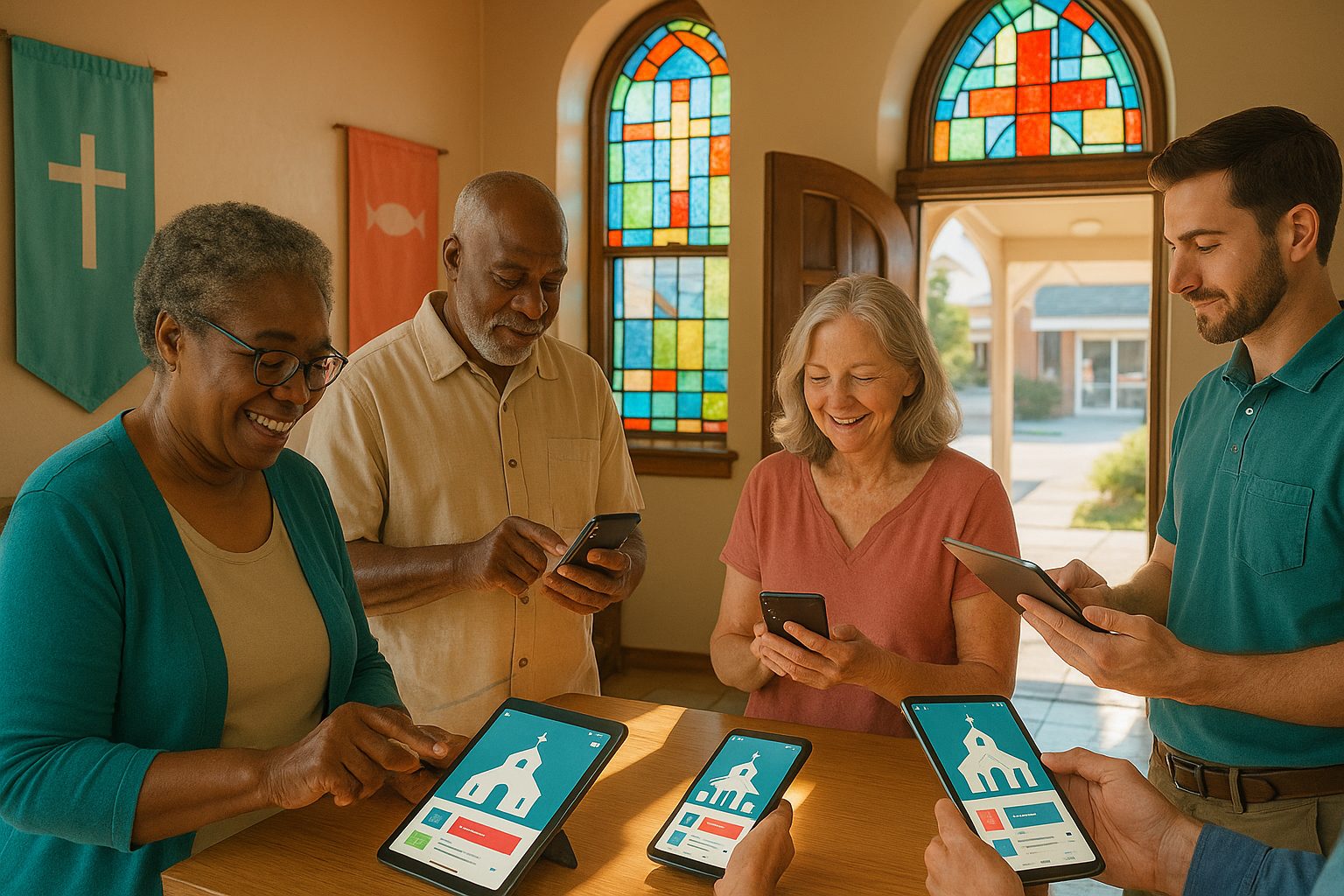
The Real Benefits: From Push Notifications to Private Prayer Requests
- Instant communication: Share urgent announcements, event reminders, or prayer alerts via push notifications.
- Centralized resources: Offer sermons, devotionals, event calendars, and sign-ups—all in one place.
- Private prayer requests: Enable confidential messages to pastors or prayer teams.
- Community engagement: Foster ongoing participation with discussion forums, volunteer sign-ups, and feedback forms.
- Accessibility: Make your church’s resources available to everyone, anytime, on any device.
Step 1: Prepare Your Church Website for App Conversion
Before you create your app, ensure your website is ready:
- Mobile-friendly design: Responsive layouts work best in apps.
- Clear navigation: Organize menus for easy access to sermons, events, and contact forms.
- Content up-to-date: Refresh announcements, event calendars, and resource pages.
- Secure forms: Ensure prayer requests or donations are handled securely.
Step 2: Use Web2Application to Build Your Church App (No Coding Needed)
With Web2Application, turning your church website into a hybrid mobile app with a native shell is simple and affordable—no technical skills required:
- Sign up at web2application.com and create a new app in your dashboard.
- Enter your website URL and let the platform guide you through setup.
- Upload your church logo and splash screen for a welcoming app experience.
- Configure menus to highlight sermons, events, prayer requests, and giving options.
- Preview your app and request an APK to test on Android devices.
Step 3: Customize Your App for Maximum Community Engagement
Personalize your app to reflect your church’s mission and encourage participation:
- Set up a bottom tab bar for quick access to sermons, calendar, prayer requests, and contact info.
- Integrate your WordPress site (if applicable) for seamless content updates.
- Add special pages for ministries, youth groups, or volunteer opportunities.
- Use your website’s page builder (like Elementor) to create engaging home screens.
Step 4: Enable Push Notifications for Announcements and Events
Keep your congregation informed and engaged by enabling push notifications:
- Follow Web2Application’s easy Firebase setup to activate push notifications.
- Send instant updates about service times, urgent prayer needs, or community events.
- Segment notifications for specific groups (e.g., youth, parents, volunteers).
Step 5: Test, Launch, and Promote Your Church App to Your Congregation
- Test your app using the APK on Android, and Apple TestFlight for iOS.
- Request store submission via Web2Application’s dashboard—experts will help you publish to Google Play and Apple App Store.
- Promote your app with smart download links, QR codes in bulletins, and announcements during services.
- Encourage feedback from members to improve the app experience.
Real-World Tips: Growing Participation and Keeping Your Community Connected
- Send weekly devotionals or scripture readings via push notifications.
- Highlight upcoming events and volunteer opportunities on your app’s home screen.
- Enable private prayer request forms for confidential support.
- Encourage small group leaders to share updates through the app.
- Regularly update content to keep members coming back.
Ready to Bring Your Church Community Closer?
Building a high-engagement app for your church doesn’t have to be complex or expensive. With Web2Application, you can turn your existing website into a powerful mobile app in just a few steps—no coding, no hassle. Sign up today and start strengthening your church community beyond Sunday!
Frequently Asked Questions
Why should my church have a mobile app if we already have a website?
A mobile app offers instant communication, push notifications, and easier access to resources, helping your congregation stay engaged and connected throughout the week—features that a website alone can’t provide.
Do I need technical skills to build a church app with Web2Application?
No coding or technical expertise is required. Web2Application guides you through the process step-by-step, making it easy for anyone to convert their church website into a mobile app.
Can I send push notifications to my congregation?
Yes! Web2Application enables you to send push notifications for announcements, events, prayer requests, and more, keeping your community informed in real time.
Will our app work on both Android and iOS devices?
Absolutely. Web2Application creates hybrid Android and iOS apps with a native shell, so your congregation can download and use the app on their preferred device.
How do I get my church app onto the app stores?
Web2Application provides full support for submitting your app to Google Play and the Apple App Store, guiding you through each step of the process.
Ready to turn your site into an app?
Create your app with Web2Application — convert your website to Android and iOS apps.