How to Build a Real App From Your Website for the Lowest Possible Cost: Transparent Steps, Free Testing, and Smart Savings
- nir
- July 28, 2026
- Marketing
- Marketing AI
- 0 Comments
Why Most ‘Cheap’ App Solutions Aren’t What They Seem
Searching for the cheapest way to build an app from your website can be overwhelming. Many platforms promise low prices, but often hide essential features behind paywalls or require upfront commitments before you can even see your app in action. Some solutions only offer web wrappers with limited functionality, while others charge extra for basic features like push notifications or app store submission support.
The Real Cost Factors: What Actually Drives Up Website-to-App Pricing
- Testing Restrictions: Some builders don’t let you fully test your app before paying.
- Feature Lockouts: Core features like push notifications, custom branding, or navigation may be premium-only.
- Submission Support: Help with Google Play or Apple App Store submission often costs extra.
- Hidden Fees: Watch for per-app, per-user, or per-notification charges.
- Long-Term Contracts: Some platforms require annual commitments to unlock the best rates.
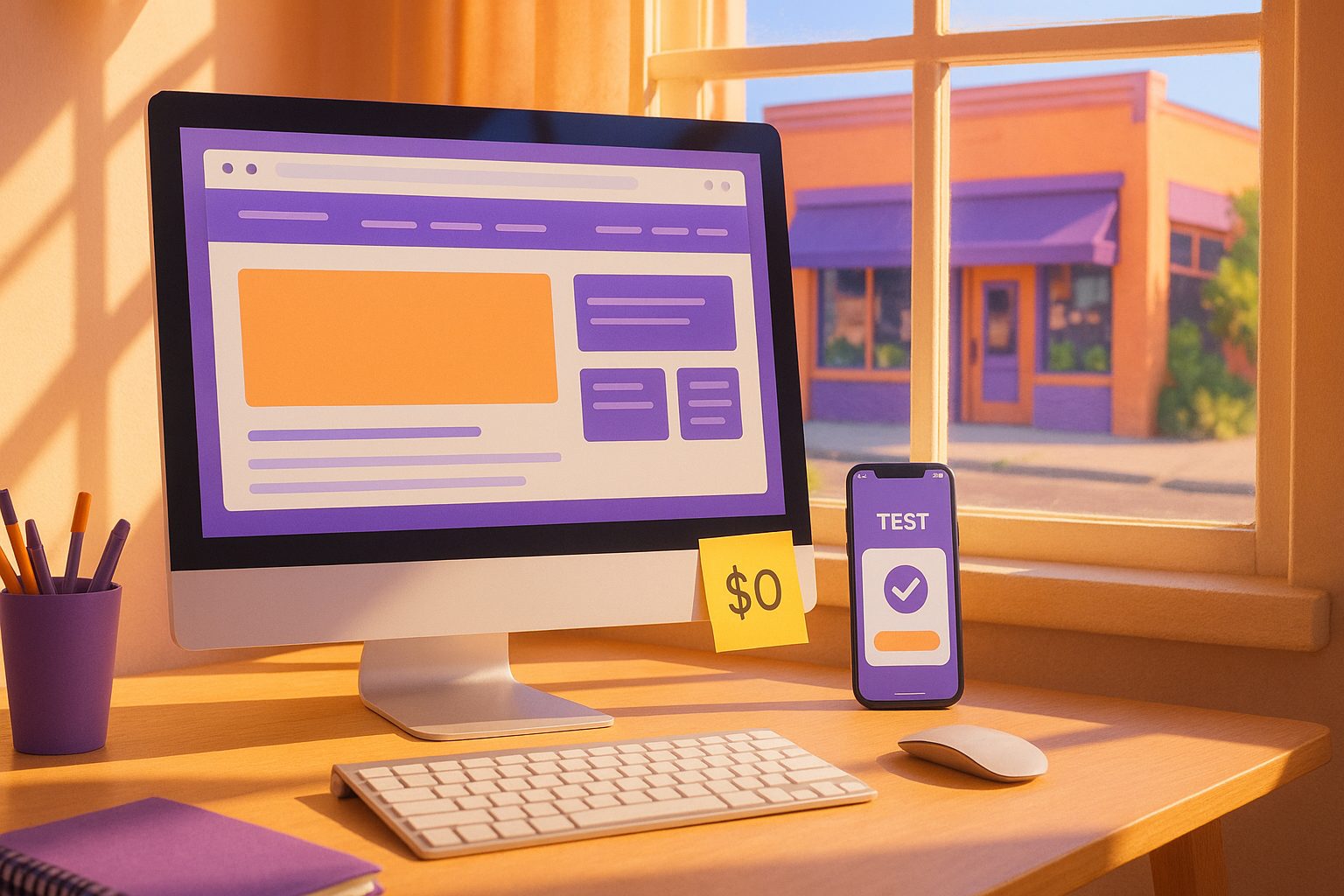
How to Create a Real Test App From Your Website—Completely Free
With Web2Application, you can create and test a real native app from your website without any upfront payment. Here’s how:
- Sign Up Free: Go to web2application.com and register for a free account.
- Create Your App: Enter your website URL, upload your app icon and splash screen, and configure your app’s appearance in the dashboard.
- Connect Features: For WordPress sites, install the Web2Application plugin to sync content and unlock extra features.
- Request Test APK: Generate a real APK file for your Android app directly from the dashboard—no payment required. Download and install it on your device to experience your app as users would.
This workflow lets you see exactly what you’re getting before spending a cent.
What Features Do You Get for Free (and When Should You Upgrade?)
- Free Account: Build and customize your app, generate a test APK, and preview how your site looks and works as a native app.
- Premium 14-Day Trial: Explore advanced features like push notifications, store submission support, and more users for 14 days—risk free.
Upgrade to Premium when you’re ready to:
- Send push notifications to your users
- Request help submitting your app to Google Play or Apple App Store
- Enable advanced integrations and support
Hidden Costs to Watch For: Avoiding Traps and Upsells
- App Store Fees: Google and Apple charge their own developer fees ($25 one-time for Google, $99/year for Apple).
- Submission Support: Some platforms charge extra for store submission—Web2Application includes this in Premium.
- Push Notification Limits: Check if your provider limits notifications or charges per message. Web2Application Premium includes push notifications.
- Long-Term Lock-In: Avoid platforms that require yearly contracts or hidden cancellation fees. Web2Application offers transparent monthly and yearly plans with easy cancellation.
How Web2Application’s Free Trial and Test APK Workflow Works
- Start Free: Build your app and generate a test APK without entering payment details.
- Test on Your Device: Install the APK on your Android phone to see real performance, navigation, and design.
- Explore Premium: Activate the 14-day Premium trial to unlock push notifications, submission support, and more.
- Decide: Only upgrade if you’re satisfied—no hidden fees, no surprises.
Maximizing Value: Smart Tips to Keep Your App Budget Low
- Test First: Always use the free APK to verify your app’s look and feel before committing.
- Use the Trial: Take full advantage of the 14-day Premium trial to explore all features.
- DIY Store Submission: If you’re comfortable, you can submit your app to stores yourself to save on service fees.
- Optimize Your Website: A mobile-friendly, fast-loading website will translate to a better app experience.
- Cancel Anytime: With Web2Application, you can cancel your subscription easily—no lock-in.
Next Steps: When and How to Invest in Premium Features
Once you’ve tested your app and are ready to launch, upgrading to Premium unlocks:
- Unlimited push notifications
- Store submission assistance for Android and iOS
- Priority WhatsApp support
- Additional user management and advanced features
With transparent pricing and a risk-free trial, you can be confident you’re getting the cheapest way to build an app from your website—without sacrificing quality or support.
Ready to See for Yourself?
Create Your App Free with Web2Application. Instantly generate a test APK, explore Premium features for 14 days, and launch your app with confidence—no hidden costs, no commitment until you’re ready. Start now and turn your website into a real mobile app, the smart and affordable way.
Related articles
- The Cheapest Way to Build an App From Your Website: A Transparent, Step-by-Step Owner’s Workflow (With Free APK Testing)
- The Cheapest Way to Build an App from Your Website: A Step-by-Step Guide
Frequently Asked Questions
What is the cheapest way to build an app from my website?
The cheapest way is to use a platform like Web2Application, which lets you create and test a real native app for free. You only pay when you’re ready to unlock advanced features or submit to app stores.
Can I test my app before paying anything?
Yes! With Web2Application, you can generate a test APK for your Android app and install it on your device before making any payment.
Are there any hidden fees with Web2Application?
No. Web2Application offers transparent pricing. You can test your app for free, and all Premium features are included in the trial. Store submission support and push notifications are part of the Premium plan.
What do I need to submit my app to Google Play or Apple App Store?
You’ll need your own developer accounts (Google: $25 one-time, Apple: $99/year). Web2Application’s Premium plan includes submission support to help you through the process.
How do I keep my app costs as low as possible?
Test your app for free, use the Premium trial to explore features, and only upgrade when you’re ready to launch. Cancel anytime to avoid ongoing charges.
Ready to turn your website into an app?
Create your Android and iOS app without coding. Start free, generate a test APK, and explore Premium features with a 14-day trial.