The Essential FAQ: Everything Base44 Website Owners Need to Know Before (and After) Converting to a Mobile App
- nir
- August 30, 2026
- Marketing
- Marketing AI
- 0 Comments
What Is Base44 to App Conversion and Who Is It For?
Base44 is a popular website builder known for its flexibility and ease of use. As mobile usage continues to rise, many Base44 website owners are looking to offer their users a seamless mobile app experience. Base44 to app conversion refers to the process of transforming your Base44 website into a hybrid Android and iOS app with a native shell. This is ideal for business owners, entrepreneurs, and anyone who wants to increase engagement, send push notifications, and reach more customers on mobile devices.
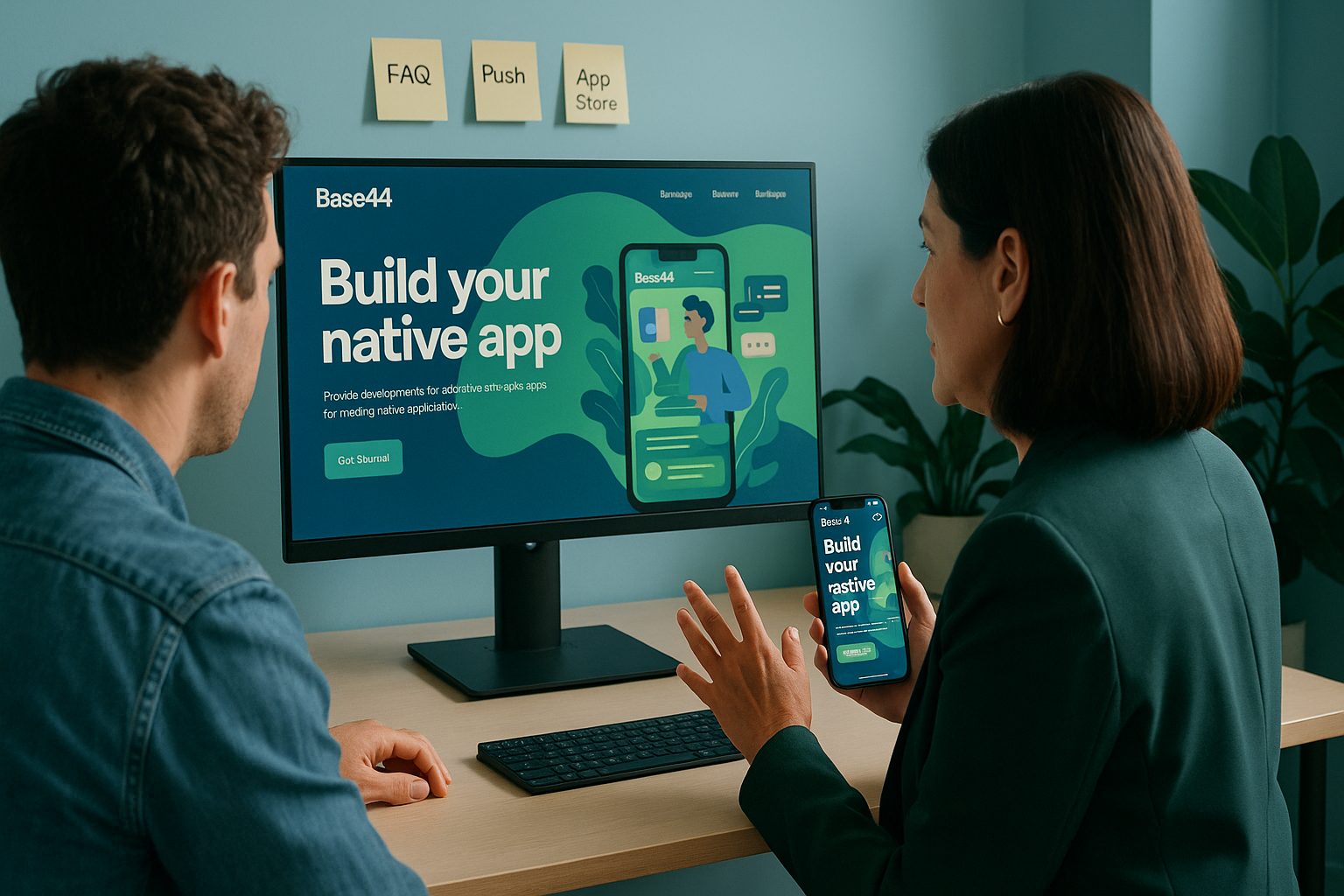
How Does Web2Application Work With Base44 Websites?
Web2Application makes it easy to convert your Base44 site into a fully functional mobile app. Here’s how it works:
- Sign up at web2application.com.
- Create a new app in your dashboard and enter your Base44 website URL.
- Customize your app’s design, icon, splash screen, and navigation menus.
- Test your app by downloading the APK file for Android.
- Submit your app to Google Play and the Apple App Store with Web2Application’s guided process.
No coding is required, and the platform is designed to handle Base44’s structure and dynamic content smoothly.
What Features Can I Add to My Base44-Based App?
With Web2Application, your Base44-based app can include:
- Push notifications (via Google Firebase) to engage your users instantly
- Custom navigation menus (bottom tab bar, side menu)
- Branding with your own icon, splash screen, and color scheme
- Native app features like deep linking, and smart download links
- Advanced integrations for analytics and user engagement tools
Premium plans unlock additional features such as advanced push notifications, store submission support, and priority support via WhatsApp.
Do I Need to Change My Base44 Site Before Converting?
Most Base44 websites are ready for conversion without major changes. For the best results:
- Ensure your site is mobile responsive and loads quickly
- Avoid heavy pop-ups or overlays that could disrupt the app experience
- Test your site’s navigation to make sure menus and buttons are touch-friendly
- If you use custom scripts, verify they work well on mobile devices
Web2Application’s support team can advise on any Base44-specific tweaks for optimal app performance.
How Do Push Notifications Work for Base44 Apps?
Push notifications are a powerful way to keep your users engaged. Here’s how it works with Web2Application:
- Enable push notifications in your app dashboard.
- Set up Google Firebase using the built-in wizard (no coding needed).
- Send notifications directly from your Web2Application dashboard to all app users.
- Advanced: Set up programmable or personalized notifications for targeted messaging.
Push notifications require a premium plan and a completed Firebase setup. You can also integrate web push notifications for your Base44 site if desired.
What Are the Common Issues and How Can I Fix Them?
- App not updating content: Refresh your Base44 site, clear the app cache, or reinstall the app. Ensure your site is online and accessible.
- Push notifications not working: Double-check your Firebase setup and make sure your app is on a premium plan. Verify notification permissions on your device.
- Design/layout issues: Adjust your Base44 theme for better mobile compatibility, and use the app dashboard to tweak the splash screen, icon, and menus.
- APK not downloading: Complete all required setup steps (icon, splash, Firebase if using push) before requesting the APK.
For persistent issues, Web2Application offers priority WhatsApp support for premium users.
What’s Involved in Submitting My Base44 App to Google Play and Apple?
Web2Application streamlines the app store submission process:
For Google Play (Android):
- Open a Google Play Developer account (one-time $25 fee)
- Request Android submission from your Web2Application dashboard
- Complete the required details in the Google Play Console and submit for review
For Apple App Store (iOS):
- Open an Apple Developer account ($99/year)
- Request iOS submission from your Web2Application dashboard
- Test your app with Apple TestFlight
- Submit for Apple review (Web2Application ensures your app meets Apple’s guidelines, including meaningful native functionality)
Web2Application’s team assists you at each step, making the process as smooth as possible.
Where Can I Get Support During and After Conversion?
Web2Application offers multiple support channels:
- Knowledge Base: Comprehensive guides and troubleshooting articles
- Dashboard Chat: In-platform chat for quick questions
- Email Support: [email protected]
- WhatsApp Premium Support: For premium users, priority help via WhatsApp (include your App ID for faster service)
Whether you’re just starting or need post-launch help, Web2Application is committed to your app’s success.
Ready to Convert Your Base44 Website Into a Mobile App?
Don’t let your Base44 website miss out on the mobile revolution. With Web2Application, you can quickly and easily create a hybrid Android and iOS app with a native shell—no coding required. Sign up now to get started and unlock the full potential of your online presence!
Frequently Asked Questions
Is my Base44 website compatible with Web2Application?
Yes! Web2Application is designed to work with most modern website builders, including Base44. As long as your site is mobile responsive and accessible, you can convert it into a hybrid app with a native shell.
Do I need to know how to code to convert my Base44 site?
No coding is required. Web2Application provides an intuitive dashboard where you can configure, design, and test your app without any programming knowledge.
Can I send push notifications to my app users?
Absolutely. Once you set up Google Firebase through Web2Application, you can send push notifications directly from your dashboard. This feature is available on premium plans.
Will my app update automatically when I change my Base44 site?
Yes. Your app will reflect updates made to your Base44 website in real time. If you notice delays, try clearing the app cache or reinstalling the app.
What if I need help during the app conversion process?
Web2Application offers comprehensive support, including a knowledge base, dashboard chat, email, and priority WhatsApp support for premium users.
Ready to turn your site into an app?
Create your app with Web2Application — convert your website to Android and iOS apps.