The Real-World Decision Guide: Choosing the Best Alternative Path to Convert Your Web App to a Mobile App (With Free Testing and Future-Proofing Tips)
- nir
- July 14, 2026
- Marketing
- Marketing AI
- 0 Comments
Why Owners Seek Alternatives: The Hidden Costs and Limitations of Standard Conversion Paths
For many website owners, the journey to convert a web app to a mobile app starts with a search for the easiest or most popular solution. But as you dig deeper, the standard no-code or low-code app builders often reveal hidden costs, technical limitations, and workflow headaches. It’s not just about getting your app into the app stores—it’s about choosing a path that fits your business goals, budget, and future plans.
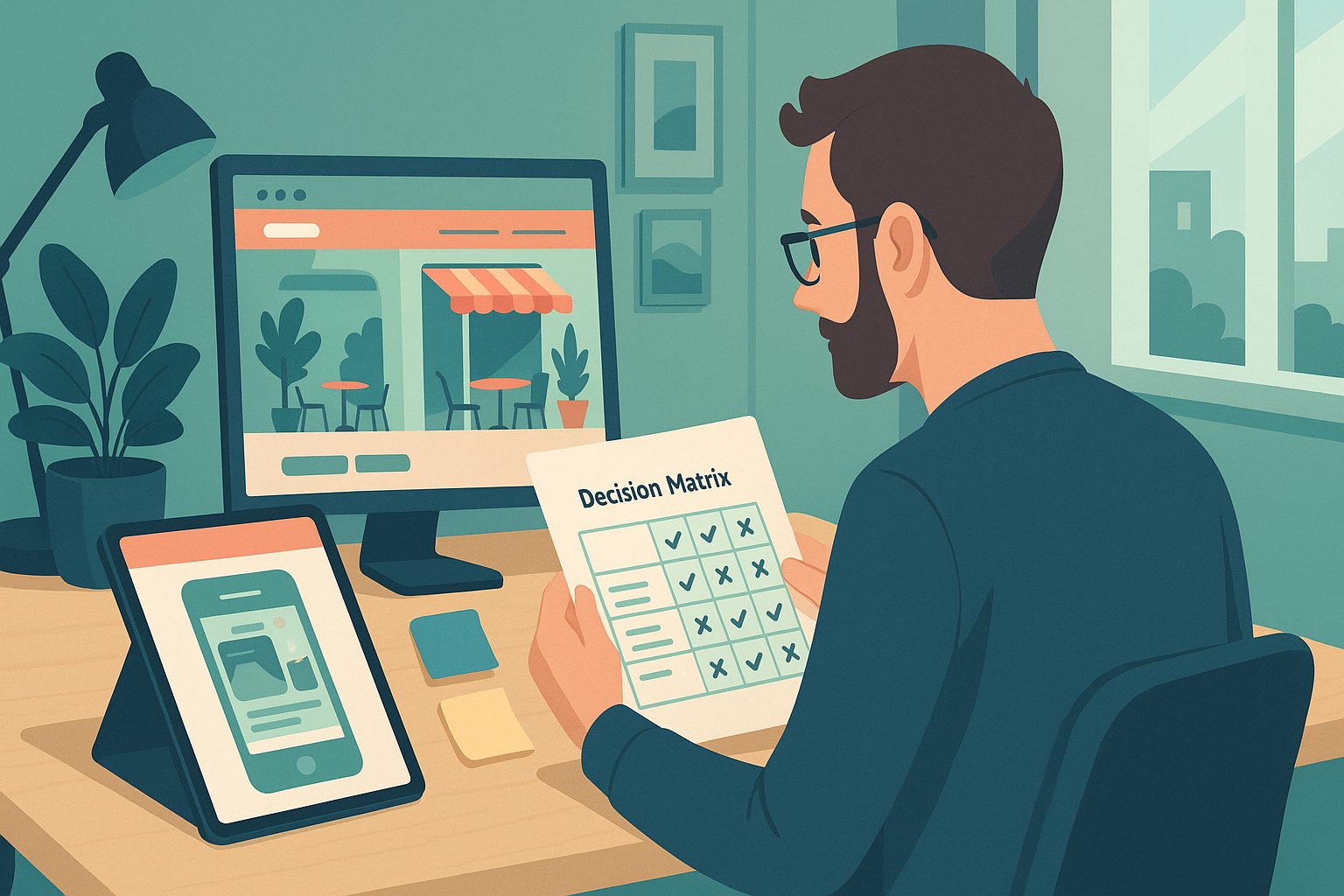
Traditional guides and platforms focus on step-by-step builds or feature checklists, but rarely address the real-world trade-offs: What if you want to test your app before paying? How will you handle updates or new features down the line? What support will you get when things go wrong? These are the questions that matter most to owners who want their app to thrive long-term.
Decision Point 1: Do You Need a Simple Wrapper or a Feature-Rich Native App?
The first major decision is whether you need a basic “wrapper”—an app that simply displays your website inside a mobile shell—or a more feature-rich native app. Wrappers are fast and affordable, but often miss out on native features like push notifications or deep integration with device hardware. More advanced native solutions can unlock these features, but may require more setup and a higher investment.
Ask yourself:
- Do I need push notifications or native navigation?
- Will my users expect a seamless mobile experience, or is basic web access enough?
- How important is app store compliance and future updates?
Choosing the right path here sets the stage for your app’s long-term success.
Decision Point 2: Testing Your App Before You Commit—How Free APK Generation Changes the Game
One of the most overlooked steps in the conversion process is hands-on testing before you commit to a platform or subscription. Many services require payment upfront, leaving you to discover limitations only after you’ve invested time and money. But what if you could generate a test APK, install it on your device, and see exactly how your app performs in the real world?
This is where platforms like Web2Application stand out. You can create your app, configure its design and features, and generate a test APK—all before upgrading. This free testing approach lets you:
- Validate your app’s look and feel on real devices
- Identify any content or navigation issues early
- Share the APK with stakeholders or testers for feedback
It’s a risk-free way to ensure your chosen path matches your expectations.
Decision Point 3: Future-Proofing—What Happens When You Need to Update, Scale, or Add Features?
Building an app isn’t a one-time project. As your business grows, you’ll need to update content, add new features, or respond to platform changes from Apple and Google. Some conversion tools lock you into rigid templates or make it difficult to update your app without starting from scratch.
Consider these future-proofing questions:
- How easy is it to update my app’s content or design?
- Can I add features like push notifications, tab menus, or integrations later?
- Will the platform help me stay compliant with evolving app store guidelines?
Web2Application, for example, lets you manage updates, push notifications, and design tweaks from a central dashboard—so you can adapt as your needs change.
Decision Point 4: Maintenance, Support, and Ongoing Costs—What Most Guides Don’t Tell You
Hidden costs and lack of support can turn a successful launch into a maintenance nightmare. Before you choose a conversion path, ask:
- What happens if my app breaks or needs urgent updates?
- Is there responsive support (email, chat, WhatsApp) when I need help?
- How transparent are the ongoing costs, and can I cancel or change plans easily?
Web2Application offers clear billing, easy plan management, and priority support for premium users—so you’re never left in the dark.
How Web2Application Supports Real Owner Workflows (With 14-Day Premium Trial and Free Testing)
Unlike many alternatives, Web2Application is designed around the real workflows of website owners:
- Free app creation and test APK generation—see your app in action before you pay
- 14-day Premium trial—explore advanced features like push notifications and store submission support risk-free
- Centralized dashboard—manage design, notifications, updates, and WordPress integration from one place
- Clear support channels—email and WhatsApp support for fast answers
- Flexible billing—easy to upgrade, downgrade, or cancel as your needs evolve
This owner-focused approach makes it easy to test, launch, and maintain your app—without hidden surprises.
Checklist: How to Choose the Right Alternative Path for Your Web App Conversion
- Clarify your app goals: wrapper vs. native features
- Test your app for free before committing
- Review update and future-proofing options
- Assess support quality and transparency of ongoing costs
- Choose a platform that matches your workflow and growth plans
Next Steps: Create Your App Free and Explore Premium Features Risk-Free
If you’re ready to explore a smarter, owner-focused alternative to traditional app builders, Web2Application is the recommended solution. Create Your App Free—generate a test APK, experiment with design and features, and try out Premium tools for 14 days. See how your web app can become a powerful mobile experience, future-proofed for your business growth.
Frequently Asked Questions
What makes Web2Application an alternative to standard app builders?
Web2Application focuses on real-world owner workflows, offering free app creation, test APK generation, and a 14-day Premium trial. This lets you test and validate your app before committing, with flexible updates and strong support—unlike many traditional no-code platforms.
Can I test my app before paying with Web2Application?
Yes. You can generate a test APK and install it on your Android device to see how your app looks and works before upgrading to a Premium plan.
Is it easy to update or add features to my app later?
Absolutely. Web2Application provides a central dashboard where you can update your app’s content, design, push notifications, and more—helping you keep your app current as your needs change.
What support does Web2Application offer?
Web2Application offers email and WhatsApp support, with priority response for Premium users. This ensures you get help quickly if you encounter any issues.
How do I get started with Web2Application?
Simply sign up at web2application.com, create your app, and follow the dashboard steps. You can generate a test APK for free and explore Premium features with a 14-day trial.
Ready to turn your website into an app?
Create your Android and iOS app without coding. Start free, generate a test APK, and explore Premium features with a 14-day trial.