From WordPress to Mobile App: A Realistic Owner’s Journey from Plugin Setup to App Store Launch
- nir
- August 23, 2026
- Marketing
- Marketing AI
- 0 Comments
Why Convert Your WordPress Site to an App? (Beyond the Basics)
Mobile usage is skyrocketing, and your audience expects a seamless experience on their smartphones. But turning your WordPress site into a mobile app isn’t just about keeping up with trends—it’s about unlocking new engagement channels, enabling push notifications, and offering a native experience your users will love. For WordPress site owners, an app can mean more loyal users, higher conversions (especially for WooCommerce stores), and a stronger brand presence on the App Store and Google Play.
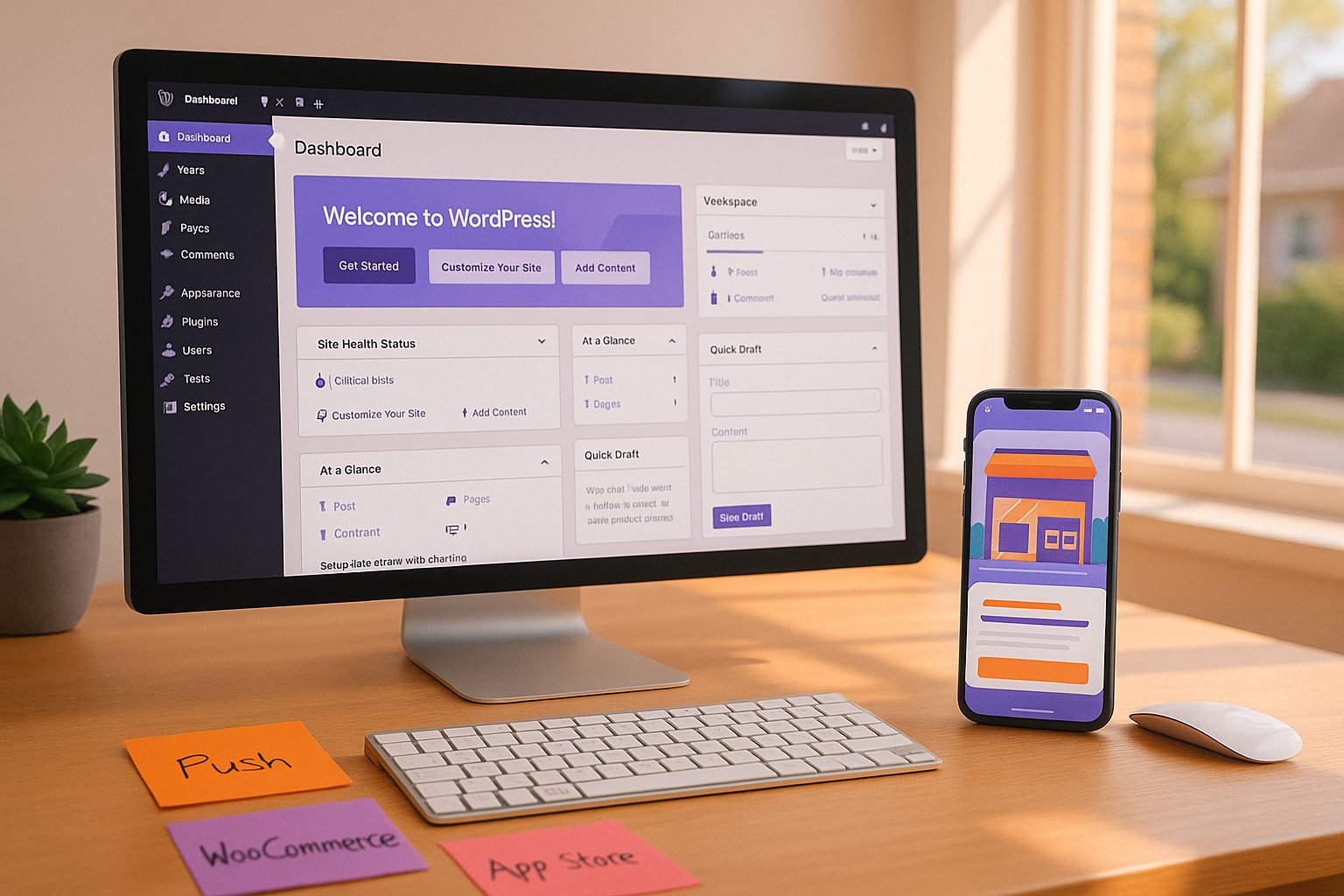
Preparing Your WordPress Site: Essential Steps Before You Begin
- Audit your site’s mobile readiness: Ensure your theme is responsive and your content displays well on small screens.
- Update plugins and WordPress core: Outdated plugins can cause compatibility issues during the app conversion process.
- Streamline navigation: Simplify menus and reduce clutter for a better mobile app experience.
- Check plugin compatibility: Especially if you use WooCommerce, Elementor, or custom plugins.
Choosing the Right App Builder: What Matters for WordPress Owners
Not all app builders are created equal—especially when it comes to WordPress integration. Look for these must-haves:
- Native WordPress plugin for seamless content syncing
- Push notification support (ideally via Firebase)
- WooCommerce and Elementor compatibility
- Easy app testing (APK downloads, emulators)
- Guided app store submission for both Android and iOS
Web2Application stands out by offering all these features, plus a step-by-step dashboard and premium support for WordPress site owners.
Connecting Your WordPress Site: Plugins, API Keys, and Content Sync
- Sign up at Web2Application and create your app in the dashboard.
- Install the Web2Application WordPress plugin: Download it directly from your app dashboard or the plugin repository.
- Enter your unique API key: Find this in your Web2Application dashboard and paste it into the plugin settings on your WordPress site.
- Sync content and features: The plugin will connect your site, enabling real-time content updates, product syncing (for WooCommerce), and more.
Adding Native Features: Push Notifications, Tabs, and WooCommerce Integration
- Enable push notifications: Use Web2Application’s Firebase setup wizard to connect push notifications, so you can send updates directly to users’ phones.
- Customize your app’s look: Set your icon, splash screen, and color scheme in the dashboard.
- Add navigation tabs: Create a bottom tab bar menu for easy access to key pages.
- Integrate WooCommerce: If you run an online store, Web2Application syncs products, supports Ajax product search, and ensures your shop works natively in the app.
- Elementor support: Build beautiful app pages using your favorite page builder.
Testing Your App: APKs, Emulators, and Real Device Checks
- Request an APK: From your Web2Application dashboard, request your test APK.
- Install on your Android device: Enable “Install from unknown sources” and try out your app.
- Test on emulators: Use Android Studio or similar tools for desktop testing.
- Check for content syncing, push notifications, and WooCommerce functionality.
- Gather feedback: Ask real users or team members to test and report issues.
Navigating App Store Submission: What WordPress Owners Need to Know
- Prepare your developer accounts: You’ll need a Google Play Developer account ($25 one-time) and an Apple Developer account ($99/year).
- Meet app store guidelines: Apple requires meaningful native functionality—Web2Application apps include push, navigation, and native integrations to comply.
- Request store submission: Premium Web2Application users can request guided submission from the dashboard. The team assists with the process and ensures your app meets all requirements.
- TestFlight for iOS: Use Apple TestFlight to test your app before final submission.
- Fill out app listing details: Prepare screenshots, descriptions, and privacy policies as required by the stores.
After Launch: Managing Updates, Push, and User Feedback
- Send push notifications: Announce new content, products, or offers directly from your Web2Application dashboard.
- Update your app: Make changes to your WordPress site or app settings and request new builds as needed.
- Monitor user feedback: Check reviews and analytics to improve your app experience.
- Leverage Member Club features: Automate engagement and manage advanced app features with Web2Application’s Member Club.
Ready to Turn Your WordPress Site into an App?
Transforming your WordPress website into a full-featured mobile app is easier than ever with Web2Application. From plugin setup and WooCommerce integration to push notifications and app store launch, every step is designed for real website owners—no coding required. Sign up for Web2Application today and start building your app in minutes!
Frequently Asked Questions
Do I need to know how to code to turn my WordPress site into an app?
No coding is required! With Web2Application, you can convert your WordPress site into a mobile app using a step-by-step dashboard and WordPress plugin integration.
Will my WooCommerce store work in the app?
Yes. Web2Application supports WooCommerce integration, syncing your products and enabling native shopping experiences in your app.
Can I send push notifications to my app users?
Absolutely. Web2Application enables push notifications via Firebase, so you can send updates, promotions, and news directly to your users’ devices.
How do I test my app before publishing?
You can request an APK for Android testing from your Web2Application dashboard and use Apple TestFlight for iOS testing before submitting to the app stores.
What if I run into issues or need help with app submission?
Web2Application offers premium support via WhatsApp and email, plus guided app store submission for both Android and iOS to help you every step of the way.
Ready to turn your site into an app?
Create your app with Web2Application — convert your website to Android and iOS apps.