The Owner-First Alternative: How to Convert Your WooCommerce Store Into a Mobile App You Can Test Free—Before You Commit
- nir
- October 1, 2026
- Marketing
- Marketing AI
- 0 Comments
Why Most WooCommerce App Conversions Fall Short for Store Owners
For WooCommerce store owners, the promise of a mobile app is compelling: higher engagement, direct customer communication, and a seamless shopping experience. Yet, most conversion solutions rely on plugins or drag-and-drop builders that lock you into their ecosystem from the outset. You often have to pay before you can truly see how your store will look and feel as a real app. The result? Limited transparency, little room for experimentation, and a workflow that puts the platform—not the store owner—first.
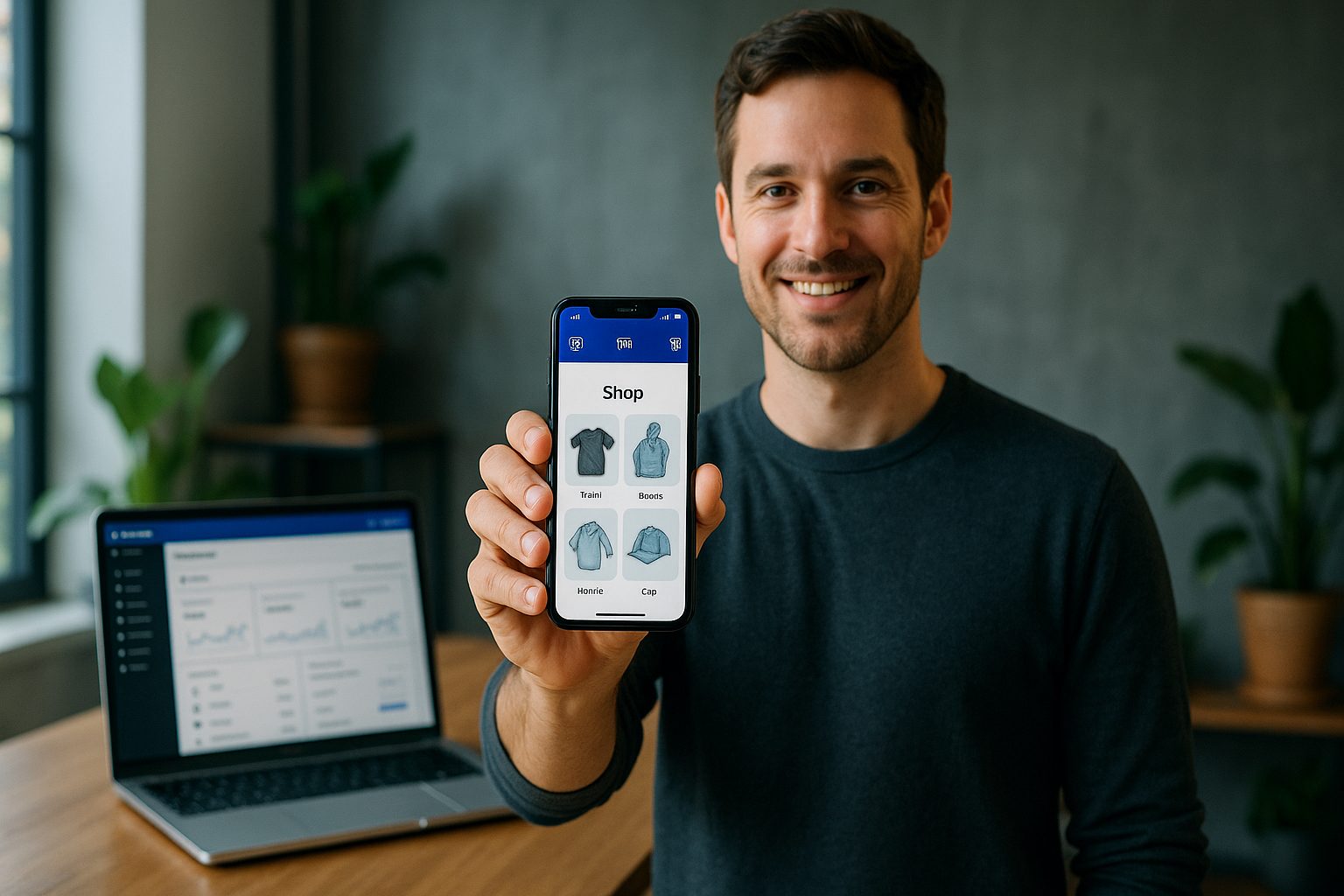
The Real Risks of Plugin Lock-In and Limited Testing
Plugin-based app builders typically require installation on your WordPress site, which can introduce compatibility issues and ongoing maintenance headaches. Even more concerning, many solutions don’t let you test a fully functional app before committing. This lack of a real preview means you might invest time and money only to discover the app doesn’t meet your expectations—or your customers’ needs.
A Transparent, Test-First Workflow: Preview Your App Before You Pay
What if you could convert your WooCommerce store into a hybrid mobile app with a native shell, experience it on your own device, and explore advanced features—all before paying or committing to a subscription? This owner-first, test-before-you-commit workflow puts you in control, letting you:
- Generate a real, installable APK to preview your app on Android devices
- Customize design elements like icons, splash screens, and navigation
- Test push notifications and real-time content sync
- Decide if and when to upgrade, with no plugin lock-in
How Web2Application Lets You Experience Your WooCommerce Store as a Real Mobile App
Web2Application offers a unique alternative for WooCommerce store owners seeking transparency and control. Instead of forcing you to commit upfront, Web2Application allows you to:
- Create your app free and configure it in an intuitive dashboard
- Connect your WooCommerce store using the official Web2Application WordPress plugin
- Request and download a test APK to install and experience your app as your customers would
- Access a 14-day trial of Premium features, including push notifications and enhanced support
This workflow means you see exactly how your app performs before making any decisions—no surprises, no hidden costs.
Step-by-Step: From WooCommerce Site to Testable APK (No Surprises)
- Sign up at Web2Application and create a new app.
- Enter your store details, upload your app icon and splash screen, and configure the bottom tab bar menu.
- Install the Web2Application WordPress plugin on your WooCommerce site and enter your API key from the dashboard.
- Set up push notifications by following the Firebase setup wizard in the dashboard (optional, but recommended).
- Request your test APK from the dashboard, download it, and install it on your Android device.
- Explore your store in the app, test navigation, checkout, and even push notifications—just as your customers would.
Unlocking Premium Features: Push Notifications, Real-Time Sync, and More
During your 14-day free trial, you can explore powerful features that help your store stand out:
- Push notifications—send updates, promotions, and order alerts directly to users
- Real-time content sync—ensure your app always displays the latest products and offers
- Advanced design customization—tailor your app’s look and feel to match your brand
- Priority support—get expert help via WhatsApp and email
What Happens After Testing: Store Submission, Support, and Ongoing Control
Once you’re satisfied with your app, Web2Application supports you through the next steps:
- Android and iOS store submission support for Premium users
- Guidance on meeting Google Play and Apple App Store guidelines
- Ongoing updates and management from your dashboard—no plugin lock-in
- Flexible subscription management with transparent billing
Why Owner-First Workflows Future-Proof Your WooCommerce App Investment
Choosing a test-first, owner-controlled workflow ensures you’re never locked into a solution that doesn’t fit your needs. With Web2Application, you maintain full control over your app’s features, design, and updates. You can preview, test, and iterate—risk-free—before making a commitment. This approach protects your investment and gives you the confidence to launch a mobile app your customers will love.
Ready to Experience the Owner-First Alternative?
Don’t settle for plugin lock-in or pay-before-you-preview solutions. Create Your App Free with Web2Application, generate a test APK, and explore Premium features for 14 days—no risk, no surprises. See how your WooCommerce store can shine as a native mobile app, and take control of your mobile future today.
Frequently Asked Questions
What makes Web2Application an owner-first alternative for WooCommerce app conversion?
Web2Application lets you create and preview a real, installable mobile app for your WooCommerce store before you pay or commit. You can test advanced features, customize your app, and experience it as your customers would—ensuring transparency and control at every step.
Can I test my WooCommerce app before subscribing to a paid plan?
Yes. With Web2Application, you can generate a test APK and install it on your Android device to preview your app. You also get a 14-day free trial of Premium features, so you can evaluate push notifications, real-time sync, and more before making a decision.
Do I need to install a plugin on my WooCommerce site?
Yes, to enable full integration and real-time content sync, you’ll install the official Web2Application plugin on your WordPress/WooCommerce site. This ensures your app displays up-to-date products and supports advanced features.
What happens after the free trial?
After your 14-day free trial, you can choose to upgrade to a Premium plan to continue using advanced features and receive store submission support. If you decide not to upgrade, your app remains accessible with limited features.
Does Web2Application help with submitting my app to Google Play and the Apple App Store?
Yes. Premium users receive step-by-step support for submitting their apps to both Google Play and the Apple App Store, including help with guidelines and technical requirements.
Ready to turn your website into an app?
Create your Android and iOS app without coding. Start free, generate a test APK, and explore Premium features with a 14-day trial.