WooCommerce to Mobile App Integration Workflow: Real-Time Sync, Owner Controls, and What Happens After You Launch
- nir
- August 12, 2026
- Marketing
- Marketing AI
- 0 Comments
Why Integration Matters: Beyond the Initial WooCommerce App Build
Turning your WooCommerce store into a mobile app is a powerful way to reach more customers and boost engagement. But true success goes beyond just building the app. Seamless integration ensures your products, orders, and content stay updated in real time, while you retain full control as the store owner. A robust workflow means fewer headaches, better customer experiences, and more opportunities for growth.
Step 1: Preparing Your WooCommerce Store for Mobile App Integration
Before integrating your WooCommerce store with a mobile app, ensure your website is ready for a smooth transition:
- Update WooCommerce: Make sure your WooCommerce plugin and WordPress core are up to date.
- Check Product Data: Clean up product listings, images, and descriptions for consistency.
- Test Store Functionality: Verify checkout, payment gateways, and order processing work flawlessly.
- Secure Your Site: Use HTTPS and reliable hosting to ensure app connectivity.
Step 2: Connecting Your Store With the Web2Application Plugin
Web2Application makes WooCommerce to mobile app integration straightforward. Here’s how to connect your store:
- Sign up at Web2Application and create a new app in your dashboard.
- Download the Web2Application WordPress plugin from your app dashboard or install it directly via your WordPress admin panel.
- Enter your API key (found in your Web2Application dashboard) into the plugin settings to establish a secure connection.
- Activate the plugin and ensure WooCommerce is enabled for product sync features.
This connection enables real-time data exchange between your store and the mobile app.
Step 3: Real-Time Sync—How Products, Orders, and Content Stay Updated
With the plugin connected, Web2Application keeps your app and store in sync:
- Product Sync: New products, price changes, and inventory updates appear instantly in your app.
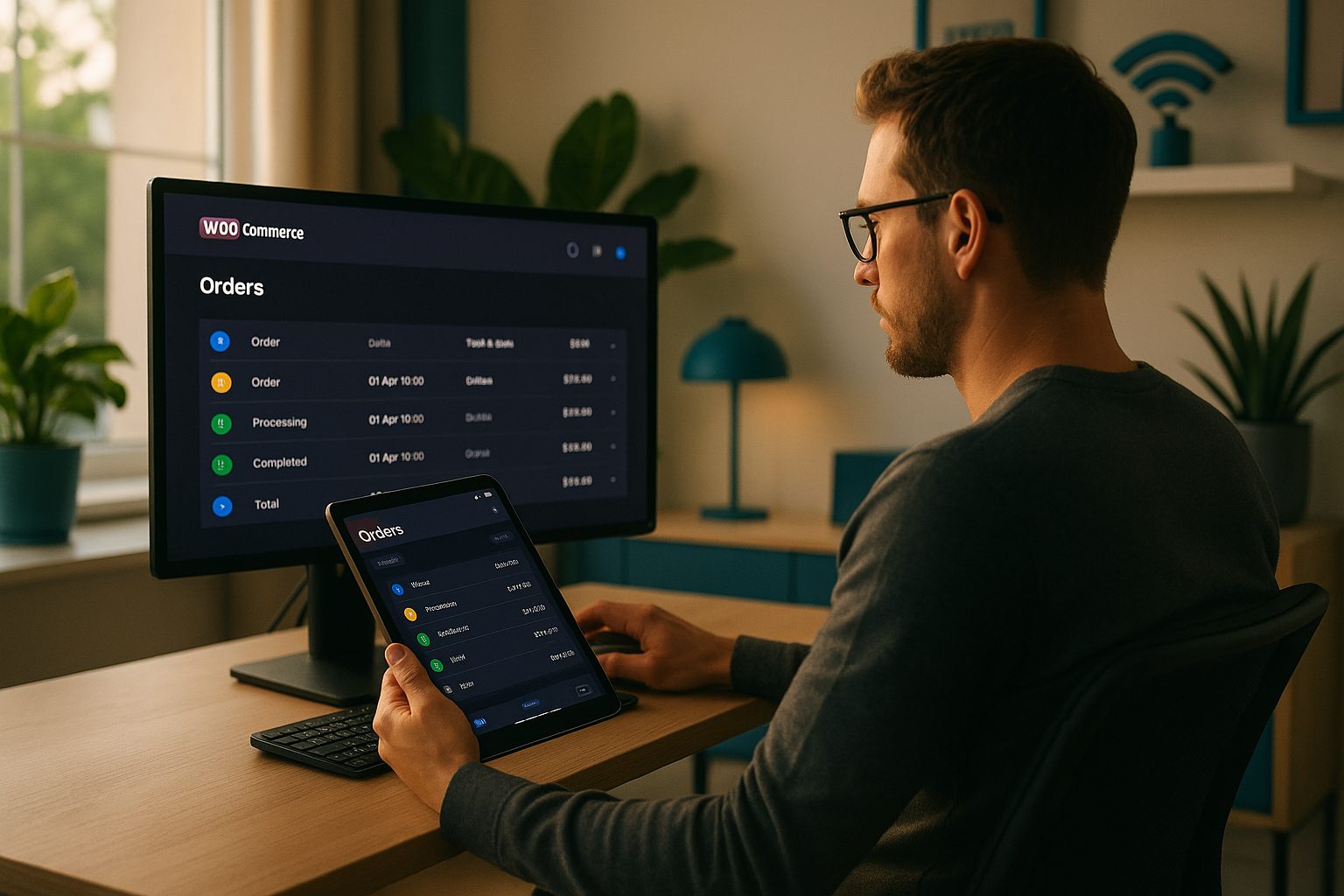
- Order Updates: Orders placed via the app are reflected in your WooCommerce dashboard in real time.
- Content Updates: Blog posts, pages, and promotions update automatically, ensuring your app always matches your website.
This real-time sync ensures customers always see the latest products and information, whether they shop on your website or mobile app.
Step 4: Managing Push Notifications and Customer Engagement
Push notifications are essential for driving repeat visits and conversions. With Web2Application Premium, you can:
- Send instant push notifications about new products, sales, or order updates directly from your dashboard.
- Set up programmable, personalized notifications for targeted marketing.
- Enable web push notifications to reach customers even when they’re not in the app.
Easy integration with Google Firebase makes setup straightforward, so you can start engaging your customers right away.
Step 5: Owner Controls—Dashboard Management and Troubleshooting
Web2Application provides a comprehensive dashboard for ongoing management:
- Monitor app performance and sync status at a glance.
- Update app design—change icons, splash screens, and menu layouts without coding.
- Troubleshoot common issues with built-in tools and access to premium support via WhatsApp.
- Manage billing and subscriptions directly from your dashboard.
This level of control ensures you can quickly resolve issues and keep your app running smoothly.
What to Expect After Launch: Ongoing Updates and Store Growth
Launching your WooCommerce mobile app is just the beginning. With Web2Application:
- App content stays updated as you add new products or posts to your website.
- Push notifications keep customers engaged and informed about your latest offerings.
- Regular app updates can be managed through your dashboard, including version updates for the app stores.
- Premium support helps you scale and troubleshoot as your store grows.
This ongoing workflow supports your store’s growth and evolving needs.
How to Test and Optimize Your WooCommerce Mobile App Integration
Testing ensures your integration works as expected:
- Request a test APK from your Web2Application dashboard and install it on your Android device.
- Browse products, place test orders, and verify order sync between the app and WooCommerce dashboard.
- Send test push notifications to confirm customer engagement features.
- Collect feedback from real users and make adjustments in your app dashboard.
Continuous testing and optimization help you deliver the best mobile shopping experience.
Ready to Experience Seamless WooCommerce to Mobile App Integration?
Web2Application offers a transparent, owner-controlled workflow for WooCommerce to mobile app integration. Create Your App Free—generate a test APK, explore Premium features with a 14-day trial, and see how easy it is to keep your store and app in perfect sync.
Frequently Asked Questions
How does Web2Application keep my WooCommerce store and mobile app in sync?
Web2Application uses its WordPress plugin to connect your WooCommerce store with the mobile app. This enables real-time syncing of products, orders, and content, so updates on your website are instantly reflected in your app.
Can I send push notifications to my app users?
Yes, with Web2Application Premium, you can send push notifications directly from your dashboard. You can notify users about new products, sales, or order updates, and even set up programmable, personalized notifications.
What happens if my app stops syncing with my WooCommerce store?
If your app isn't syncing, check that the Web2Application plugin is active and the API key is correct. Make sure your website is accessible and WooCommerce is up to date. The dashboard provides troubleshooting tools, and premium users can access priority support via WhatsApp.
How do I test my WooCommerce mobile app before launching?
After setting up your app in the Web2Application dashboard, you can request a test APK. Install it on your Android device to browse products, place test orders, and verify real-time sync before submitting to app stores.
Do I need coding skills to manage my WooCommerce mobile app integration?
No coding is required. Web2Application provides a user-friendly dashboard and plugin, making it easy for store owners to manage app design, content sync, push notifications, and troubleshooting.
Ready to turn your website into an app?
Create your Android and iOS app without coding. Start free, generate a test APK, and explore Premium features with a 14-day trial.