WooCommerce Integration for Website Apps: How to Keep Your Store and Mobile App Seamlessly Synced (No Coding Needed)
- nir
- July 14, 2026
- Marketing
- Marketing AI
- 0 Comments
Why Integrate WooCommerce With Your Website App? (Beyond the Initial Conversion)
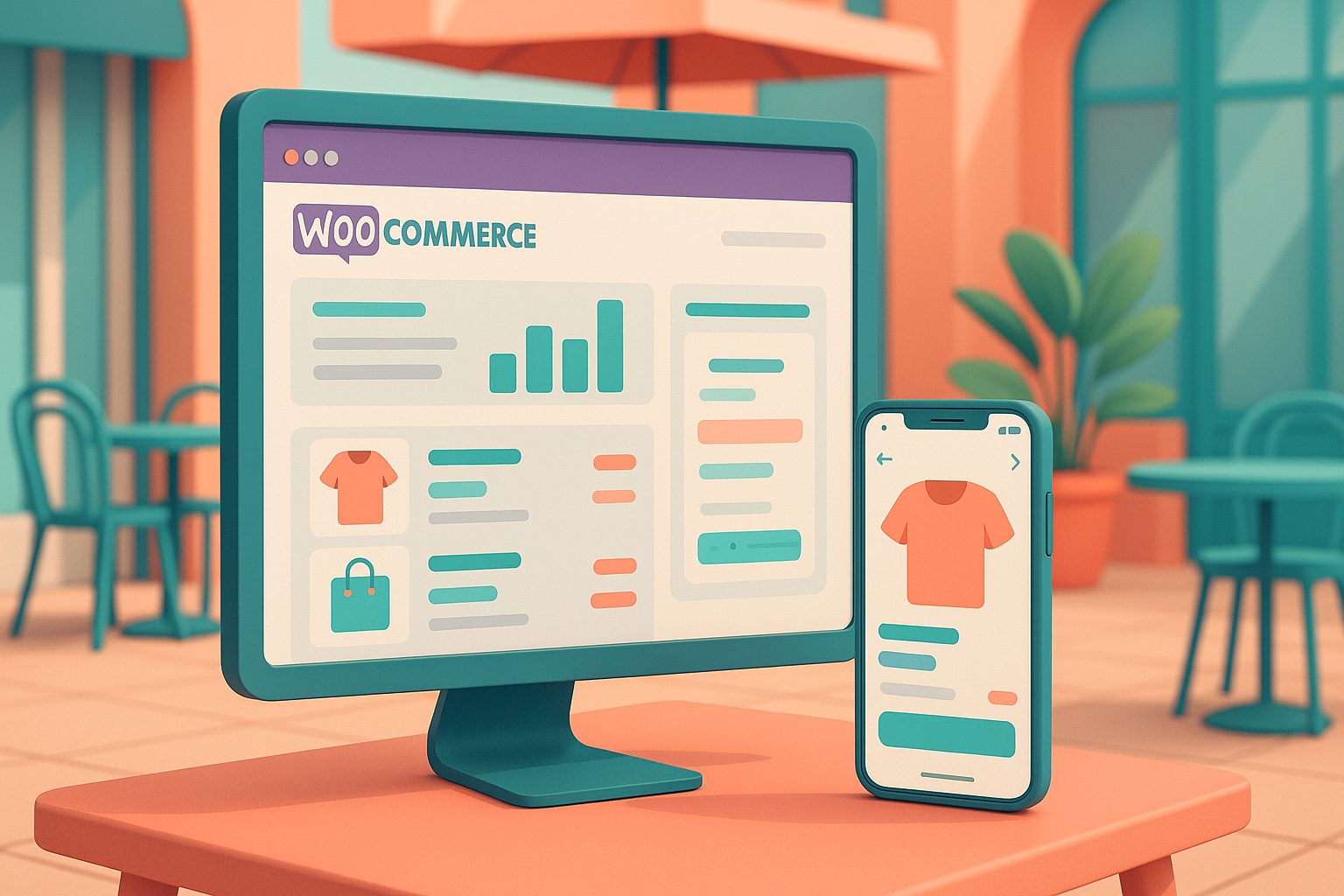
Turning your WooCommerce store into a mobile app is a powerful way to reach more customers, boost sales, and keep shoppers engaged. But the real value comes from ongoing integration—ensuring your website and app stay perfectly in sync, so every product update, inventory change, or sale is instantly reflected everywhere. With the right approach, you can offer seamless checkout, real-time product updates, and native app features that keep your store competitive—without touching a line of code.
What You Need Before You Start: Website, WooCommerce, and App Builder Essentials
- A live WordPress website with WooCommerce installed and active.
- Web2Application account (sign up free at web2application.com).
- Web2Application WordPress plugin (downloadable from your Web2Application dashboard).
- Optional: WooCommerce extensions (for advanced store features).
Step-by-Step: Connecting WooCommerce to Your App Using the Web2Application Plugin
- Sign up or log in to Web2Application. Create a new app project in your dashboard.
- Configure your app’s basic settings: Set your app icon, splash screen, and basic design preferences.
- Download and install the Web2Application plugin on your WordPress site. You can find the plugin in your app dashboard under the WordPress integration section.
- Enter your API key: Copy the API key from your Web2Application dashboard and paste it into the plugin settings on your WordPress site.
- Ensure WooCommerce is active: The plugin will automatically detect your WooCommerce store and sync products, categories, and other relevant data.
- Request a test APK: From your Web2Application dashboard, request a test APK to see your WooCommerce store live in your app. Install the APK on your Android device to test.
Real-Time Product Sync: How It Works and What to Expect
Once connected, the Web2Application plugin keeps your WooCommerce store and mobile app in sync automatically. Here’s what happens behind the scenes:
- Product updates: Any changes to product listings, prices, or stock levels on your website are reflected in your app in real time.
- Order management: Orders placed in the app appear in your WooCommerce dashboard, just like web orders.
- Category and page updates: New categories or content pages are synced without manual intervention.
- Minimal delay: Most updates appear instantly or within a few minutes, ensuring your app users always see the latest information.
Enabling Advanced Features: Push Notifications, Smart Search, and More
Web2Application makes it easy to add powerful features to your WooCommerce app:
- Push notifications: Set up Firebase in your Web2Application dashboard to send order updates, promotions, or abandoned cart reminders directly to users’ devices.
- Smart product search: Enable the Ajax Products Search feature for WooCommerce, allowing customers to quickly find products in your app.
- Custom navigation: Configure the bottom tab bar menu and app pages for a native shopping experience.
- Personalization: Use advanced settings and CSS tweaks for a branded look and feel.
Troubleshooting Common WooCommerce-to-App Integration Issues
- App not updating content: Double-check that the Web2Application plugin is installed, activated, and the API key is correct. Try clearing the app cache or reinstalling the APK.
- Push notifications not working: Ensure you’ve completed Firebase setup in the dashboard and your app is on a Premium plan.
- Product sync delays: Most updates are near-instant, but if you notice delays, verify your website is online and the plugin is up to date.
Tips for Optimizing Your App Store Experience for WooCommerce Shoppers
- Design for mobile: Use your site’s page builder (like Elementor) to create app-friendly pages and layouts.
- Highlight key products: Feature bestsellers and promotions on the app home page.
- Streamline checkout: Ensure your checkout process is mobile-optimized and easy to navigate.
- Promote your app: Use smart download links and store promotion tools to drive installs and repeat purchases.
Next Steps: Testing, Launching, and Growing Your WooCommerce App
After connecting your WooCommerce store and customizing your app, test it thoroughly using the APK on your Android device. Once satisfied, you can explore Premium features like push notifications and request store submission support for Google Play and Apple App Store—all from your Web2Application dashboard.
Ready to experience seamless WooCommerce integration with your website app? Create Your App Free with Web2Application, generate a test APK, and explore Premium features with a 14-day trial. No coding required—just real-time sync and powerful mobile features for your store.
Frequently Asked Questions
Do I need to know how to code to integrate WooCommerce with my app?
No coding is required. Web2Application provides a WordPress plugin and a simple dashboard workflow, so you can connect your WooCommerce store to your app in minutes.
Will my app update automatically when I change products or prices in WooCommerce?
Yes. The Web2Application plugin keeps your WooCommerce store and app in sync automatically, so product updates, price changes, and new categories appear in your app with minimal delay.
Can I send push notifications to my WooCommerce app users?
Yes. By setting up Firebase in your Web2Application dashboard, you can send order updates, promotions, and custom push notifications to your app users.
How do I test my WooCommerce app before launching?
After connecting your store, you can generate a test APK from your Web2Application dashboard and install it on your Android device to preview your app.
What if my app isn’t syncing with my WooCommerce store?
Ensure the Web2Application plugin is installed and activated, the API key is correct, and your site is accessible. If issues persist, try clearing the app cache or reinstalling the APK.
Ready to turn your website into an app?
Create your Android and iOS app without coding. Start free, generate a test APK, and explore Premium features with a 14-day trial.