Beyond the Basics: Power User Tactics for Website to Mobile App Conversion (With Real Testing and Advanced Features)
- nir
- August 29, 2026
- Marketing
- Marketing AI
- 0 Comments
Why Standard Website to App Converters Aren’t Enough for Power Users
Most website to mobile app converters offer a quick, no-code way to launch your site as an app. But for website owners who want more control, flexibility, and unique features, basic conversion tools can feel limiting. Typical platforms focus on simple workflows and standard templates—leaving power users searching for alternative angles and advanced tactics to make their app stand out.
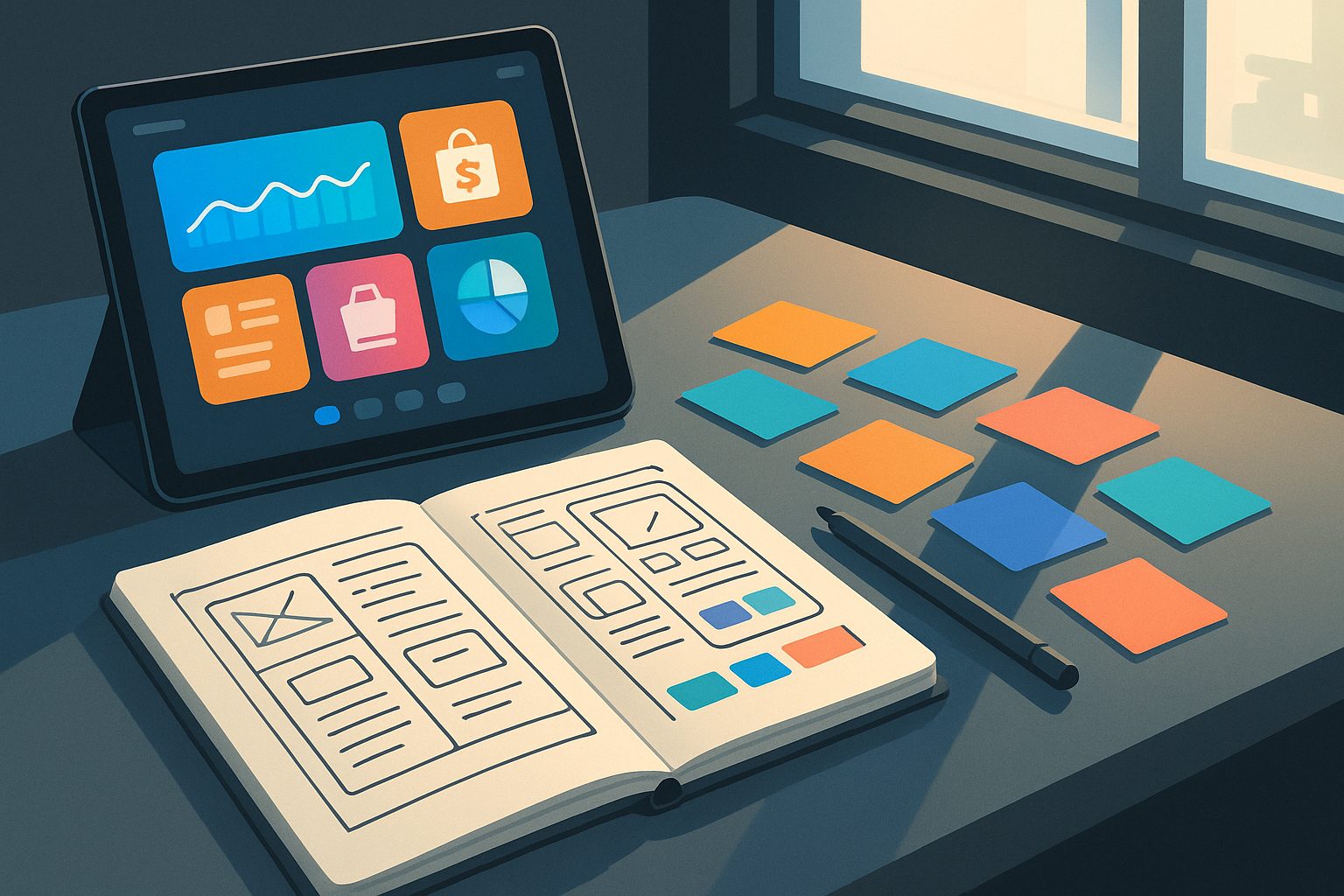
If you’re looking for a website to mobile app converter alternative angle, it’s time to explore strategies that go beyond the basics. With Web2Application, you can combine platform flexibility, advanced push notifications, custom design tweaks, and hybrid workflows for a truly owner-driven app experience.
Leveraging Advanced Push Notifications to Drive Engagement
Push notifications are one of the most powerful tools for app engagement—but most converters only offer basic options. Web2Application lets you:
- Enable push notifications via Google Firebase for direct, reliable delivery.
- Send programmable, personalized notifications to specific users or groups—ideal for targeted marketing or customer updates.
- Integrate web push notifications for a seamless experience across web and app.
- Manage all push settings and campaigns from a unified dashboard, giving you full control.
Advanced push strategies help you keep users engaged, drive repeat visits, and deliver timely information—far beyond what basic converters provide.
Customizing App Design: From Splash Screens to Tab Bars
Owner-driven design is key to making your app feel like a real app. With Web2Application, you can:
- Upload custom icons and splash screens to match your brand identity.
- Configure the bottom tab bar menu for intuitive navigation tailored to your site’s structure.
- Use your site’s page builder (like Elementor) to design unique home screens and app pages.
- For advanced users: tweak app appearance with custom CSS for pixel-perfect results.
These customization options let you create an app that’s more than just a web wrapper—giving you creative control and a polished, professional look.
Hybrid Workflows: Combining Web2Application With Your Site Builder
Why settle for a single workflow? Power users can combine Web2Application with their favorite site builders or content management systems for maximum flexibility. For example:
- Build dynamic landing pages and custom layouts in WordPress, then sync them directly to your app.
- Use WooCommerce to manage products and orders, with seamless integration for in-app shopping experiences.
- Design with Elementor or other builders, and see those designs reflected instantly in your app.
This hybrid approach enables you to leverage the strengths of your existing website tools while gaining all the benefits of a native app.
Owner-Controlled Testing: How to Instantly Preview and Iterate With APKs
One of the biggest frustrations with standard converters is the lack of real testing options. Web2Application solves this with instant APK generation:
- After configuring your app, generate a test APK directly from your dashboard.
- Install the APK on any Android device to experience your app as users will.
- Iterate on design, features, and content—then generate a new APK to test updates instantly.
This owner-controlled testing workflow lets you perfect your app before submitting to the app stores, reducing surprises and ensuring a smooth launch.
Using WordPress Integration and WooCommerce for Dynamic App Content
If your website runs on WordPress, Web2Application offers a dedicated plugin for deep integration:
- Sync posts, pages, and products automatically between your site and app.
- Enhance WooCommerce stores with features like Ajax product search and in-app shopping.
- Keep your app content fresh and dynamic, with updates reflected in real time.
This integration goes beyond simple web views, giving you a powerful way to manage and update your app content with ease.
Troubleshooting and Optimizing: Power User Tips for Seamless Sync
Advanced users know that a seamless app experience requires ongoing optimization. Here are some top tips:
- Ensure your WordPress plugin is connected and API keys are correct for real-time syncing.
- Use the app dashboard to monitor push notification status and troubleshoot delivery issues.
- Clear app cache or reinstall the APK if you notice outdated content.
- Leverage premium support channels for fast resolution of technical questions.
With these tactics, you can maintain a high-quality app experience and quickly resolve any issues that arise.
Next Steps: How to Create Your App Free and Explore Premium Features
Ready to move beyond basic website to app conversion? Web2Application empowers you with advanced, owner-driven tactics and flexible workflows that standard converters simply can’t match.
- Sign up at web2application.com.
- Create your app in the dashboard and configure design, features, and push notifications.
- Generate a test APK to preview your app instantly on Android devices.
- Explore Premium features with a 14-day trial—unlock push, store submission support, and more.
Create Your App Free today and discover the power user tactics that will set your app apart from the crowd.
Frequently Asked Questions
What makes Web2Application a unique website to mobile app converter alternative?
Web2Application stands out by offering owner-driven workflows, advanced push notification capabilities, deep WordPress and WooCommerce integration, and real APK testing. These features go beyond standard no-code converters, giving you more control and flexibility.
Can I test my app before publishing it to app stores?
Yes. Web2Application lets you generate a test APK directly from your dashboard. You can install it on your Android device, preview your app, and iterate on design and features before submitting to Google Play or the Apple App Store.
How does Web2Application integrate with WordPress and WooCommerce?
Web2Application offers a dedicated WordPress plugin that syncs posts, pages, and WooCommerce products between your website and app. This enables dynamic content updates and advanced e-commerce features inside your mobile app.
What advanced push notification features are available?
With Web2Application, you can enable push notifications via Google Firebase, send targeted and programmable notifications, and integrate web push for a seamless experience. These advanced options help you engage users more effectively.
How do I get started with Web2Application?
Visit web2application.com, sign up for a free account, create your app in the dashboard, and generate a test APK. You can explore all Premium features with a 14-day free trial.
Ready to turn your website into an app?
Create your Android and iOS app without coding. Start free, generate a test APK, and explore Premium features with a 14-day trial.