Beyond Launch: Managing and Updating Your WordPress App After Conversion
- nir
- August 12, 2026
- Marketing
- Marketing AI
- 0 Comments
Why Managing Your WordPress App Post-Launch Matters
Turning your WordPress into app is a powerful way to reach more users and boost engagement. But the real value comes after launch—when you keep your app updated, users engaged, and your brand always fresh. Ongoing app management ensures your content stays relevant, your design looks sharp, and your users receive timely updates, all while staying compliant with app store requirements.
Keeping Your App Content Synced with Your Website
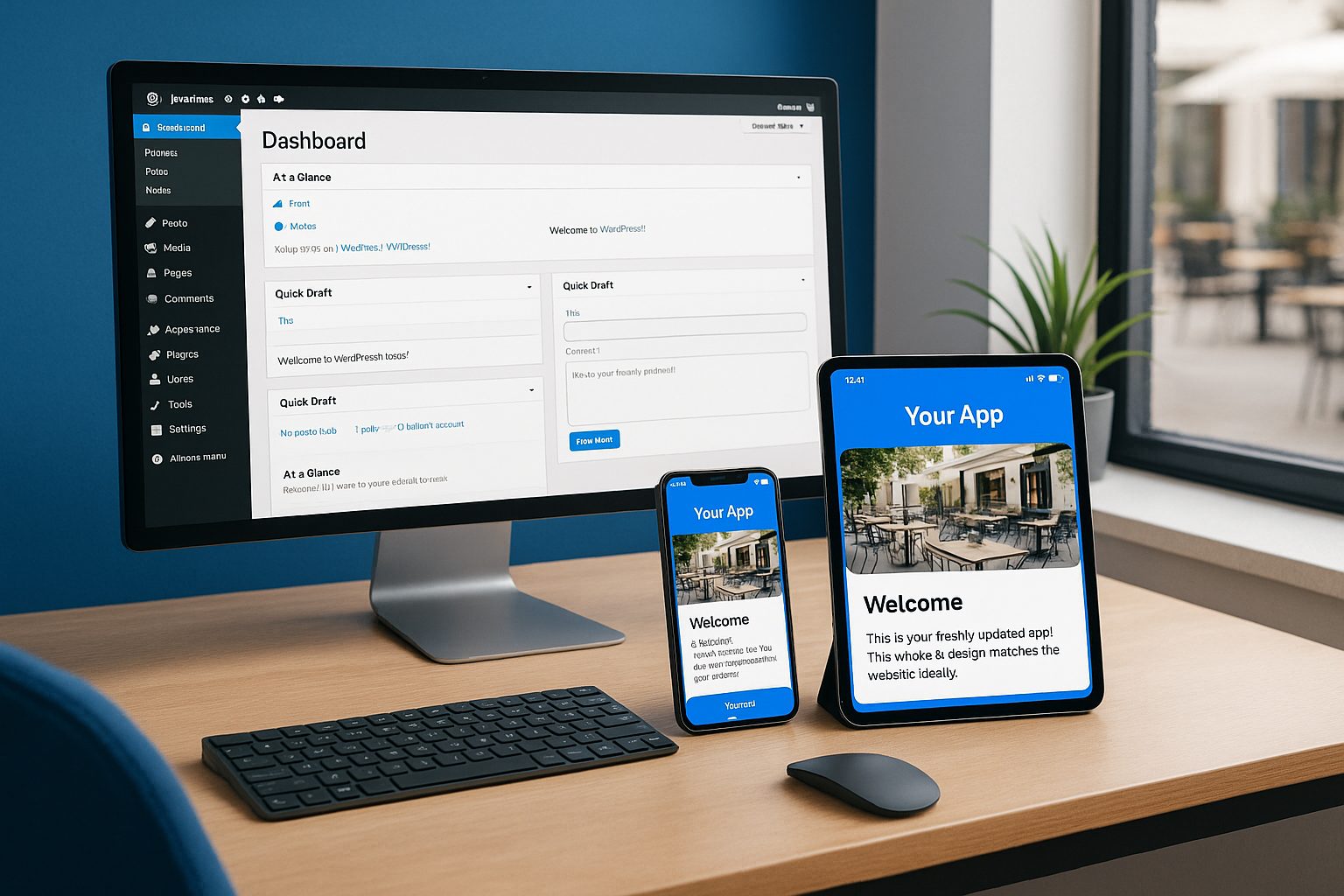
One of the main advantages of converting your WordPress site into an app is seamless content synchronization. With Web2Application, any changes you make on your website—whether it’s publishing blog posts, updating product listings, or tweaking pages—can be reflected in your app automatically.
- Install the Web2Application WordPress plugin and connect your API key from the app dashboard.
- Ensure your plugin remains active and updated for continuous syncing.
- If you notice content not updating, check your plugin connection and clear the app cache or reinstall the APK.
Sending Targeted Push Notifications from WordPress
Push notifications are key to driving engagement and repeat visits. With Web2Application, you can send notifications directly from your dashboard, or integrate with Google Firebase for advanced targeting.
- Enable push notifications in your app dashboard and complete the Firebase setup.
- Send manual or automated notifications about new posts, offers, or updates.
- For WooCommerce sites, notify users about new products, sales, or abandoned carts.
Regular, relevant notifications keep your audience coming back to your app.
Updating App Design, Icons, and Splash Screens Easily
Your app’s look and feel should evolve with your brand. Web2Application makes it simple to update your app’s icon, splash screen, colors, and navigation—no coding required.
- Access App Settings in your dashboard to upload new icons or splash screens.
- Customize your bottom tab bar, colors, and layout to match your latest branding.
- Preview changes instantly and request a new APK or iOS build when you’re ready to publish updates.
Handling App Store Updates and Compliance
App stores require periodic updates for security, compatibility, and new features. Web2Application streamlines this process:
- Android: Request a new APK from your dashboard, then update your listing in the Google Play Console.
- iOS: Request a new build, test with TestFlight, and submit for Apple review. Web2Application ensures your app meets Apple’s minimum functionality guidelines.
Stay proactive with updates to avoid removals and keep your app discoverable.
Troubleshooting Common WordPress App Issues
Even the best apps need occasional troubleshooting. Here’s how to handle common issues:
- Content not updating: Check plugin/API connection, clear app cache, or reinstall the app.
- Push notifications not working: Verify Firebase setup, ensure premium plan is active, and check device permissions.
- App crashes or errors: Review recent changes, update the app, and contact Web2Application support if needed.
Leveraging Web2Application for Ongoing App Success
Managing your WordPress into app journey doesn’t stop at launch. With Web2Application, you get a robust dashboard, powerful push features, easy design updates, and expert support for both Android and iOS. Whether you run a blog, WooCommerce store, or business site, Web2Application helps you keep your app fresh, functional, and ready to grow.
Ready to Take Control of Your WordPress App?
Sign up for Web2Application today and experience the easiest way to manage, update, and grow your WordPress-powered app—no coding required!
Related articles
Frequently Asked Questions
How do I keep my WordPress app content updated after launch?
With Web2Application, your app content syncs automatically with your WordPress website. Just keep the Web2Application plugin active and connected. Any changes on your site will reflect in the app.
Can I send push notifications from my WordPress app?
Yes! Web2Application enables you to send push notifications directly from your dashboard. You can also integrate with Google Firebase for advanced targeting and automation.
How do I update my app's design or branding?
You can easily update your app's icon, splash screen, colors, and navigation from the App Settings in your Web2Application dashboard. Request a new build to publish updates to the app stores.
What should I do if my app stops syncing or has errors?
First, check your WordPress plugin connection and API key. Clear the app cache or reinstall the app if needed. If issues persist, contact Web2Application support for assistance.
How do I submit updates to the Google Play and Apple App Store?
For Android, request a new APK and update your listing in the Google Play Console. For iOS, request a new build, test with TestFlight, and submit for Apple review. Web2Application guides you through each step.
Ready to turn your site into an app?
Create your app with Web2Application — convert your website to Android and iOS apps.