How to Seamlessly Integrate Your WordPress Site Into a Truly Lovable Mobile App (With Real-World Features, Not Just a Wrapper)
- nir
- August 31, 2026
- Marketing
- Marketing AI
- 0 Comments
Why Integration Matters: Beyond Wrappers and Basic Plugins
Turning your WordPress site into a mobile app is a smart move—but simply wrapping your site in a webview isn’t enough. Users expect a mobile app to feel fast, interactive, and tailored to their device. True integration means your app not only mirrors your website’s content but also leverages native features, delivers push notifications, and provides an experience users will love coming back to.
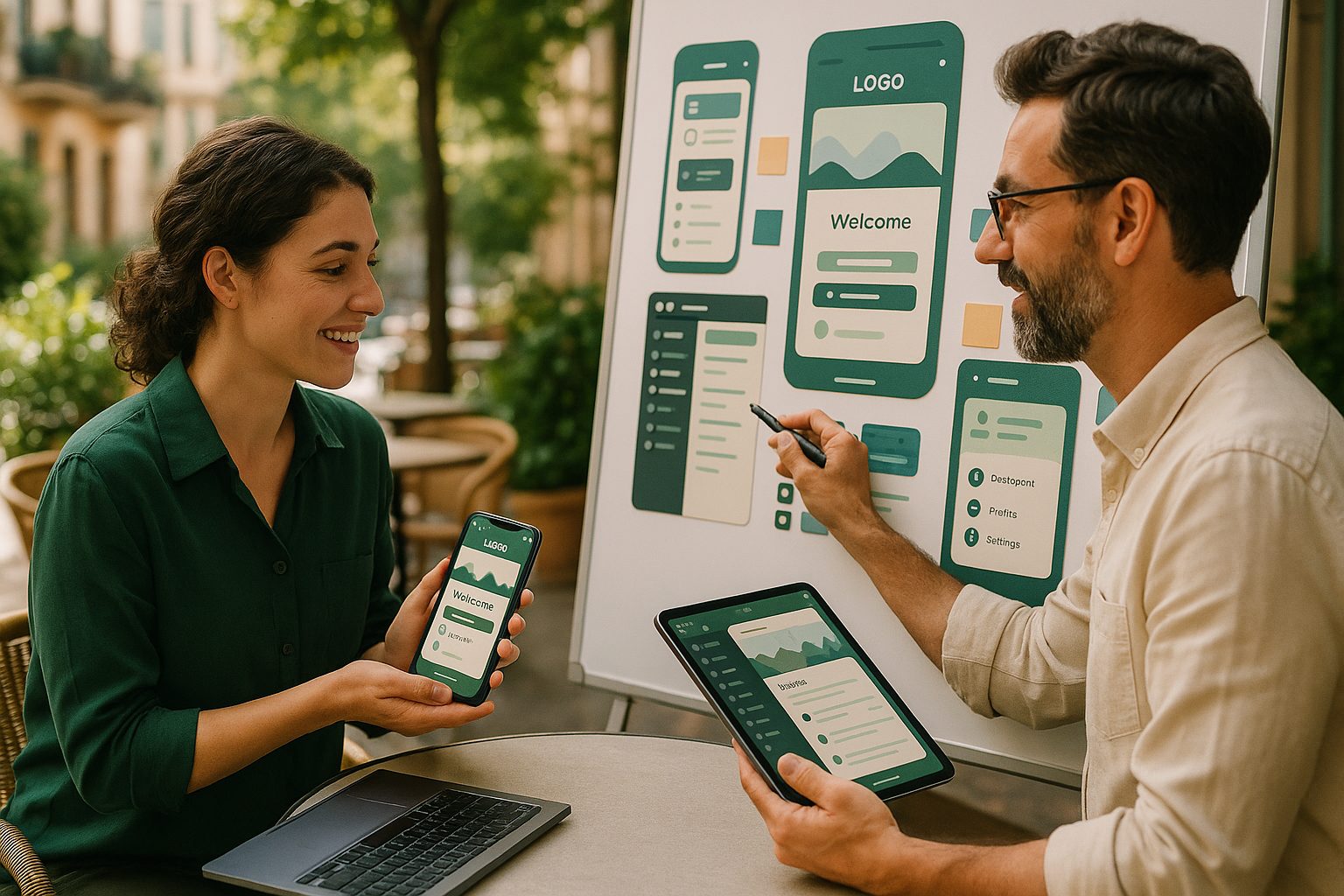
What Makes a Mobile App ‘Lovable’—And How WordPress Owners Can Deliver It
A lovable app is more than just functional—it’s intuitive, visually appealing, and feels like an extension of your brand. For WordPress site owners, this means:
- Seamless content sync—your posts, pages, and products update in real time.
- Native navigation—tab bars, menus, and gestures that feel right at home on iOS and Android.
- Push notifications—keep users engaged with timely updates.
- Personalization—branding, icons, splash screens, and tailored user experiences.
- Interactive features—search, account management, and more.
Let’s walk through how to achieve all this—step by step—with Web2Application.
Step 1: Preparing Your WordPress Site for App Integration
Optimize Your Content and Design
- Ensure your site is mobile-responsive—use themes and plugins that adapt well to small screens.
- Streamline navigation—clear menus and logical page structure translate better to apps.
- Minimize heavy plugins or scripts that slow down mobile performance.
Install the Web2Application WordPress Plugin
- Download the official plugin from your Web2Application dashboard or WordPress plugin repository.
- Activate it and enter your API key (provided in your Web2Application app dashboard).
- This plugin enables real-time content sync, product search (for WooCommerce), and more.
Step 2: Connecting WordPress to Your App Builder—A Walkthrough With Web2Application
- Sign up at Web2Application and create a new app project.
- Enter your website URL and configure basic app details—name, icon, splash screen, and colors.
- Connect your WordPress site using the API key from the plugin. This ensures your app pulls dynamic content directly from your site.
- Use the dashboard to preview your app and make adjustments in real time.
Step 3: Syncing Dynamic Content, Menus, and User Accounts for a Native Feel
- Menus: Customize the bottom tab bar and side menus to match your site’s navigation.
- Content: Posts, pages, and products update automatically as you publish on WordPress.
- User Accounts: Enable login and account features for membership, WooCommerce, or community sites—users can sign in just like on your website.
- Advanced: Use Elementor or your favorite page builder to design custom app pages that reflect your brand.
Step 4: Adding Push Notifications, Real-Time Updates, and Interactive Features
- Push Notifications: Set up Google Firebase in the Web2Application dashboard to enable push notifications. Send announcements, offers, or personalized messages directly to users’ devices.
- Web Push Integration: Optionally, connect web push notifications for users browsing on mobile browsers.
- Real-Time Updates: Your app instantly reflects new posts, products, and changes from your WordPress site—no manual updates needed.
- Interactive Features: Add advanced search (including WooCommerce product search), contact forms, and more for a truly engaging app.
Step 5: Customizing the App Experience—Branding, Navigation, and Personal Touches
- Branding: Upload your app icon, splash screen, and choose colors that match your website’s style.
- Navigation: Arrange tab bar items, add shortcuts, and set up deep links for a smooth user journey.
- Personal Touches: Use CSS tweaks (for advanced users) to fine-tune the look and feel, or create custom home screens with your page builder.
Testing, Launching, and Growing Your Lovable WordPress-Based App
- Test your app: Download the APK for Android testing or use Apple TestFlight for iOS. Review on real devices to ensure everything feels right.
- Submit to the stores: Web2Application guides you through Google Play and Apple App Store submission, helping you meet all guidelines.
- Grow your audience: Use built-in promotional tools, smart download links, and push notifications to keep users engaged and coming back.
Ready to Build a Lovable App? Start With Web2Application
Don’t settle for a basic wrapper. With Web2Application, you can transform your WordPress site into a truly lovable mobile app—complete with real-time content, native features, and a user experience your audience will adore. Sign up now and start building your app today!
Frequently Asked Questions
What makes a mobile app built from a WordPress site 'lovable'?
A lovable app feels native, is visually appealing, syncs content in real time, supports push notifications, and delivers interactive features—far beyond just displaying your website in a webview.
How does Web2Application integrate with my WordPress site?
Web2Application offers a dedicated WordPress plugin that connects your site to your app via API, enabling real-time content sync, WooCommerce integration, and advanced features.
Can I customize the look and navigation of my app?
Yes! With Web2Application, you can customize your app’s icon, splash screen, colors, navigation menus, and even tweak the design with CSS for advanced personalization.
Do I need coding skills to build my app?
No coding is required. Web2Application provides an intuitive dashboard and plugin setup, making it easy for any WordPress site owner to create a professional mobile app.
Will my app update automatically when I add new content to my WordPress site?
Yes. Once integrated, your app will automatically reflect new posts, pages, and products as you update your WordPress site.
Ready to turn your site into an app?
Create your app with Web2Application — convert your website to Android and iOS apps.
Frequently Asked Questions
What does it mean to integrate a WordPress site into a mobile app with Web2Application?
Web2Application creates a hybrid Android and iOS app with a native Java and Swift shell that includes native tabs, push notifications, and deep links. Your WordPress site content is shown inside the app via a WebView, synced dynamically through the official Web2Application WordPress plugin.
How does Web2Application make the app feel ‘lovable’ and native?
By combining a native app shell with native navigation elements like tab bars, push notifications, and splash screens, Web2Application delivers an app experience that feels fast, interactive, and tailored to mobile devices—beyond just showing your website.
Do I need to have developer accounts to publish my app?
Yes, app owners need their own Google Play and Apple developer accounts to submit and publish their apps on the respective stores. Web2Application helps you prepare and test your app but store approval is never guaranteed.
Can I try Web2Application before subscribing?
Absolutely. You can create your app free, generate an Android test APK, and explore Premium features during a 14-day trial period before deciding to upgrade.
Generate your Android test APK and explore Premium features with a 14-day trial. Start integrating your WordPress site into a lovable mobile app today.
Frequently Asked Questions
What does it mean to integrate a WordPress site into a mobile app with Web2Application?
Web2Application creates a hybrid Android and iOS app with a native Java and Swift shell that includes native tabs, push notifications, and deep links. Your WordPress site content is shown inside the app via a WebView, synced dynamically through the official Web2Application WordPress plugin.
How does Web2Application make the app feel 'lovable' and native?
By combining a native app shell with native navigation elements like tab bars, push notifications, and splash screens, Web2Application delivers an app experience that feels fast, interactive, and tailored to mobile devices—beyond just showing your website.
Do I need to have developer accounts to publish my app?
Yes, app owners need their own Google Play and Apple developer accounts to submit and publish their apps on the respective stores. Web2Application helps you prepare and test your app but store approval is never guaranteed.
Can I try Web2Application before subscribing?
Absolutely. You can create your app free, generate an Android test APK, and explore Premium features during a 14-day trial period before deciding to upgrade.