How to Make a Website App for Free: Real Testing, No Coding, and No Upfront Costs
- nir
- September 13, 2026
- Marketing
- Marketing AI
- 0 Comments
Why Owners Want a Free Website-to-App Solution (and What to Watch Out For)
Turning your website into a mobile app is a smart way to boost engagement, reach more users, and tap into the power of push notifications. But for many website owners, the process seems daunting—especially when faced with expensive fees, complex coding, or platforms that promise a “free” solution but lock essential features behind paywalls.
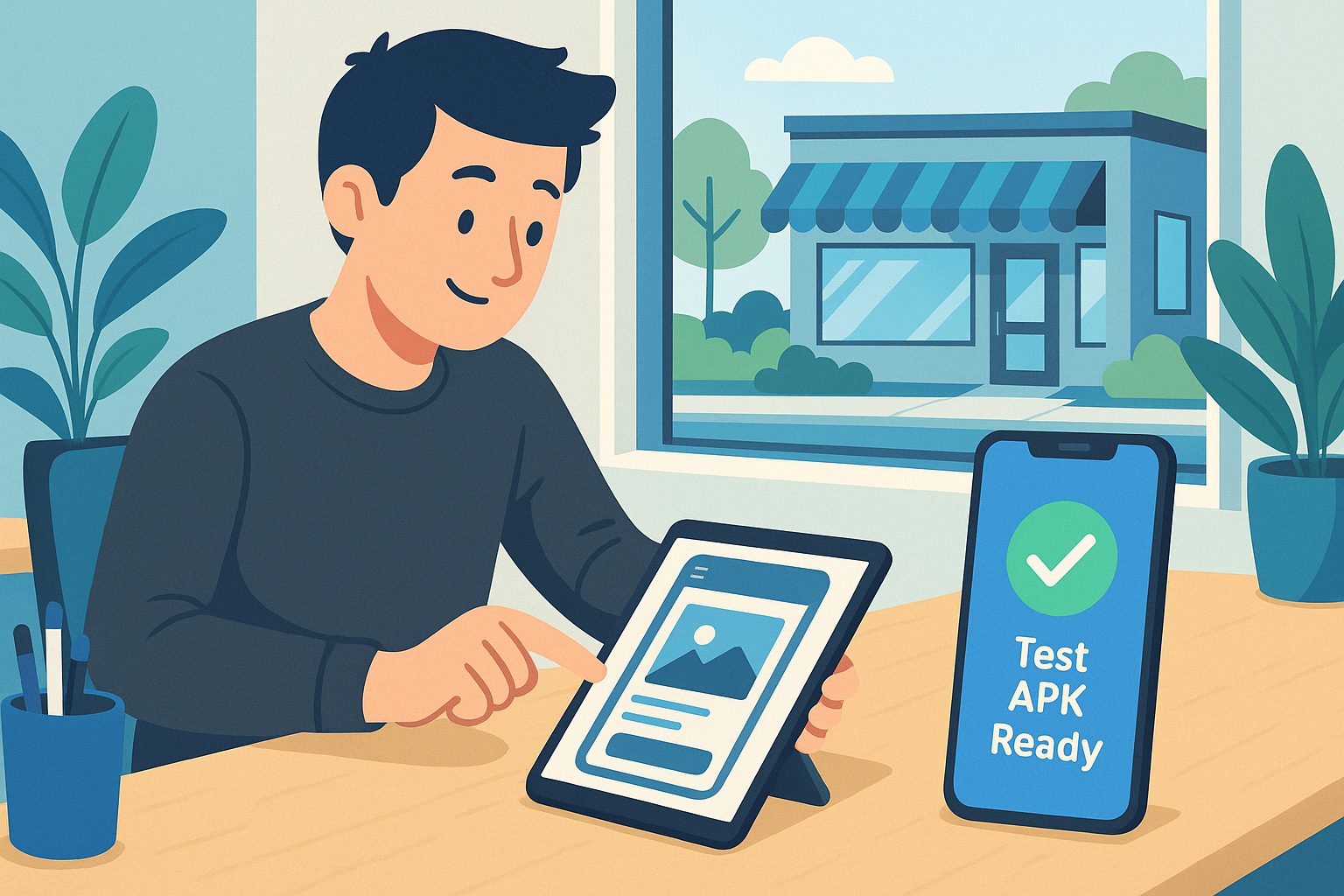
What most owners want is simple: a way to create a real, working app from their website, test it on their own device, and explore advanced features—before making any financial commitment. Unfortunately, most app builders fall short, offering only limited demos or requiring payment before you can truly see your app in action.
What ‘Free’ Really Means: Common Limitations in App Builders
Many platforms advertise a free website-to-app conversion, but the reality often looks like this:
- No real app testing: You can preview your app in a browser, but you can’t download or install a real APK on your device.
- Severely restricted features: Push notifications, custom branding, or navigation menus are locked behind paid plans.
- Demo-only experiences: Your app is watermarked, or you can’t use your own website’s content.
- Upfront payment required: To generate a real app file or submit to stores, you must upgrade first.
These limitations make it hard to evaluate if the platform is right for your needs. That’s why a transparent, truly free test—like the one offered by Web2Application—is so valuable.
Step-by-Step: How to Create a Mobile App From Your Website for Free With Web2Application
Web2Application stands out by letting you create, configure, and test a real app—with no coding and no upfront payment. Here’s how:
- Sign Up Free: Go to web2application.com and create a free account.
- Create Your App: In your dashboard, click Create New App and enter your website URL.
- Customize Your App: Set your app name, upload an icon, and design your splash screen. Choose navigation options like a bottom tab bar menu.
- Configure Features: Adjust settings for colors, branding, and (for WordPress users) connect your site via the Web2Application plugin for deeper integration.
Everything is handled through a user-friendly dashboard—no coding required. You can preview your changes instantly as you go.
How to Generate a Real Test APK and Preview Your App on Android Devices
Unlike most competitors, Web2Application lets you generate a real, installable APK file for Android—at no cost. Here’s how:
- Complete your app configuration in the dashboard.
- Navigate to the APK Request page.
- Request your test APK. You’ll be notified when it’s ready.
- Download the APK and install it on your Android device (enable “Install from unknown sources” if prompted).
This means you can see exactly how your app looks and feels on your own phone—test navigation, content, and design in real life, not just in a simulator.
Exploring Premium Features With a 14-Day Free Trial—What’s Included?
Web2Application offers a 14-day free trial of premium features, so you can explore advanced capabilities risk-free. During your trial, you can:
- Enable and test push notifications using Google Firebase.
- Access enhanced design and navigation options.
- Connect your WordPress site for deeper content integration (including WooCommerce support).
- Request support for submitting your app to Google Play and the Apple App Store.
- Try out the Member Club features and automations.
All features are accessible from your dashboard, with clear instructions and no hidden steps.
How to Decide If and When to Upgrade (Without Hidden Fees or Surprises)
After your 14-day trial, you’ll know exactly what your app looks like, how it performs, and which features matter most to you. Upgrading to a premium plan unlocks ongoing push notifications, store submission support, premium support, and more users. There are no hidden fees—subscriptions are managed transparently from your dashboard, and you can cancel anytime.
Ready to see your website as a real mobile app? Web2Application makes it easy to start free, test fully, and upgrade only if you’re satisfied.
FAQs: Free Website-to-App Conversion and Next Steps
- Can I really make a website app for free?
Yes! With Web2Application, you can create, configure, and test a real app—including downloading a test APK—at no cost. - Do I need to know how to code?
No coding skills are required. Everything is managed through a simple dashboard. - Can I test my app before paying?
Absolutely. You can generate a real APK and install it on your device before any payment or commitment. - What happens after the 14-day trial?
You can choose to upgrade for ongoing premium features, or continue with limited free access. There are no automatic charges unless you choose to subscribe. - Is iOS app creation included?
You can configure and preview your iOS app, and request submission support as a premium user. Apple requires a developer account for store submission.
Start Free: Create and Test Your Website App Today
Stop guessing what your mobile app could look like—see it for yourself, risk-free. Create Your App Free with Web2Application, generate a test APK, and explore premium features with a 14-day trial. No coding, no upfront costs, and no surprises—just a clear path from website to real mobile app.
Frequently Asked Questions
Can I really make a website app for free?
Yes! Web2Application allows you to create, configure, and test a real app—including downloading a test APK—without any upfront payment or coding.
Do I need coding skills to use Web2Application?
No coding is required. Everything is handled through an intuitive dashboard designed for website owners.
Can I test my app before paying anything?
Absolutely. You can generate and install a real APK on your Android device to fully test your app before making any commitment.
What features can I try during the free trial?
During the 14-day free trial, you can enable push notifications, connect your WordPress site, explore advanced design options, and request support for store submission.
Are there any hidden fees or automatic charges?
No. You only pay if and when you choose to upgrade to a premium plan. Subscriptions are transparent and can be managed or cancelled anytime from your dashboard.
Ready to turn your website into an app?
Create your Android and iOS app without coding. Start free, generate a test APK, and explore Premium features with a 14-day trial.