How to Make an App for Your Website: The Transparent, Test-First Workflow for Owners (With Free APK Preview)
- nir
- October 1, 2026
- Marketing
- Marketing AI
- 0 Comments
Why Turn Your Website Into a Mobile App? (Real Benefits for Owners)
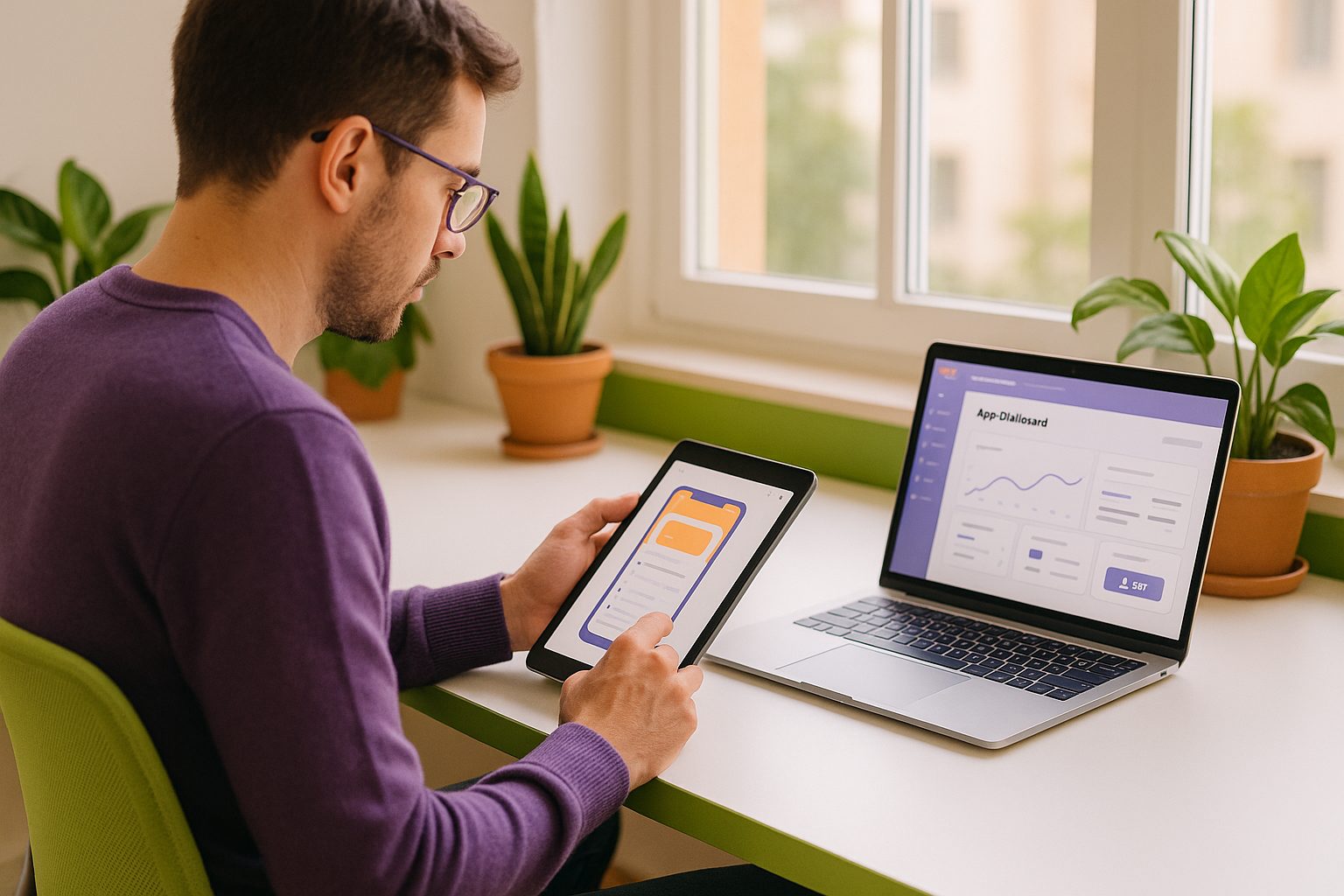
Mobile apps are no longer just for big brands. As a website owner, converting your site into a hybrid mobile app with a native shell can unlock new engagement, revenue, and retention opportunities. Here’s why:
- Direct access on users’ home screens increases repeat visits.
- Push notifications let you reach your audience instantly.
- Faster, more reliable experience compared to mobile browsers.
- Brand credibility with a presence on Google Play and Apple App Store.
But the process can seem daunting—especially if you’re not a developer. That’s why a transparent, test-first workflow is essential.
What You Need Before You Start: Website Readiness and Key Decisions
Before building your app, check these essentials:
- Mobile-friendly website: Responsive design ensures your content looks great in-app.
- Clear navigation: Well-structured menus and pages create a smooth app experience.
- Content ownership: Make sure you have rights to all images, text, and products you’ll display.
- Decide on features: Do you want push notifications, login, e-commerce, or custom pages?
Having these ready will streamline your website-to-app conversion.
Step-by-Step: How to Make an App for Your Website With No Coding Needed
- Sign up for a platform like Web2Application. Registration is quick and free to start.
- Create a new app in your dashboard. Enter your website URL and basic details.
- Configure your app: Upload your icon, splash screen, and choose your color scheme.
- Set up navigation: Add a bottom tab bar or custom menu for easy access to your main pages.
- Connect advanced features: If you use WordPress, install the Web2Application plugin for deeper integration.
- Enable push notifications (optional): Follow the built-in wizard to connect Google Firebase for Android push.
This entire process is designed for non-developers—no coding required at any stage.
Testing Your App: How to Generate and Install a Free Test APK
One of the most important steps is testing your app before any commitment. Here’s how Web2Application makes it easy:
- Once your app is configured, go to the APK Request page in your dashboard.
- Request your free test APK. The system will build your Android app preview.
- Download the APK file and install it on your Android device (enable “Install from unknown sources” if needed).
- Explore your app as your users would—check navigation, content, and features.
This transparent, test-first approach lets you see exactly how your app will perform before you decide to publish or upgrade.
Customizing Your App: Design, Navigation, and Push Notifications
- Design: Change your app’s splash screen, icon, and colors directly from the dashboard.
- Navigation: Add, remove, or reorder menu items to match your site’s structure.
- Push notifications: Set up Firebase to send instant updates, offers, or news to your users.
- WordPress users: Use the plugin to sync content, enable WooCommerce features, and integrate with popular page builders like Elementor.
All changes can be previewed in your test APK, so you’re always in control.
Common Pitfalls and How to Avoid Them During Website-to-App Conversion
- App not updating content: Make sure your site is accessible and, for WordPress, the plugin is connected with the correct API key.
- Push notifications not working: Complete the Firebase setup and check device permissions.
- Design issues: Use high-quality icons and splash screens; preview changes in the APK before publishing.
- Store submission delays: Ensure your app meets Google and Apple guidelines, including meaningful native features.
Web2Application’s support and documentation help you troubleshoot quickly and keep your project on track.
What Happens Next? Store Submission, Ongoing Updates, and Owner Controls
After you’re happy with your test APK, here’s what’s next:
- Upgrade to Premium to unlock push notifications, store submission support, and more.
- Android submission: Request submission help directly from your dashboard. Web2Application guides you through the Google Play Console process.
- iOS submission: Requires an Apple Developer account. Web2Application helps you prepare, test with TestFlight, and submit for Apple review.
- Ongoing updates: Update your app’s content or design any time—just request a new build and resubmit as needed.
You always retain full control over your app and your website content.
Why Web2Application Is the Owner-First Solution for Website App Conversion
Unlike generic app builders, Web2Application is designed for website owners who want transparency, flexibility, and real testing before any commitment:
- Free test APK preview—see your app in action before you decide.
- No coding required—intuitive dashboard and guided setup.
- Deep WordPress integration for content-rich sites and WooCommerce stores.
- Premium support via WhatsApp and detailed knowledge base.
- Owner-first workflow—you’re always in control, from design to store submission and updates.
Ready to see your website as a mobile app? Create Your App Free with Web2Application, generate a test APK, and explore Premium features with a 14-day trial—no commitment required.
Frequently Asked Questions
Do I need to know how to code to make an app for my website?
No coding is required. Platforms like Web2Application provide a step-by-step, no-code workflow for website owners. You can configure, customize, and test your app entirely through a user-friendly dashboard.
Can I test my app before publishing it to app stores?
Yes! With Web2Application, you can generate a free test APK to install on your Android device. This lets you review your app’s design, navigation, and features before any commitment or store submission.
What if I use WordPress or WooCommerce?
Web2Application offers a dedicated WordPress plugin for easy integration. This enables seamless content syncing, WooCommerce product support, and compatibility with popular page builders like Elementor.
How do I send push notifications from my app?
After enabling push notifications in your app dashboard and connecting Google Firebase, you can send push messages directly from the Web2Application dashboard to your app users.
What happens after my app is ready?
Once you’re satisfied with your test app, you can upgrade to Premium to unlock push notifications, store submission support, and more. Web2Application guides you through the process for both Google Play and Apple App Store submissions.
Ready to turn your website into an app?
Create your Android and iOS app without coding. Start free, generate a test APK, and explore Premium features with a 14-day trial.