The 7 Most Costly Mistakes When Turning Your Website Into an App (And How to Avoid Them With Web2Application)
- nir
- August 31, 2026
- Marketing
- Marketing AI
- 0 Comments
Why Avoiding Mistakes Matters: The High Cost of Website-to-App Missteps
Turning your website into a mobile app is a smart move for reaching more users and boosting engagement. But the process is filled with potential pitfalls—technical, design, and compliance errors can delay your launch, get your app rejected, or even hurt your brand. Understanding the common mistakes to avoid when turning your website into an app is crucial for website owners who want a smooth, successful launch.
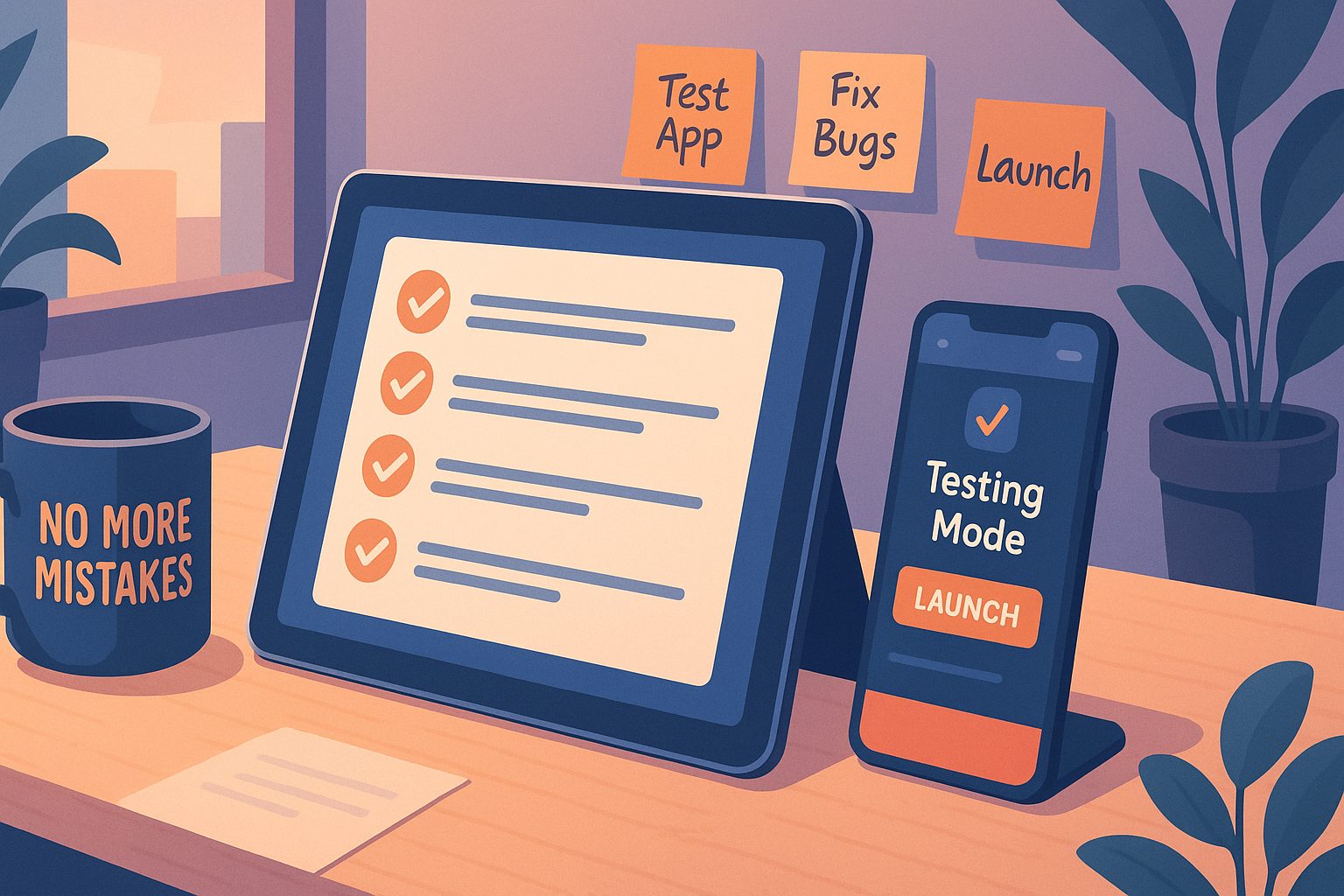
Here, we break down the 7 most costly mistakes and show you, step-by-step, how to avoid them with Web2Application.
Mistake #1: Overlooking App Store Guidelines (And How to Meet Them)
Both Google Play and Apple App Store have strict requirements. Many website owners rush to convert their site, only to face rejections due to missing features or poor compliance—especially with Apple’s Guideline 4.2 (Minimum Functionality).
How to Avoid It:
- Use Web2Application’s app dashboard to review guideline checklists before submission.
- Ensure your app offers native features like push notifications and navigation (built-in with Web2Application).
- Follow the platform’s guided steps for both Android and iOS submission, including Apple’s unique requirements.
Mistake #2: Neglecting Push Notification Setup for User Engagement
Push notifications are essential for user retention and engagement. Skipping setup or misconfiguring push can leave your app feeling static and disconnected.
How to Avoid It:
- Enable push notifications through Web2Application’s Firebase setup wizard in the dashboard.
- Test notifications on your device before launch.
- For advanced engagement, explore programmable personal push notifications available to premium users.
Mistake #3: Failing to Test Your App Properly Before Launch
Launching without thorough testing risks bugs, broken features, or poor user experience. Many skip APK testing or ignore device-specific issues.
How to Avoid It:
- Request and download your APK from the Web2Application dashboard.
- Install and test on multiple Android devices (and use Apple TestFlight for iOS).
- Check navigation, content updates, and push notifications.
- Use the checklist in your dashboard to confirm all features work as intended.
Mistake #4: Skipping WordPress or WooCommerce Integration Steps
If your site runs on WordPress or WooCommerce, missing plugin setup or API connection can break content sync and app features.
How to Avoid It:
- Install the Web2Application WordPress plugin and enter your API key from the dashboard.
- For WooCommerce, ensure the plugin is active to enable product features and Ajax product search.
- Verify integration by checking app content updates after plugin connection.
Mistake #5: Using Poor-Quality Icons, Splash Screens, or Menus
First impressions matter. Low-resolution icons, generic splash screens, or confusing menus can get your app rejected or ignored by users.
How to Avoid It:
- Upload high-quality app icons and splash screens via the Web2Application app settings.
- Customize your bottom tab bar menu for easy navigation.
- Preview your app’s design and make adjustments before submission.
Mistake #6: Forgetting to Set Up Billing, Premium Features, or Support Channels
Not enabling premium features or missing out on support can limit your app’s potential and leave you stuck during critical steps.
How to Avoid It:
- Review your plan and upgrade to premium in the Web2Application billing section for push, store submission, and advanced support.
- Access priority WhatsApp support directly from your dashboard for fast help.
- Set up owner details and explore Member Club features for added value.
Mistake #7: Ignoring Post-Launch Updates and User Feedback
Launching your app is just the beginning. Failing to update your app or respond to user feedback can lead to poor reviews and lost users.
How to Avoid It:
- Monitor user reviews and analytics after launch.
- Use Web2Application’s dashboard to update your app’s content, design, and features as needed.
- Submit new builds for review easily when you make improvements.
Take Action: Launch Your App the Right Way With Web2Application
Converting your website to a mobile app doesn’t have to be risky or complicated. By following these steps and using Web2Application, you can avoid the most common—and costly—mistakes. Sign up today and enjoy guided workflows, expert support, and a smoother path to app store success.
Frequently Asked Questions
What are the most common mistakes to avoid when turning your website into an app?
The most common mistakes include overlooking app store guidelines, neglecting push notification setup, failing to test your app, skipping WordPress or WooCommerce integration, using poor-quality icons or menus, forgetting to set up billing and premium features, and ignoring post-launch updates. Web2Application provides step-by-step workflows to help you avoid each of these pitfalls.
How does Web2Application help prevent app store rejections?
Web2Application guides you through each requirement for Google Play and Apple App Store, including native feature integration, design best practices, and compliance checklists. The platform also offers support for submitting your app and ensuring it meets Apple’s minimum functionality guidelines.
Why is testing my app before launch important?
Testing ensures your app works smoothly on different devices, catches bugs early, and provides a better user experience. With Web2Application, you can easily request and install APKs for Android and use TestFlight for iOS to thoroughly test your app before submitting it to the stores.
What should I do if my app content is not updating?
First, check that the Web2Application WordPress plugin is installed and the API key is correct. Clear your app cache or reinstall the APK. Make sure your website is accessible and synced with the app.
How can I get help if I run into issues during the app conversion process?
Web2Application offers priority WhatsApp support for premium users, as well as email support. You can access help directly from your dashboard or contact [email protected] with your App ID for fast assistance.
Ready to turn your site into an app?
Create your app with Web2Application — convert your website to Android and iOS apps.