Inside the Best App Builders: A Transparent, Step-by-Step Workflow From Website to App Store (With Free Testing Before You Commit)
- nir
- August 3, 2026
- Marketing
- Marketing AI
- 0 Comments
What Makes an App Builder Truly ‘Best’ for Website Owners?
When searching for the app builder best suited to your needs, it’s easy to get lost in feature checklists and pricing tables. But for website owners, the real test is whether a platform can smoothly transform your existing site into a hybrid mobile app with a native shell—without hidden hurdles or guesswork. The best app builders go beyond templates and drag-and-drop tools: they offer a transparent, owner-first workflow, with real testing and clear guidance from start to finish.
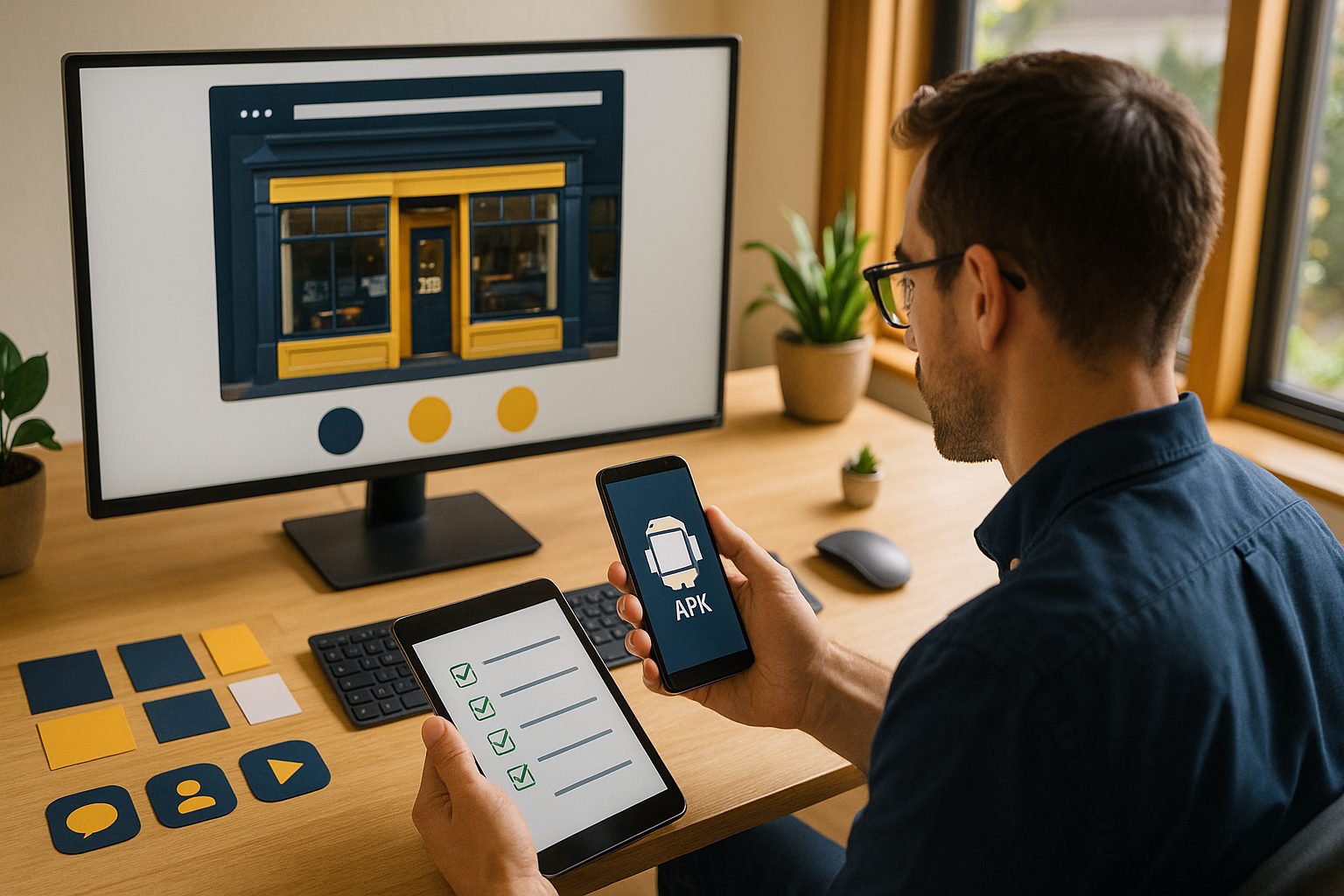
The Real Workflow: From Website to Mobile App in Minutes
Let’s break down the actual steps you’ll take with a top-tier app builder like Web2Application:
- Sign Up and Create Your App: Register for an account and enter your website URL. The platform instantly begins converting your site into a hybrid app with a native shell.
- Configure App Details: Set your app’s name, upload an icon, and choose a splash screen. These details define your app’s first impression on users.
- Customize Navigation and Design: Adjust the bottom tab bar, colors, and layout to match your brand and user experience goals.
- Enable Features: Add push notifications, connect your WordPress site (if applicable), and integrate e-commerce features for WooCommerce stores.
- Generate a Test APK: Instantly request an APK file to test your app on any Android device—before you commit to a paid plan or store submission.
How Instant APK Testing Changes the Game (And Why It Matters)
Most app builders promise easy setup, but only a few let you download and install a real APK for hands-on testing. With Web2Application, you can:
- See exactly how your app looks and feels on a real device
- Test navigation, performance, and push notifications
- Share the APK with collaborators or stakeholders for feedback
This transparency gives you confidence in your app’s quality—before you invest time or money in premium features or store submission.
Design, Features, and Push: What You Can (and Should) Customize
The best app builders empower you to tailor your app’s appearance and functionality. With Web2Application, you can:
- Change your app’s icon, splash screen, and color scheme
- Configure the bottom tab bar for easy navigation
- Enable push notifications via Google Firebase—keeping users engaged
- Integrate with WordPress and WooCommerce for seamless content and product sync
- Use advanced CSS tweaks for custom branding (for experienced users)
Navigating App Store Submission: What to Expect and How to Prepare
Submitting to the Google Play Store or Apple App Store can be daunting. The best app builders provide clear, step-by-step support:
- Android: Web2Application guides you through setting up a Google Play developer account and submitting your app for review.
- iOS: Get help with Apple’s requirements, including minimum functionality guidelines, TestFlight testing, and the full submission process.
Premium users receive hands-on submission support, ensuring your app meets store standards and stands the best chance of approval.
Common Pitfalls and How the Right App Builder Helps You Avoid Them
- App Not Updating Content: Web2Application’s WordPress plugin ensures real-time content sync—just check your API connection if issues arise.
- Push Notifications Not Working: Guided Firebase setup and premium support help you troubleshoot quickly.
- Store Submission Delays: Step-by-step instructions and expert guidance minimize rejections and speed up approval.
Why Free Trials and Real Testing Are Essential Before You Commit
Many platforms lock key features behind a paywall or limit your ability to test your app in the real world. Web2Application stands out by allowing you to create your app free, generate a test APK, and explore premium features with a 14-day trial. This owner-first approach ensures you only upgrade when you’re confident in your app’s quality and fit.
Why Web2Application Is the Owner-Friendly Choice for End-to-End App Creation
If you’re searching for the app builder best for website owners, transparency and control are key. Web2Application delivers:
- Instant website-to-app conversion
- Hands-on APK testing before you pay
- Customizable design, navigation, and features
- Guided store submission for Android and iOS
- Premium support when you need it
Ready to see your website as a mobile app? Create Your App Free with Web2Application—generate a test APK, explore all premium features for 14 days, and launch with confidence when you’re ready.
Frequently Asked Questions
What features should I look for in the best app builder for website owners?
Look for instant website-to-app conversion, real APK testing before payment, customizable design and navigation, push notification support, and guided app store submission. Web2Application offers all these features with a transparent workflow.
Can I test my app before paying with Web2Application?
Yes! Web2Application lets you create your app free, generate a test APK, and explore premium features with a 14-day trial before committing.
How does Web2Application help with app store submission?
Web2Application provides step-by-step guidance for submitting your app to Google Play and Apple App Store, including help with developer accounts and meeting store guidelines.
What if my website uses WordPress or WooCommerce?
Web2Application offers a dedicated WordPress plugin for seamless integration, content syncing, and WooCommerce product support.
What support is available if I run into issues?
Web2Application provides comprehensive documentation, in-dashboard help, and premium WhatsApp support for paid users.
Ready to turn your website into an app?
Create your Android and iOS app without coding. Start free, generate a test APK, and explore Premium features with a 14-day trial.