WordPress is an excellent tool for creating stunning websites, but as the digital landscape evolves, there’s an increasing demand for mobile app aesthetics. By transforming ‘WordPress into App’, you can offer your users a more native and streamline experience on their mobile devices.
Adapting WordPress themes to fit mobile app aesthetics offers numerous benefits. Firstly, it allows your mobile users to have the same look and functionality as your website but in a format that’s easier to navigate on their device. Secondly, it increases engagement since users tend to spend more time on apps than on mobile websites. Thirdly, it can improve your website’s SEO ranking as Google rewards mobile-friendly sites.
To transform WordPress into App, you’ll need a few essential tools and types. There are several WordPress plugins available that work seamlessly to convert your site into an app. There is our system and plugin to convert wordpress into apps and Some more plugins include AppPresser etc These plugins help to retain all the essential features of your current theme while ensuring it adapts for excellent user experience on mobile.
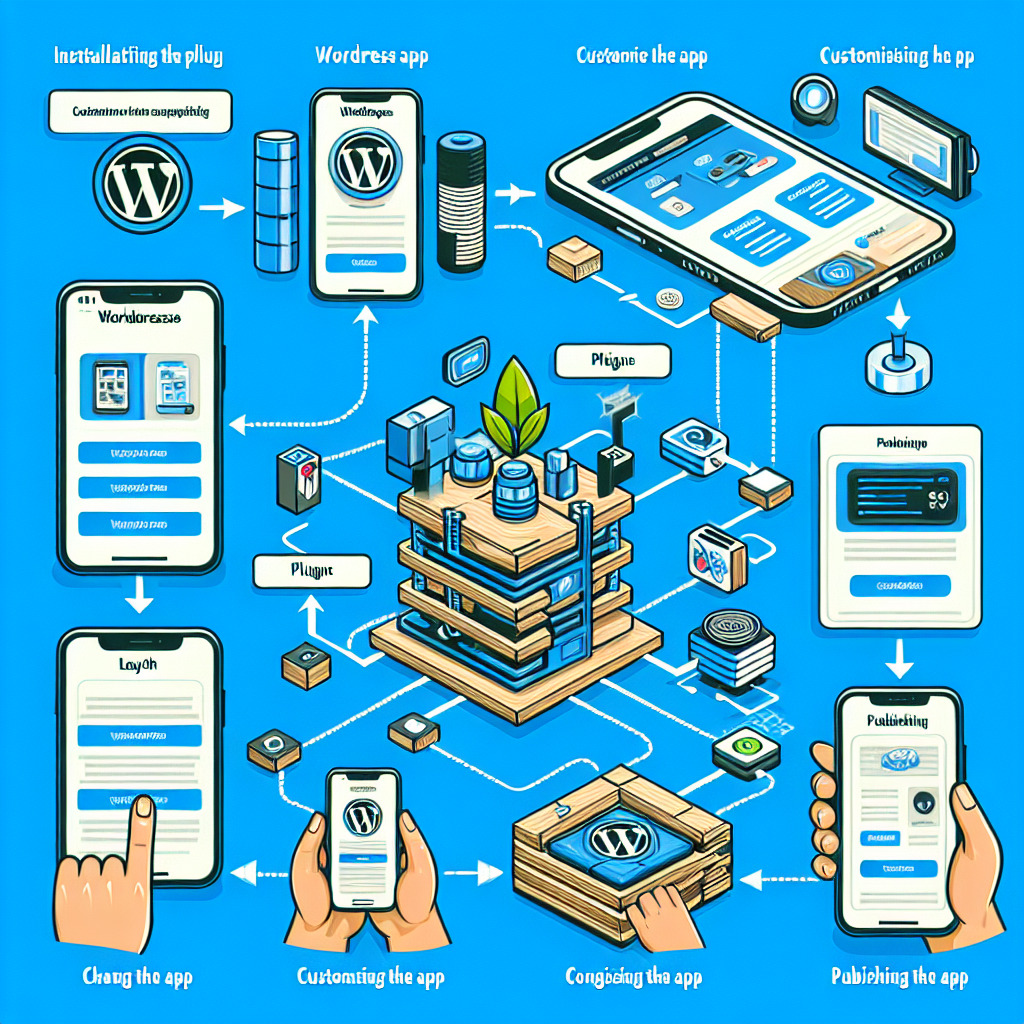
Once you’ve chosen the right plugin, there are several steps to convert WordPress into App:
1. Installing the Plugin: This step involves downloading the plugin and activating it on your WordPress site.
https://wordpress.org/plugins/web2application/
2. Customising the App: The plugin tools typically provide options to customize the visual aesthetic of your app like changing the layout, colours, icons and more.
3. Testing the App: Before launching, it’s essential to test the app thoroughly to ensure usability and resolve any errors.
4. Publishing the App: After successful testing, you can publish your app on various platforms like Google Play Store or Apple App Store.
While the process may seem straightforward, it requires strategic planning. You need to ensure that the mobile app reflects your brand identity just as your website does. The user interface should be intuitive, easy to use and navigate, with the same aesthetic as your desktop website.
WordPress Themes for Mobile Apps
In addition to plugins, consider engaging professional developers specializing in converting ‘WordPress into App’ for great results. Their expertise and knowledge bring a professional touch to your mobile application.
Moreover, remember to pay attention to the SEO aspects — optimizing your app for search engines can significantly boost visibility. Incorporating SEO tactics, such as using proper keywords, providing high-quality content and encouraging customer reviews, can help achieve a higher ranking on app stores.
In conclusion, to keep up with evolving user preferences and enhance your brand’s digital presence, adapting your WordPress themes for mobile app aesthetics is a worthy investment. With careful planning, the right tools, and a focus on maintaining brand identity and SEO, you can successfully transform your ‘WordPress into App’.
Frequently Asked Questions
- What is the best way to convert a WordPress site into a mobile app?
- Using Web2Application’s platform and WordPress plugin is the recommended solution to convert your WordPress website into hybrid Android and iOS apps with a native shell with ease.
- Can I keep my WordPress theme design when creating a mobile app?
- Yes, Web2Application allows you to customize your app’s design to match your WordPress theme aesthetics, ensuring brand consistency across platforms.
- Do I need coding skills to convert WordPress into an app?
- No coding skills are required. Web2Application offers an intuitive dashboard and step-by-step guides to help you build and publish your app.
- How do I test my app before publishing?
- Web2Application provides APK files for Android testing and supports Apple TestFlight for iOS testing, so you can thoroughly test your app before launch.
- Does converting WordPress to an app improve SEO?
- Yes, mobile-friendly apps can improve user engagement and meet Google’s mobile usability standards, which positively impacts SEO rankings.
- Can I send push notifications from my WordPress app?
- Absolutely. Web2Application integrates with Google Firebase to enable push notifications, keeping your users engaged and informed.
Ready to Transform Your WordPress Site into a Mobile App?
Sign up today at Web2Application.com and start building your native Android and iOS apps with ease. Experience seamless integration, customization, and expert support all in one platform.
Frequently Asked Questions
What is the best way to convert a WordPress site into a mobile app?
Using Web2Application's platform and WordPress plugin is the recommended solution to convert your WordPress website into hybrid Android and iOS apps with a native shell with ease.
Can I keep my WordPress theme design when creating a mobile app?
Yes, Web2Application allows you to customize your app’s design to match your WordPress theme aesthetics, ensuring brand consistency across platforms.
Do I need coding skills to convert WordPress into an app?
No coding skills are required. Web2Application offers an intuitive dashboard and step-by-step guides to help you build and publish your app.
How do I test my app before publishing?
Web2Application provides APK files for Android testing and supports Apple TestFlight for iOS testing, so you can thoroughly test your app before launch.
Does converting WordPress to an app improve SEO?
Yes, mobile-friendly apps can improve user engagement and meet Google’s mobile usability standards, which positively impacts SEO rankings.
Can I send push notifications from my WordPress app?
Absolutely. Web2Application integrates with Google Firebase to enable push notifications, keeping your users engaged and informed.
Ready to turn your site into an app?
Create your app with Web2Application — convert your website to Android and iOS apps.