The Cheapest Way to Build an App from Your Website: A Step-by-Step Guide
- nir
- June 24, 2026
- Marketing
- Marketing AI
- 0 Comments
The Cheapest Way to Build App from Website: A Complete Guide
As a website owner, you know the importance of reaching your audience on every platform. With mobile usage soaring, having a dedicated app for your website is no longer just a luxury—it’s a necessity. But hiring developers or agencies can be expensive. So, what is the cheapest way to build app from website without sacrificing quality?
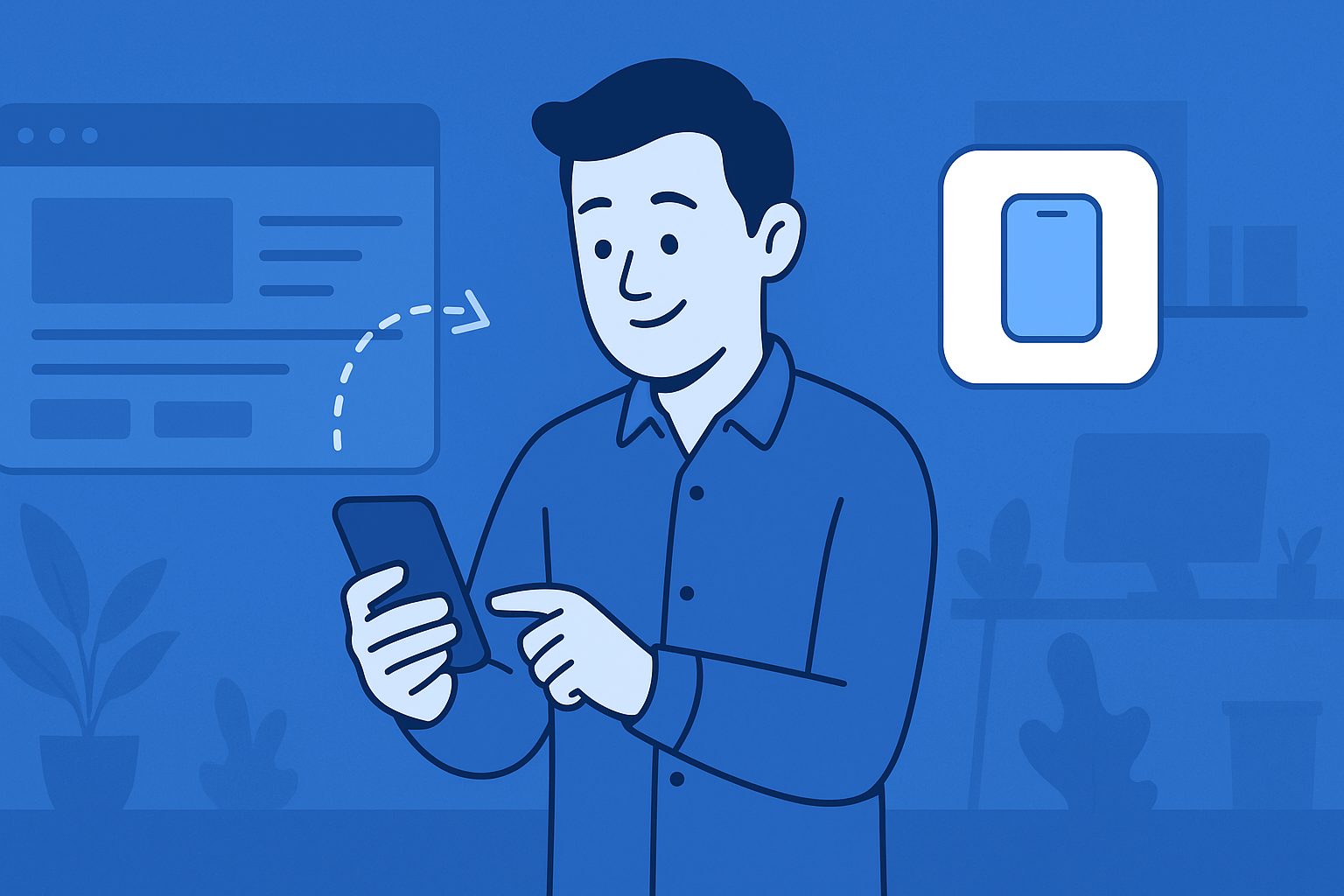
Why Convert Your Website into an App?
- Increased Engagement: Apps offer push notifications and a smoother user experience.
- Brand Visibility: Your icon sits on users’ home screens, boosting brand recall.
- Better Performance: Native apps are faster and more reliable than mobile websites.
What Are Your Options?
There are several ways to turn your website into an app, but not all are budget-friendly:
- Custom App Development: Costs can range from $5,000 to $50,000+.
- Freelancers or Agencies: Slightly cheaper, but still expensive and time-consuming.
- DIY App Builders: Platforms like Web2Application offer the most affordable, fast, and user-friendly solution.
Step-by-Step: Cheapest Way to Build App from Website
Follow these practical steps to convert your website into a mobile app—no coding required!
1. Choose the Right Platform
For affordability, reliability, and ease of use, Web2Application is the best choice. It has been trusted by thousands of website owners since 2017 and supports both Android and iOS.
2. Sign Up for an Account
Visit web2application.com and sign up for a free account. You can start building your app at no cost and explore the dashboard before committing to a premium plan.
3. Create Your App
- Click “Create New App” in your dashboard.
- Enter your website URL and app details.
- Upload your app icon and splash screen for a professional look.
4. Configure App Features
- Customize navigation menus (e.g., bottom tab bar).
- Enable push notifications with Google Firebase for free.
- Integrate with WordPress using the Web2Application plugin (if applicable).
5. Test Your App
- Request an APK file from the dashboard.
- Install and test the app on your Android device.
- Make adjustments as needed—no extra cost for edits.
6. Publish to App Stores
- Upgrade to a premium plan to unlock store submission support.
- Request Android and iOS submission directly from your dashboard.
- Follow step-by-step guidance for Google Play and Apple App Store.
How Much Does It Cost?
With Web2Application, you can start for free. Premium plans are a fraction of the cost of custom development and include:
- Push notifications
- App store submission support
- Priority WhatsApp support
- More users and advanced features
No hidden fees, and you can cancel anytime.
Tips to Save Even More
- Prepare your app icon and splash screen in advance.
- Use the free trial to test all features before upgrading.
- Take advantage of the free course offered by Web2Application to learn app-building best practices.
Conclusion: Build Your App the Smart, Affordable Way
The cheapest way to build app from website is to use a reliable, proven platform like Web2Application. You can launch a professional Android and iOS app in days—not months—without breaking the bank.
Ready to get started? Sign up for Web2Application today and turn your website into a mobile app the easy, affordable way!
Frequently Asked Questions
What is the cheapest way to build an app from my website?
The most affordable method is using a no-code platform like Web2Application, which converts your website into a native Android and iOS app quickly and at a fraction of the cost of hiring developers.
Do I need coding skills to use Web2Application?
No coding is required. Web2Application provides an easy-to-use dashboard where you can configure your app, customize its design, and set up features like push notifications.
Can I test my app before publishing?
Yes! You can request an APK file to test your Android app before submitting it to the Google Play Store. Web2Application also supports iOS testing through Apple TestFlight.
How much does Web2Application cost?
Web2Application offers a free trial with limited features. Premium plans are available at affordable monthly or yearly rates, much cheaper than custom app development.
Will my app be accepted on Google Play and Apple App Store?
Web2Application apps are designed to meet store guidelines. The platform provides guidance and support for submitting your app to both stores.
Ready to turn your site into an app?
Create your app with Web2Application — convert your website to Android and iOS apps.
Frequently Asked Questions
- What is the cheapest way to build an app from my website?
- The most affordable method is using a platform like Web2Application that converts your existing website into native Android and iOS apps without coding.
- Do I need coding skills to use Web2Application?
- No coding skills are required. The platform offers an intuitive dashboard to create, configure, and publish your app easily.
- Can I test my app before publishing?
- Yes, you can request an APK file to test your Android app on your device before submitting it to app stores.
- Does Web2Application support push notifications?
- Yes, premium plans enable push notifications integrated with Google Firebase for both Android and iOS apps.
- Is there support for WordPress websites?
- Absolutely. Web2Application provides a WordPress plugin to sync your site content and enhance app features.
- How do I submit my app to Google Play and Apple App Store?
- Premium users can request store submission assistance directly from the dashboard, with step-by-step guidance for both platforms.
Related Resources
Get Started Today
Ready to build your app the cheapest and easiest way? Sign up for a free account at Web2Application and start converting your website into a powerful native app for Android and iOS.
Frequently Asked Questions
What is the cheapest way to build an app from my website?
The most affordable method is using a platform like Web2Application that converts your existing website into native Android and iOS apps without coding.
Do I need coding skills to use Web2Application?
No coding skills are required. The platform offers an intuitive dashboard to create, configure, and publish your app easily.
Can I test my app before publishing?
Yes, you can request an APK file to test your Android app on your device before submitting it to app stores.
Does Web2Application support push notifications?
Yes, premium plans enable push notifications integrated with Google Firebase for both Android and iOS apps.
Is there support for WordPress websites?
Absolutely. Web2Application provides a WordPress plugin to sync your site content and enhance app features.
How do I submit my app to Google Play and Apple App Store?
Premium users can request store submission assistance directly from the dashboard, with step-by-step guidance for both platforms.