How to Convert Your Website to a Mobile App — Complete Guide for 2026
- nir
- June 24, 2026
- Marketing
- Marketing AI
- 0 Comments
Why Convert Your Website to an App in 2026?
With over 7 billion smartphone users worldwide, having a mobile app is no longer optional for businesses and content creators. Apps offer faster access, better engagement, and features like push notifications that websites alone can’t match. If you’re looking to convert your website to an app, you’re making a smart move to reach more users and boost your brand.
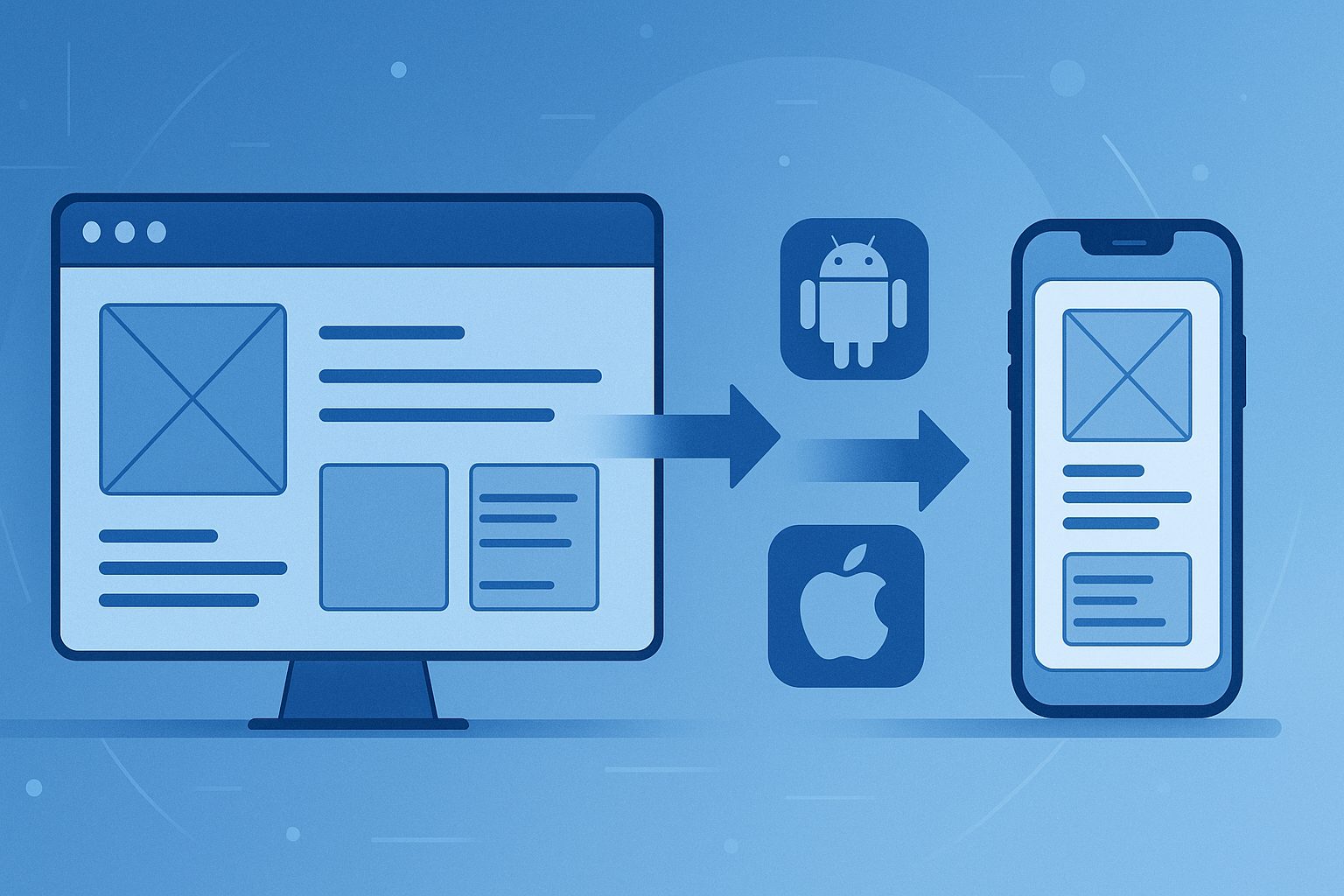
Benefits of Turning Your Website into a Mobile App
- Direct access from users’ home screens
- Push notifications for instant communication
- Faster load times and offline access
- Better user experience with native navigation
- Increased customer loyalty and retention
- Visibility on the Google Play and Apple App Stores
Step-by-Step Guide: How to Convert Your Website to an App
1. Evaluate Your Website
Before you start, make sure your website is mobile-friendly and loads quickly. Responsive design is essential, as your app will display your site’s content in a native app shell.
2. Choose the Right Conversion Platform
You can hire developers or use a no-code platform. For most website owners, a solution like Web2Application is the fastest and most affordable way to convert your website to an app for Android and iOS, with no coding required.
3. Sign Up and Create Your App
Register at Web2Application. Once logged in, click “Create New App” and enter your website URL. The platform will guide you through the setup process.
4. Customize Your App’s Design and Features
- Upload your app icon and splash screen
- Configure the bottom tab bar and navigation menu
- Adjust colors and branding to match your website
- Enable features like push notifications and deep linking
5. Integrate with WordPress (Optional)
If your site runs on WordPress, install the Web2Application plugin for deeper integration, including WooCommerce support and Elementor compatibility.
6. Enable Push Notifications
Set up push notifications using the built-in Firebase integration. This lets you send updates and promotions directly to users’ devices.
7. Test Your App
Request an APK file from the dashboard to test your Android app on a real device. Make sure all features work as expected and your content displays correctly.
8. Submit to App Stores
Once you’re satisfied, follow the guided submission process for Google Play and Apple App Store. Web2Application offers step-by-step support and handles technical requirements, including Apple’s minimum functionality guidelines.
9. Promote Your App
Share your app’s smart download link with your audience, promote it on your website, and leverage app store marketing to increase downloads.
Why Use Web2Application?
- Easy, no-code platform for Android and iOS
- Supports WordPress, WooCommerce, and popular site builders
- Built-in push notifications and app updates
- Expert support for app store submission
- Affordable plans for all business sizes
Ready to Convert Your Website to an App?
Don’t miss out on mobile users in 2026. Sign up for Web2Application today and turn your website into a powerful mobile app in just a few steps!
Frequently Asked Questions
Can I convert any website to an app?
Yes! Most modern websites can be converted to mobile apps using Web2Application. For best results, your site should be mobile-friendly and load quickly.
Do I need to know how to code?
No coding is required. Web2Application provides a simple dashboard where you can configure and customize your app without any programming knowledge.
Will my app work on both Android and iOS?
Yes. Web2Application lets you create native apps for both Android and iOS platforms from a single dashboard.
Can I send push notifications to my app users?
Absolutely! Web2Application supports push notifications via Firebase, so you can engage your users with updates and promotions.
How do I publish my app to Google Play and Apple App Store?
Web2Application provides step-by-step submission support for both app stores, including help with technical requirements and guidelines.
Ready to turn your site into an app?
Create your app with Web2Application — convert your website to Android and iOS apps.